5- Information / Configuration
Page 5-72 F@ST 4310 Reference Manual
Sagemcom Broadband SAS document. Reproduction and disclosure prohibited
5.7.9 Routing
This menu contains the following sub-menus:
• Default Gateway (see subsection 5.7.9.1)
• Static Route (see subsection 5.7.9.2)
5.7.9.1 Default Gateway
Object: This menu is used either to allocate dynamically a default gateway address to the router from a
PVC or to enter an address or choose an interface.
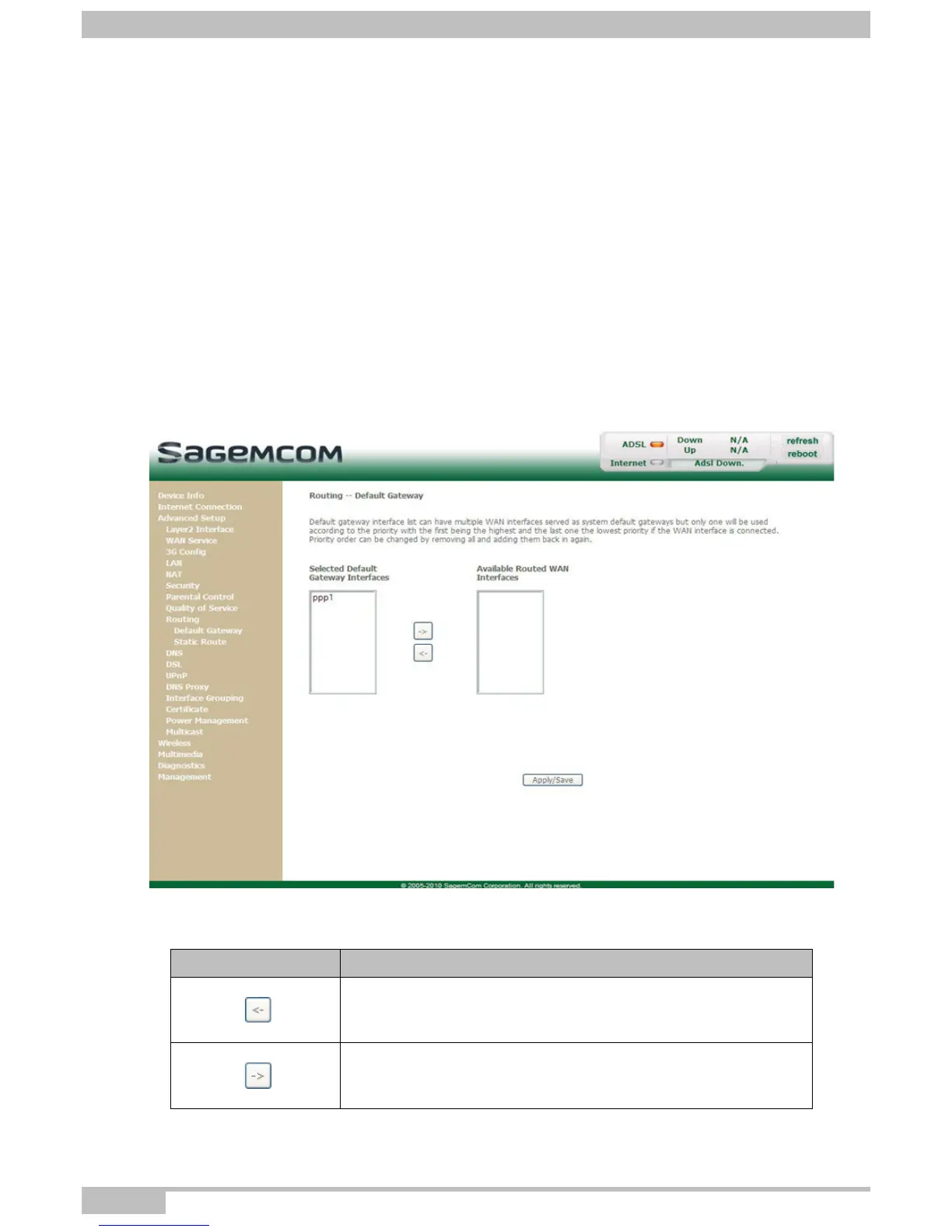
• In the Advanced Setup menu, select Routing then select Default Gateway.
The following screen opens:
Default Gateway
Button Action
Transfer the interfaces selected in the Available Routed WAN
Interfaces area to the Selected Default Gateway Interfaces
area.
Transfer the interfaces selected in the Selected Default
Gateway Interfaces area to the Available Routed WAN
Interfaces area.



 To Next Page