5- Information / Configuration
F@ST 4310 Reference Manual Page 5-83
Sagemcom Broadband SAS document. Reproduction and disclosure prohibited
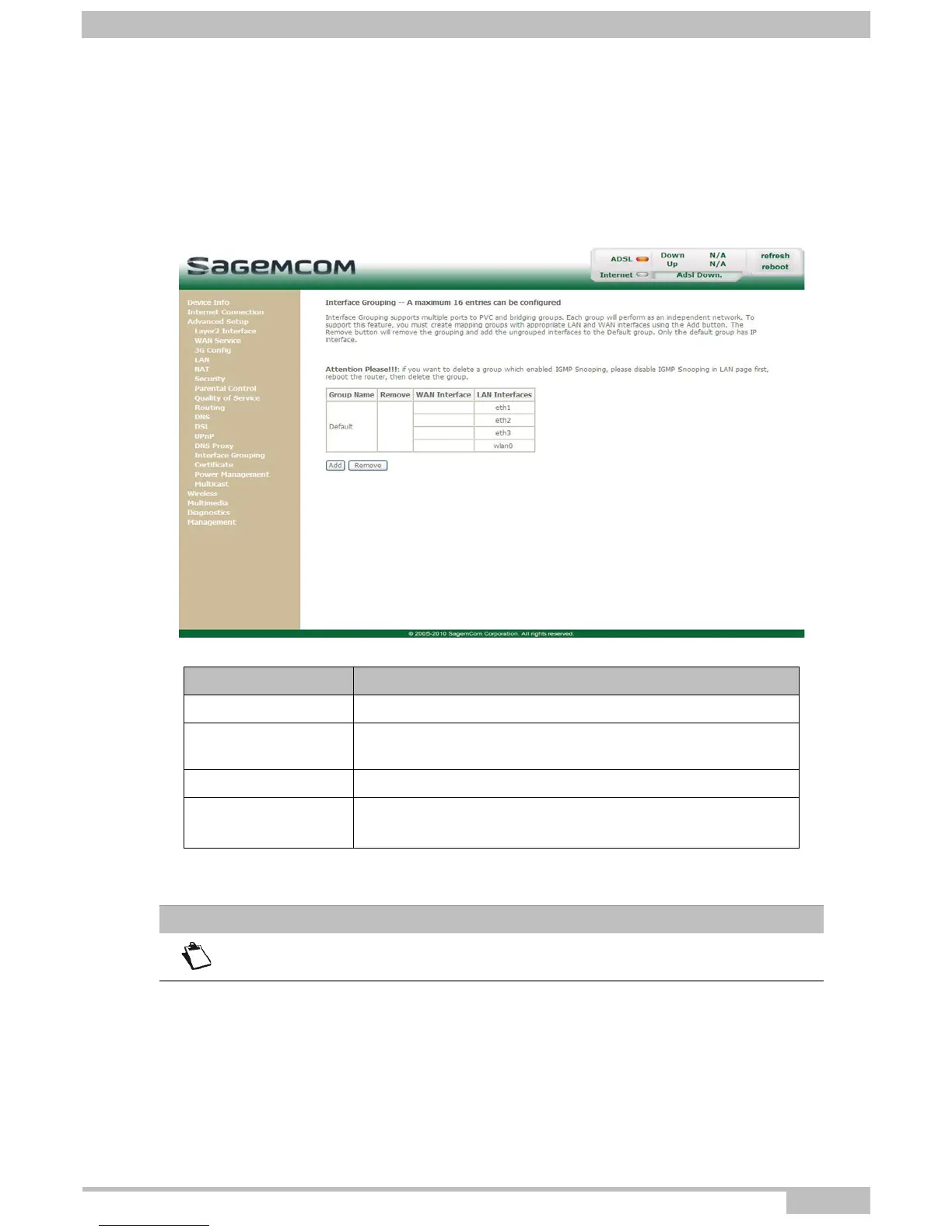
5.7.14 Interface Grouping
Object: This menu is used to host a service (Video, Data, SIP) on an interface (ETH or Wi-Fi) of your
router.
• In the Advanced Setup menu, select Interface Grouping.
The following screen opens:
Field Meaning
Group Name Group name (see Note).
Remove
Check the box and click the [Remove] button to remove the
group.
WAN Interface WAN interface used.
LAN Interfaces
Lists all your router's interfaces.
Note: This list depends on the network configuration.
Note
By default, all the interfaces are dedicated to data and are associated with the first
VC (Virtual Channel) existing or created.



 To Next Page