5- Information / Configuration
F@ST 4310 Reference Manual Page 5-63
Sagemcom Broadband SAS document. Reproduction and disclosure prohibited
5.7.7.2 Url Filter
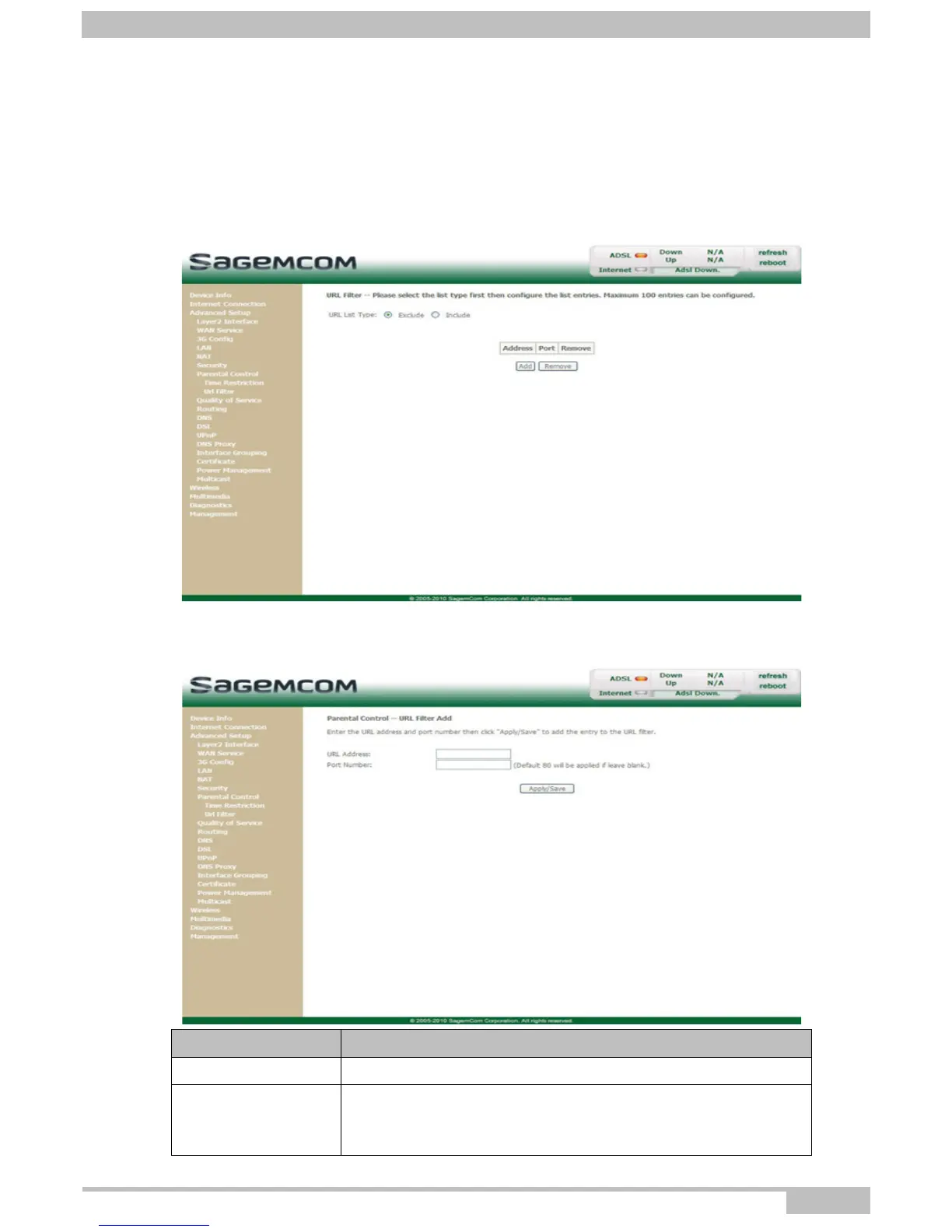
Object: This menu is used to create and manage Url access restriction for LAN devices which are
connected to the router.
• In the Advanced Setup menu, select Parental Control > Url Filter.
The following screen opens:
Add
• Click on the Add button to display the following screen:
Field Action
URL Address Enter the Url address whose access must be restricted.
Port Number
Enter the port number of the address which access must be
restricted.
Note: 80 will be applied by default.



 To Next Page