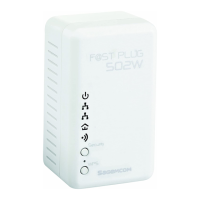
F@st Plug 502W PLC Wireless Router
- 12 -
System Requirements
Before installing the device, please ensure that the following items are ready:
• At least one Ethernet RJ45 cable (10Base-T/100Base-T)
• One F@st Plug 502W
• One PLC device for PLC communication
• One PC installed with the TCP/IP protocol and can access the Internet
Before You Begin
Before you install the device, please pay attention to the following items:
• When the device is connected to a computer, hub, router, or switch, the Ethernet cable
should be shorter than 100 meters.
• Keep the device clean. Keep away the device from direct sunshine. Avoid any metal in
the device.
• Place the device in the center of the placement area, and try to optimize the wireless
coverage.
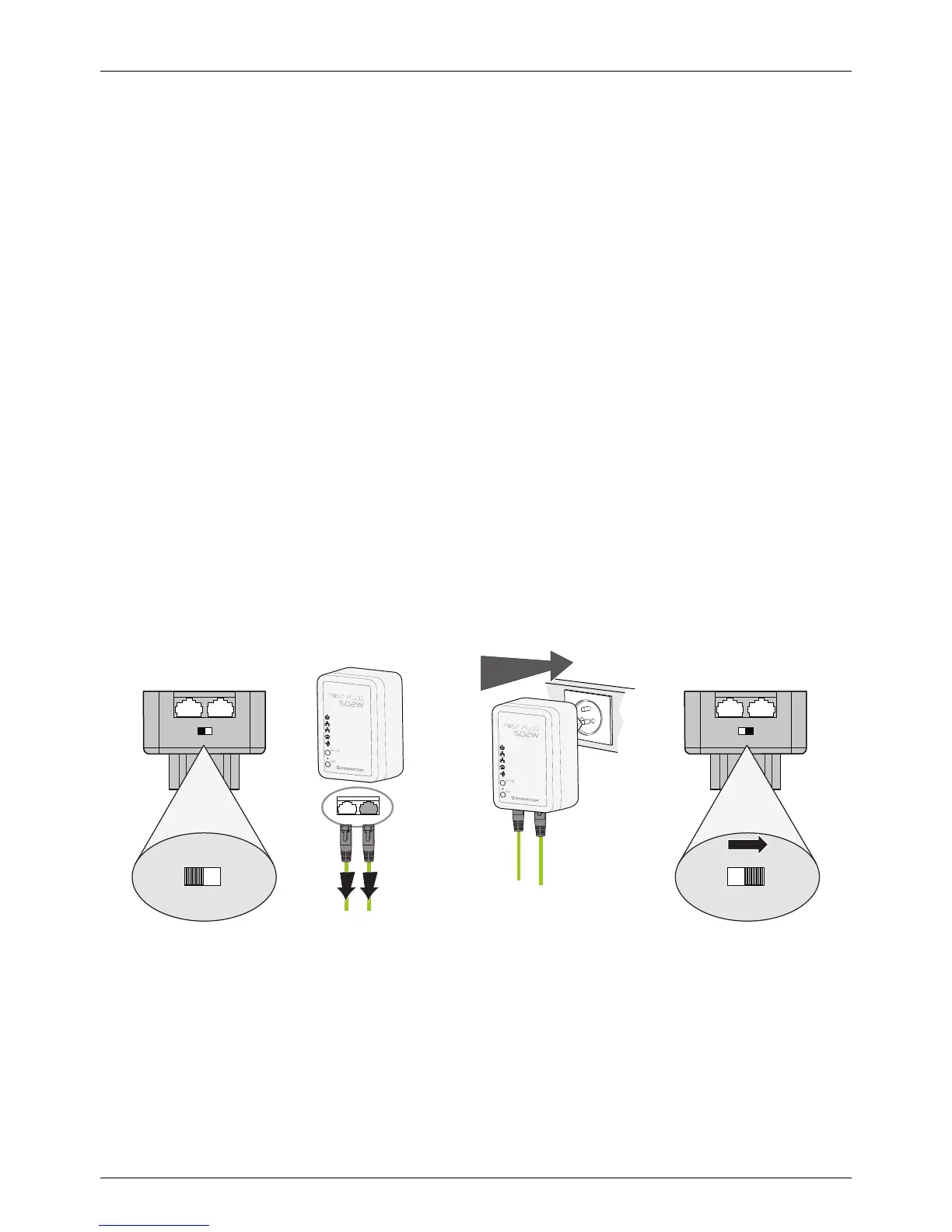
Connecting the Device
To connect the device, do as follows:
• Make sure the power switch is off.
• Connect one end of the RJ45 cable to the LAN interface of the F@st Plug 502W.
• Connect the other end of the RJ45 cable to your PC.
• Insert the power plug of the device into the wall socket.
• Put the power switch on.
1
21
off / on
21
432
21
off / on
To computer
To network
21
off / on
21
off / on


 To Next Page