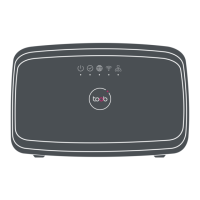
F@st Plug 502W PLC Wireless Router
- 20 -
Field Description
Assignment
You can manually enter the IP address of domain name
server or let the DNS server automatically assign one to
your router.
DNS (Primary) IP
Enter the IP address of the primary DNS server. Domain
names should be resolved first by the primary DNS server.
DNS (Secondary) IP
If the ISP provides another DNS server, enter its IP address
in this field. If the primary DNS server fails to resolve the
domain name, the secondary will resolve it.
LAN Port
The PLC wireless router supports 2 LAN ports, which can be
bound to different interfaces.
WLAN Port
The PLC wireless router supports 1 WLAN ports, which can
be bound to different interfaces.
Enable VLAN Tagging
If you enable VLAN tagging and the VLAN value is not ‘0’,
message will carry the VLAN ID.
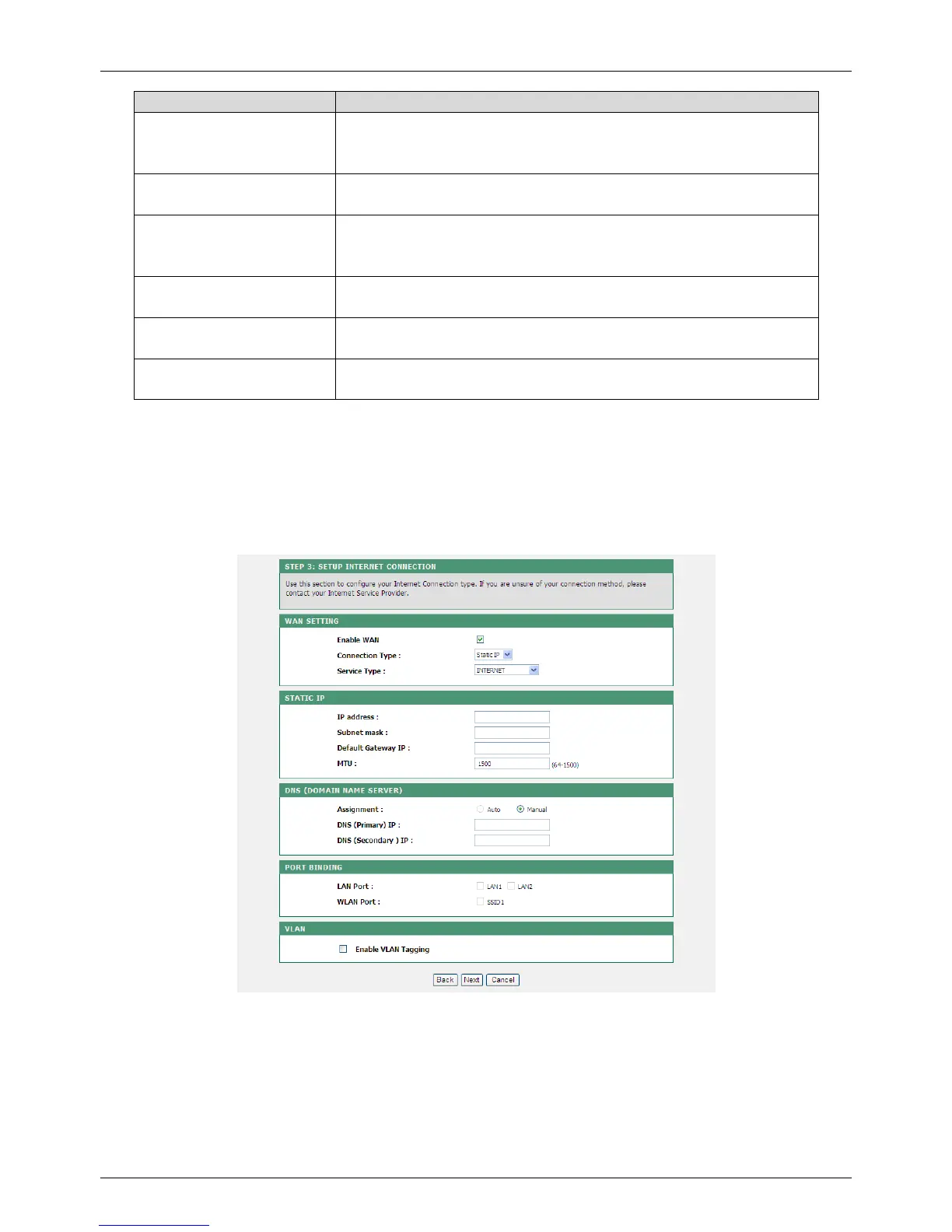
Static IP
If your ISP provides the information of IP address, subnet mask, gateway, and DNS server,
please select Static IP.
For detailed settings, refer to your ISP.


 To Next Page