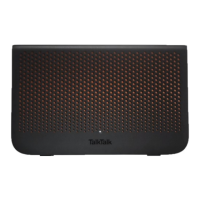
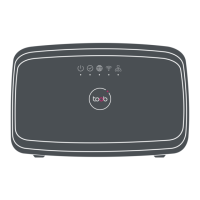
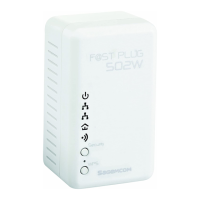
F@st Plug 502W PLC Wireless Router
- 22 -
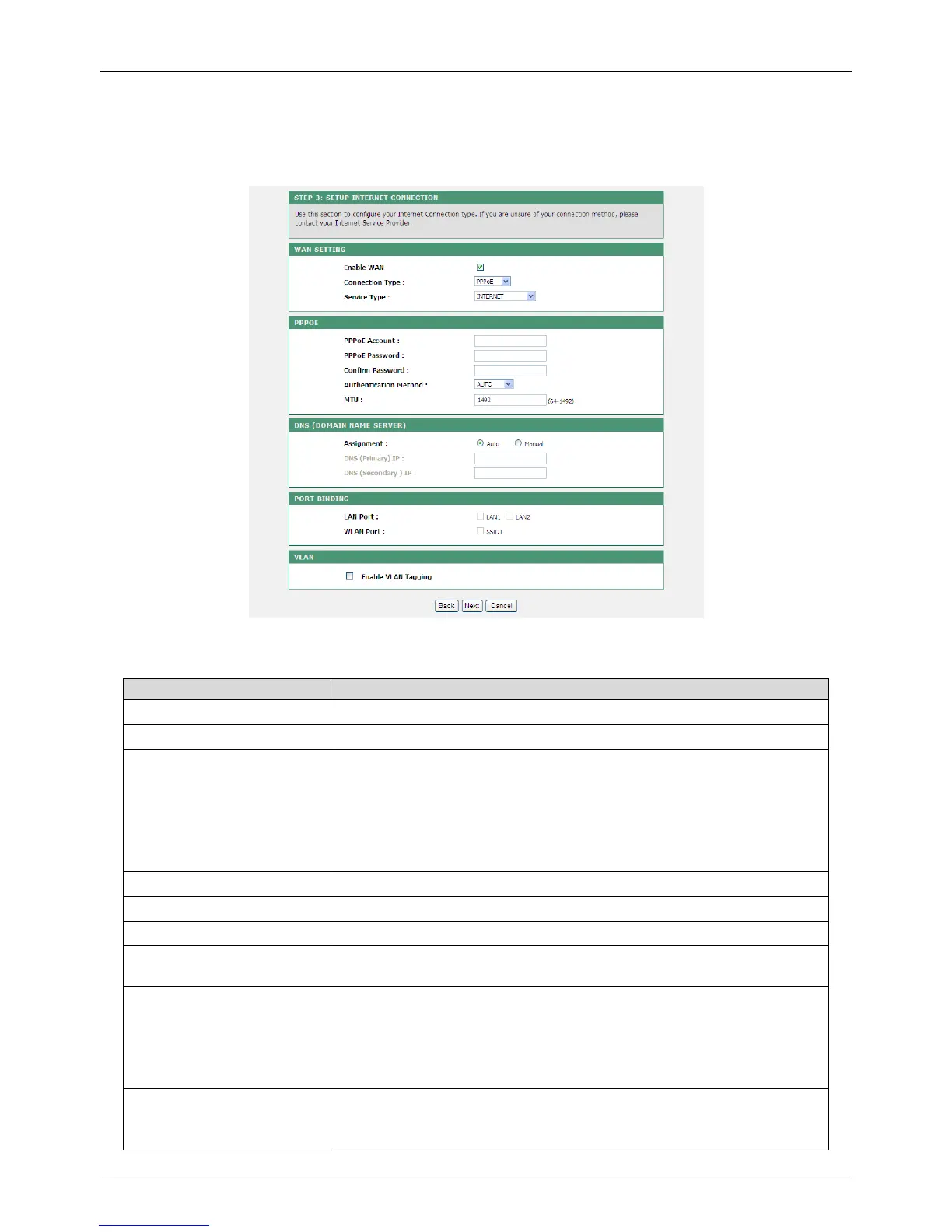
PPPoE
If the ISP provides the user name and password for PPPoE dialup, please select PPPoE.
The following table describes parameters in this page:
Field Description
Enable WAN Enable or disable the WAN connection of PPPoE type.
Connection Type Select PPPoE from the drop-down list.
Service Type
INTERNET: It is mainly used for the Internet service, for
example, surfing the Internet.
TR069: It is mainly used for the TR069 service, for example,
TR069 remote management.
TR069_INTERNET: It is a mixed type, which applies to both
the Internet and TR069 services.
PPPoE Account Enter the user name provided by the ISP for PPPoE dialup.
PPPoE Password Enter the password provided by the ISP for PPPoE dialup.
Confirm Password Enter the PPPoE password again.
Authentication Method
You can select AUTO, PAP, CHAP, MS-CHAP, or EAP from
the drop-down list.
MTU
Set the maximum transmission unit. It is 1500 bytes for most
Ethernet networks, 1492 bytes for PPPoE connection. But
some ISPs may require smaller MTUs. Do not modify the
value of MTU size unless it is necessary for your ISP
connection.
Assignment
You can manually enter the IP address of domain name
server or let the DNS server automatically assign one to your
router.


 To Next Page