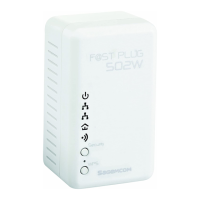
PLC Wireless Router F@st Plug 502W
- 19 -
Step 6 The PLC wireless router supports 4 types of Internet connection: DHCP, Static IP,
PPPoE, and Bridge. In this page, you can select the proper Internet connection
mode and configure the relevant parameters according to the actual requirements.
If you are not sure of your Internet connection mode, please contact your ISP.
DHCP
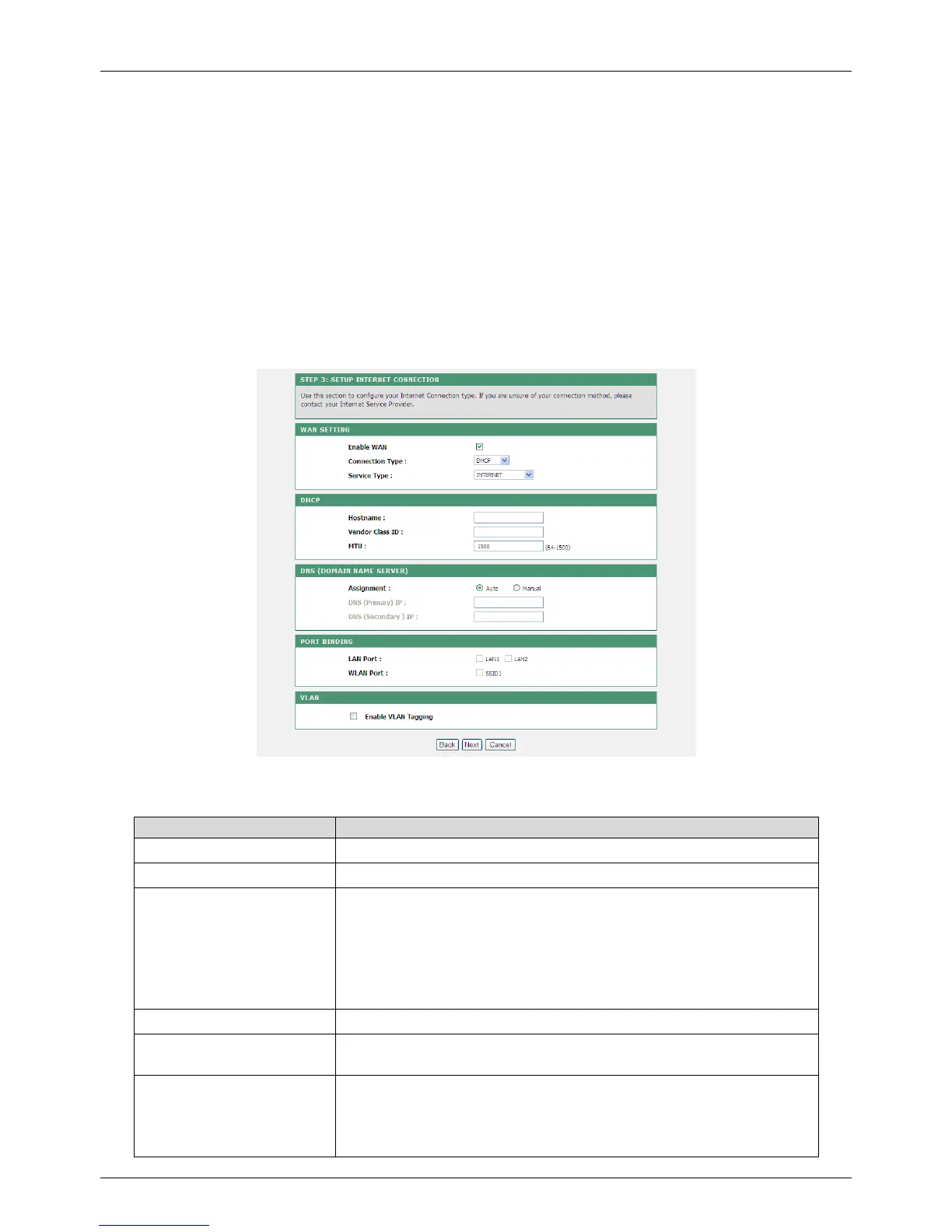
If you select DHCP, the PLC wireless router automatically obtains the IP address, subnet
mask and IP address of the gateway from the ISP. If your ISP does not provide IP network
parameters, please select this mode.
See the following figure:
The following table describes parameters in this page:
Field Description
Enable WAN Enable or disable the WAN connection of DHCP type.
Connection Type Select DHCP from the drop-down list.
Service Type
INTERNET: It is mainly used for the Internet service, for
example, surfing the Internet.
TR069: It is mainly used for the TR069 service, for example,
TR069 remote management.
TR069_INTERNET: It is a mixed type, which applies to both
the Internet and TR069 services.
Hostname Set the host name of local computer.
Vendor Class ID
Enter the vendor class ID. DHCP server assigns the IP
address to your router according to the vendor class ID.
MTU
Set the maximum transmission unit (MTU). It is 1,500 bytes
for most Ethernet networks. But some ISPs may require
smaller MTUs. Do not modify the value of MTU size unless it
is necessary for your ISP connection.


 To Next Page