6.2
Resetting the SG888ZB Gateway
without Internet Connection
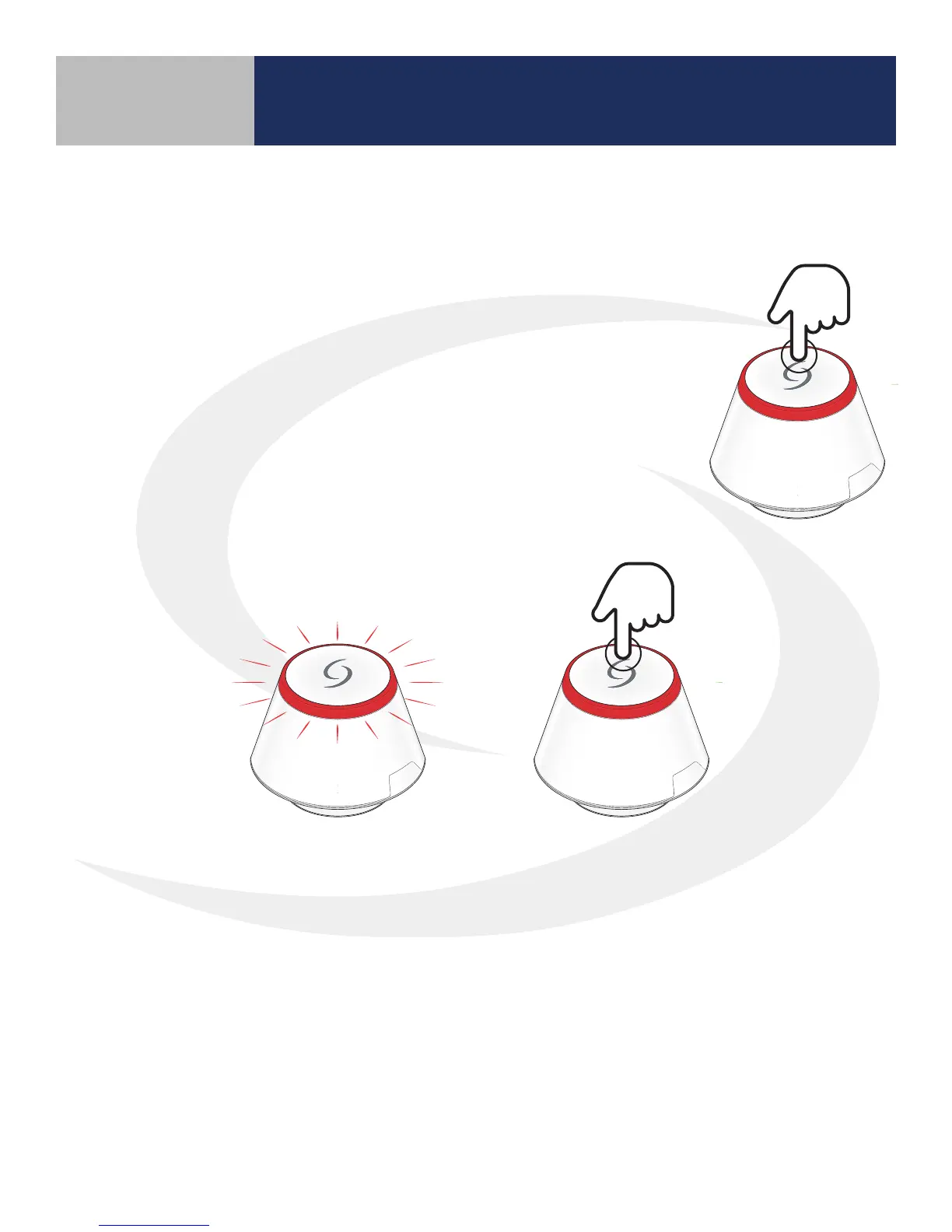
To reset the SG888ZB Gateway to factory defaults without an
internet connection:
1. Press and hold the multi button on top of the SG888ZB Gateway.
2. When the LED ashes red, release the multi button. After approximately
10 seconds, the LED ring turns solid red indicating the default values are
loaded. All the devices connected to the gateway
will be deleted from the network and must be re-installed
as previously described.
Without an internet connection, the SG888ZB Gateway will remain solid red.
Resetting the AC10RF Coordinator
without Internet Connection
1. Press and hold the pairing button on the AC10RF Coordinator for 10 seconds
2. The LED light on the AC10 Coordinator will turn amber, indicating the system is resetting.
3. When the system is reset, the LED light will turn red once again, indicating the system is
ready. All the devices connected to the gateway will be deleted from the network and must
be re-installed as previously described.
Resetting Factory Defaults
Section 6



 To Next Page