6.1
Resetting Factory Defaults
Section 6
If changes to the wireless setup are required, components in
SALUS wireless systems can be reset to factory defaults.
Resetting the SG888ZB Gateway with Internet Connection
1. Open the SALUS Smart Home mobile application and select the drop down menu from
the upper right side of the screen.
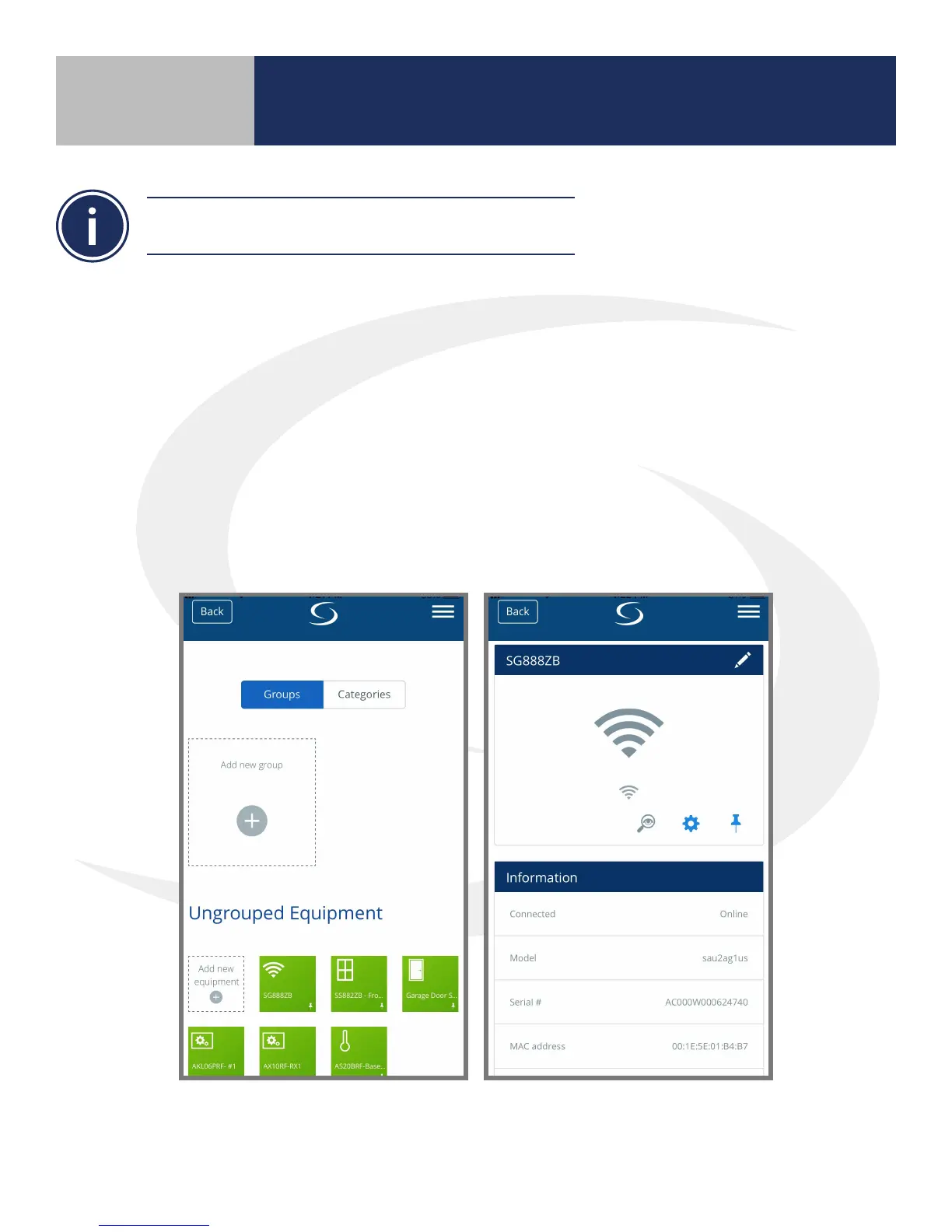
2. Select Equipment All Equipment. A list of connected equipment is displayed.
3. Select the icon that represents the SG888ZB Gateway and
scroll to the bottom of the information screen.
4. Select “Remove universal gateway”. The application will request conrmation that you
want to delete it.



 To Next Page