6-2
On-board│USB-Port
6.1 On-board
When we use the term “On-board”, we mean the CPU board. In other words, the
term “On-board interfaces” means interfaces already available on the CPU board
or in preparation for it.
6.1.1 USBPort(ProgrammingInterface)
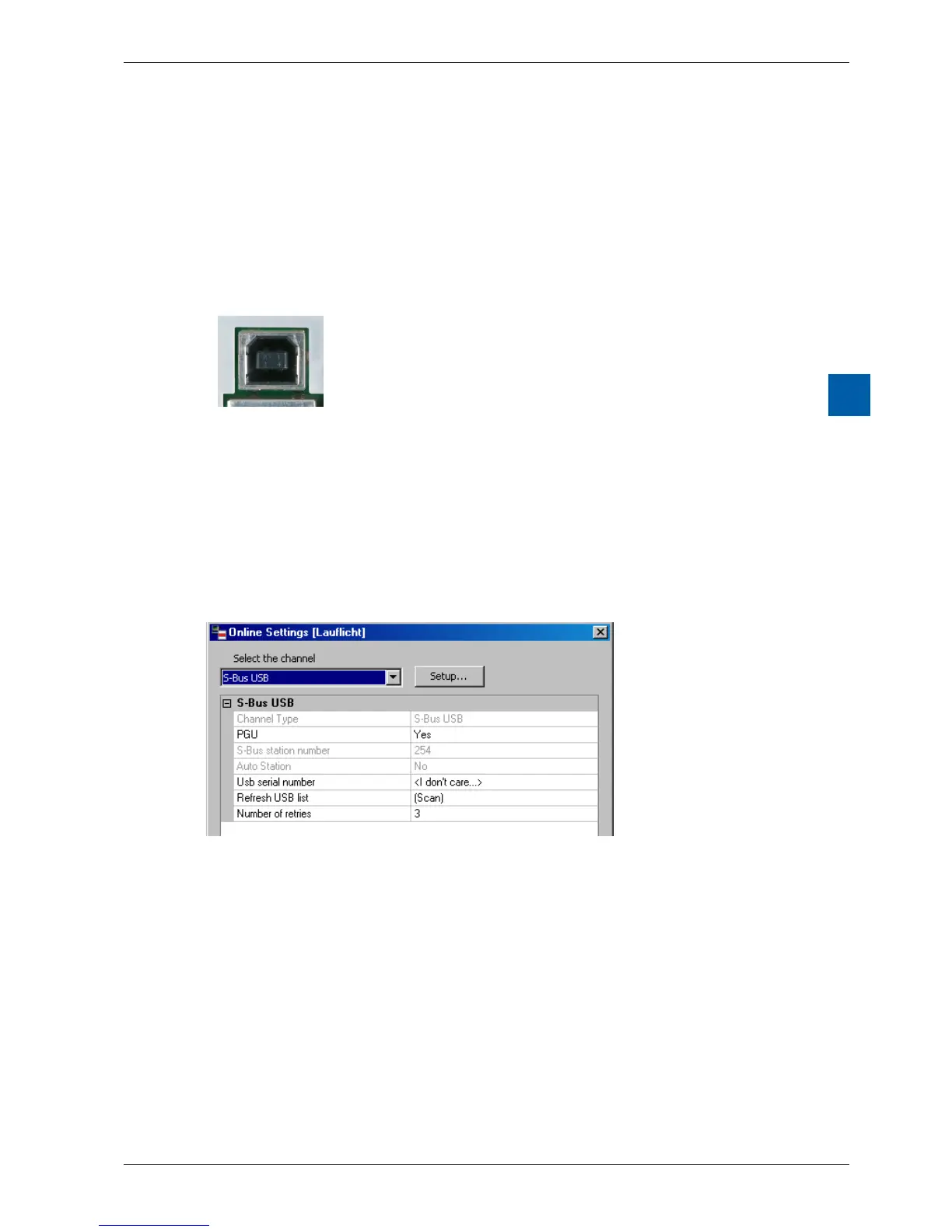
Plug: Standard vertical USB series B (device plug)
Default: USB 1.1 device (slave), full speed 12 Mbps, with
Softconnect
Protection: transil
Hardware: On-board USB 5V supply
The USB port is only used as a PGU interface. To use the USB interface,
the program package Saia PG5
®
version 2.0 or later must be installed on the PC.
IfthePCDisconnectedtothePCforthersttimethroughtheUSBport,thePC
operating system (Windows) automatically loads the corresponding Saia PCD
®
USB driver. To connect the PCD via USB, the following setting is required in the
Saia PG5
®
project folder for the device concerned under “Online settings”:
Activating the “PGU option” ensures that the PCD connected to the PC can be
reacheddirectly,independentlyoftheconguredS-Busaddress.



 To Next Page