3. How to set COM port
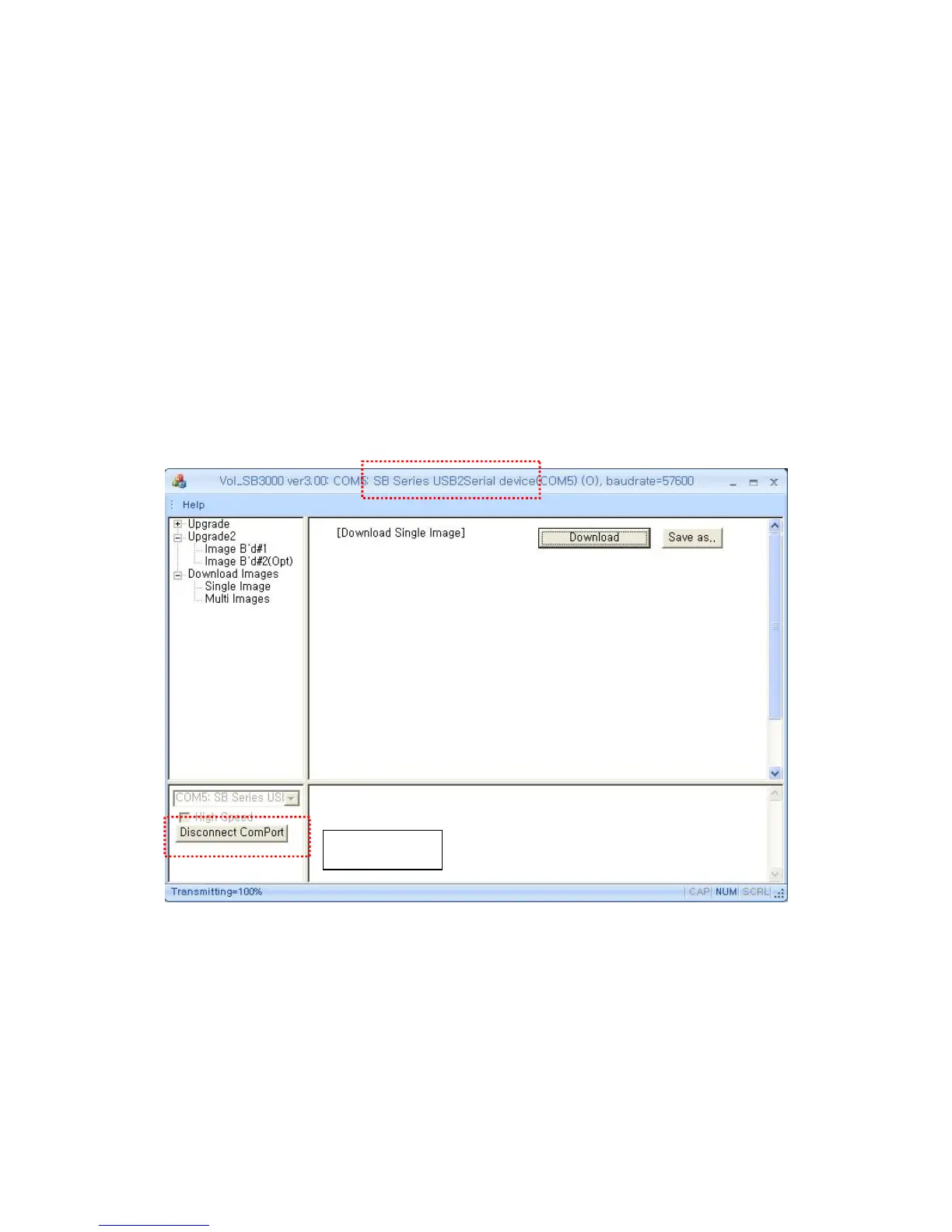
Connect SB-3000 and PC with USB cable. If you turn on SB-3000, you can see 2 ports are
connected as below.
① SB Series USB2Serial device – Image B’d
② SB Series USB(Opt) device – Option B’d.
With 2 CIS, SB-3000 can scan and download images with each CIS.
Caution! Only a connected port and related CIS can scan and download the images. If you
want to change the port, click the Disconnect Comport(below picture) and change it.
You can learn Image B’d download in this Chapter.
* You should do ‘Option CIS-Image Download’ only under SBM’s request.
In order to download images from Image B’d related CIS, ‘SB Series USB2Serial device’ must
be selected between 2 ports.
Port changing



 To Next Page