Adjusting double sensor level
Fitness Setting fitness function
Function on/off
CF items Setting CF detector on/off
Tape in count mode OFF Setting tape sensor on/off
About SB3000…+
8.1.0. Save default
You can reset all the parameters to initial factory level, but you cannot reset Log Data and Soil Adjust
level.
(Loading Default: Resets the level set in User Menu and Admin Menu to initial factory level.
Save default: Resets the level set in Service Menu to initial factory level.)
8.2.0. Admin PWD
Administrator password can be checked and changed at this Menu
8.3.0. Download target
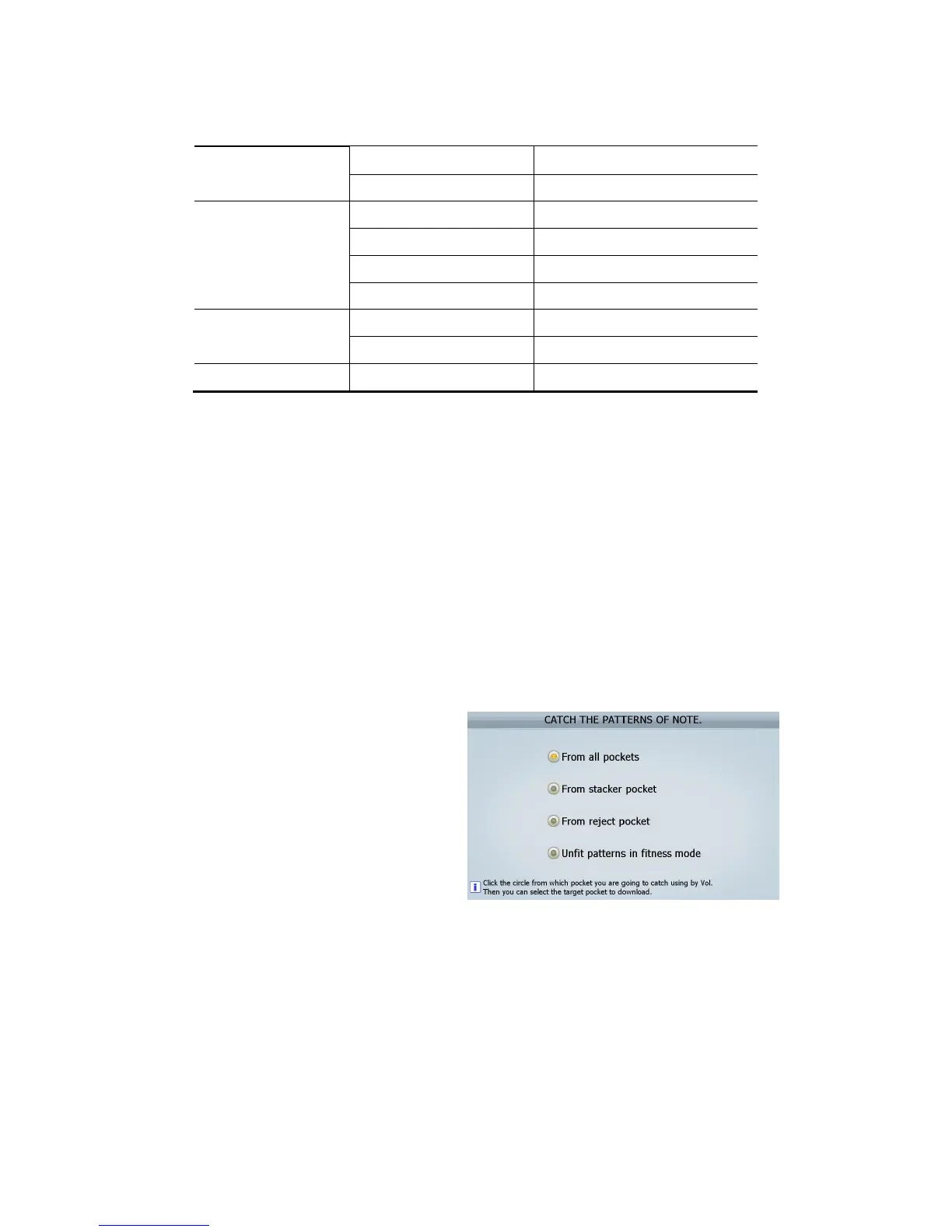
You can designate the pocket for downloading
data and send the data to “Vol” program(special
program which SBM provides). Refer to the right
picture.
1. From all pockets: When you need all data in the beginning stage of developing S/W.
2. From stacker pocket: Generally when you meet misrecognition of banknotes.
3. From reject pocket: Generally when you meet misrecognition of banknotes.
4. Unfit patterns in fitness mode: Generally when you need Unfit data.
(FIG 8-02)



 To Next Page