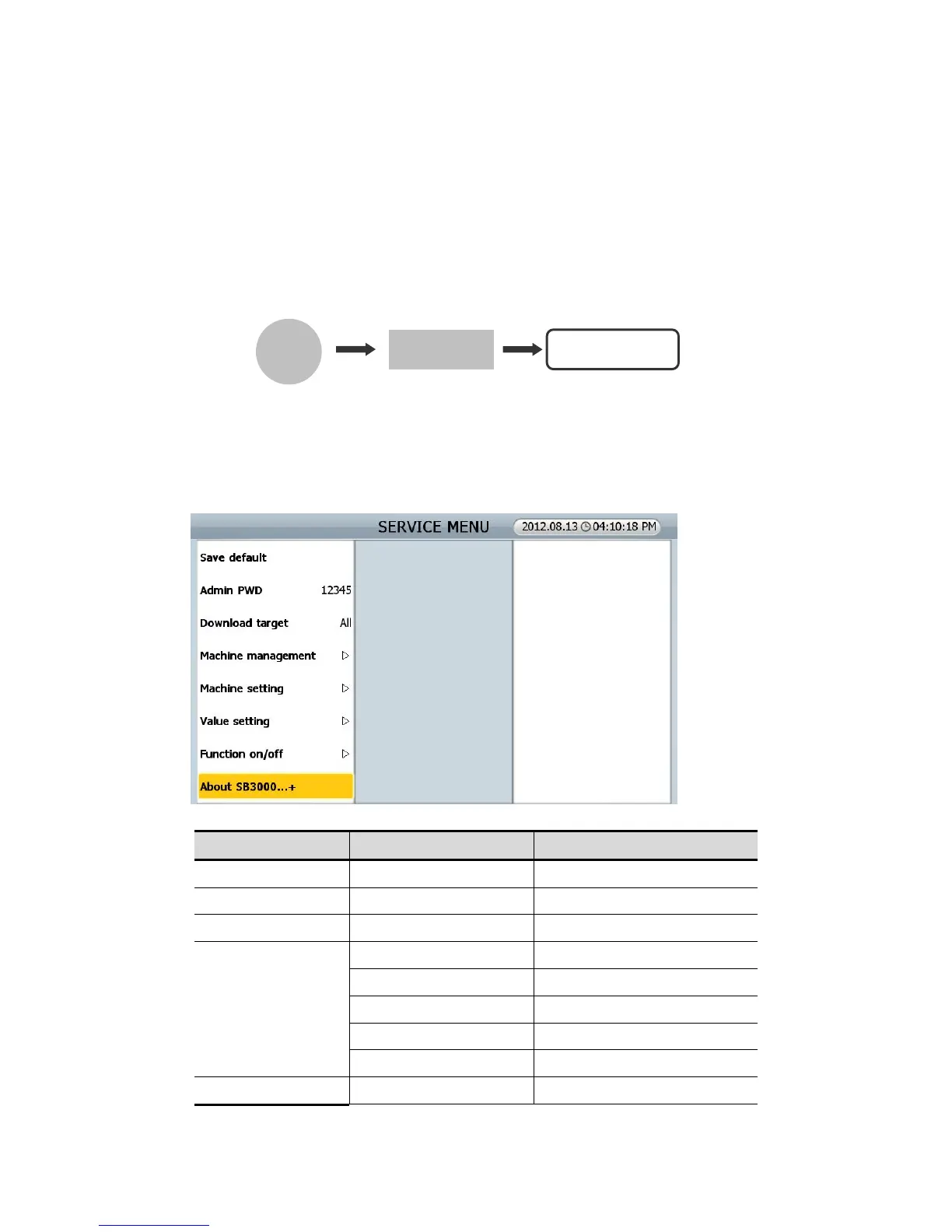
8.0.0. SEVICE MENU
Service engineer can download, manage, set and adjust levels in this SERVICE MENU.
You can enter SERVICE MENU as following..
[MENU] Key + [MODE] Key + CODE: *****
If you want to move to upper level or want to be out of MENU, press [C] key. If you want to set the MENU
or want to go to lower level, press [STAR/STOP] key.
If touch screen doesn’t work, connect a computer mouse to USB A.
MENU SUB MENU Description
Saving default
Admin PWD 12345
Machine management
Program update Program
Touch Calibration Touch screen calibration
Calibration Sensor calibration
Machine test Testing machine
Log data
Machine setting Set date/time Program
MENU



 To Next Page