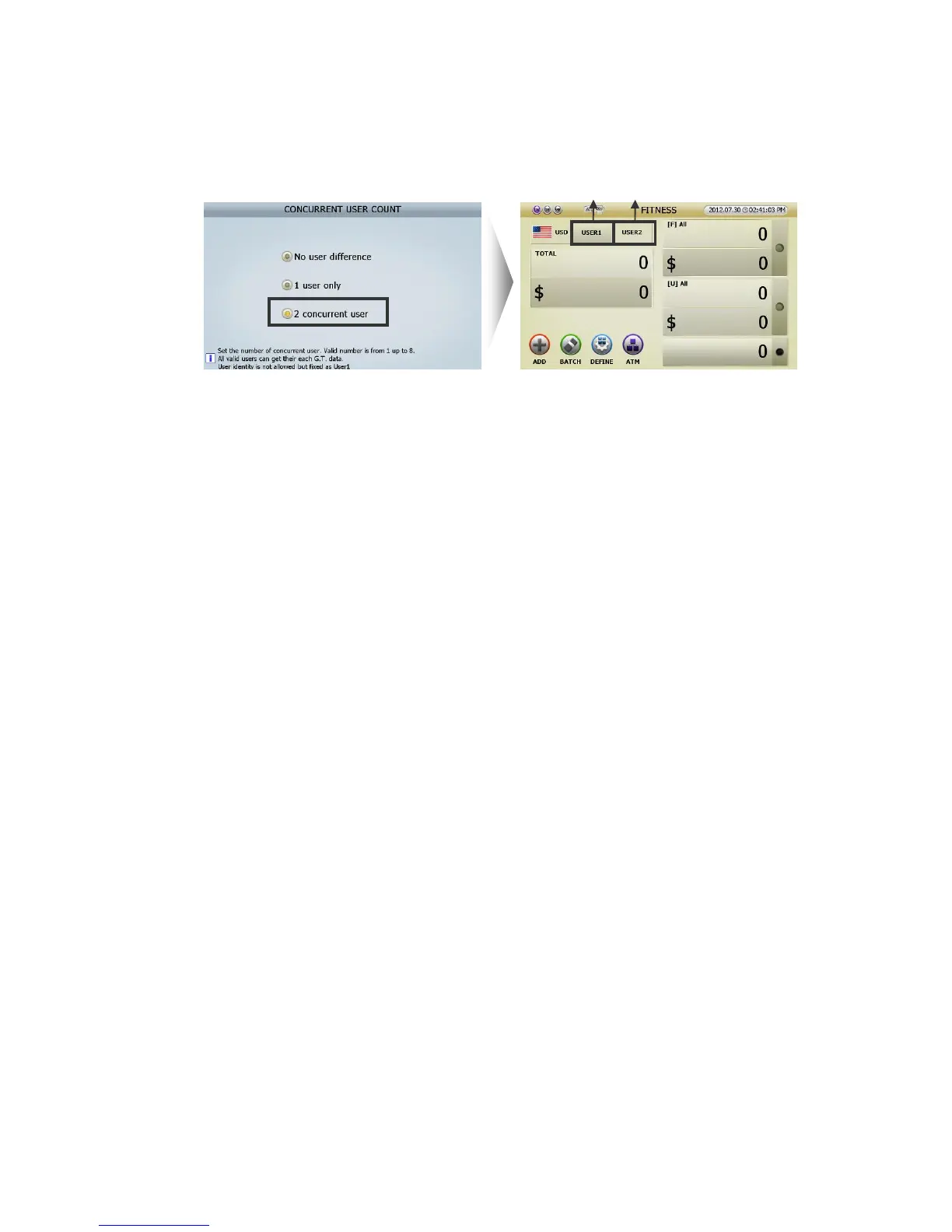
Setting 2 Concurrent User, the initial screen will be shown like below right.
[
1
]
[1] USER 1 and USER 2(ⓐⓑ) can operate SB-3000 at the same time in other modes.
User can slect one of Concurrent User and can set Count modes and functions as one user does.
[2] One of Concurrent User(ⓐⓑ) can use the allocated Print Port. (Referring to page 47) and
Customer Display. (Referring page 48) If Conccurent User was set, the allocated Print Port and
Customer Display will be shown in upper indicator.
[3] While the Concurrent User was set, if user touch the Concurrent User windows(ⓐ or ⓑ), USER
SETTING will be activated and user can change the Concurrent User setting.
2 Setting place
This is how to set CUTOMER DISPLAY and PRINT PORT.
① User can set only in MENU.
② User can set in MENU or Count Result display.
Grand Total
1 Grand Total type: Can set Grand total restart.
Can delete count record in ADMIN MENU.①
Count Record will restart every week (User should select the day, e.g. Monday.). ②
Count Record will restart every month (User should select the date, e.g. 15③
th
.).
Count Record will restart every year on ④ January 1
st
.
If the count record restarts, the counted record will remain as ‘PREVIOUS RECORD.’
2 Clear: Can restart THE DAY TOTAL and GRAND TOTAL.
3 Initialize all: Can delete the record and make THE DAY TOTAL and GRAND TOTAL zero.
4 Summary:
(FIG 7-15)



 To Next Page