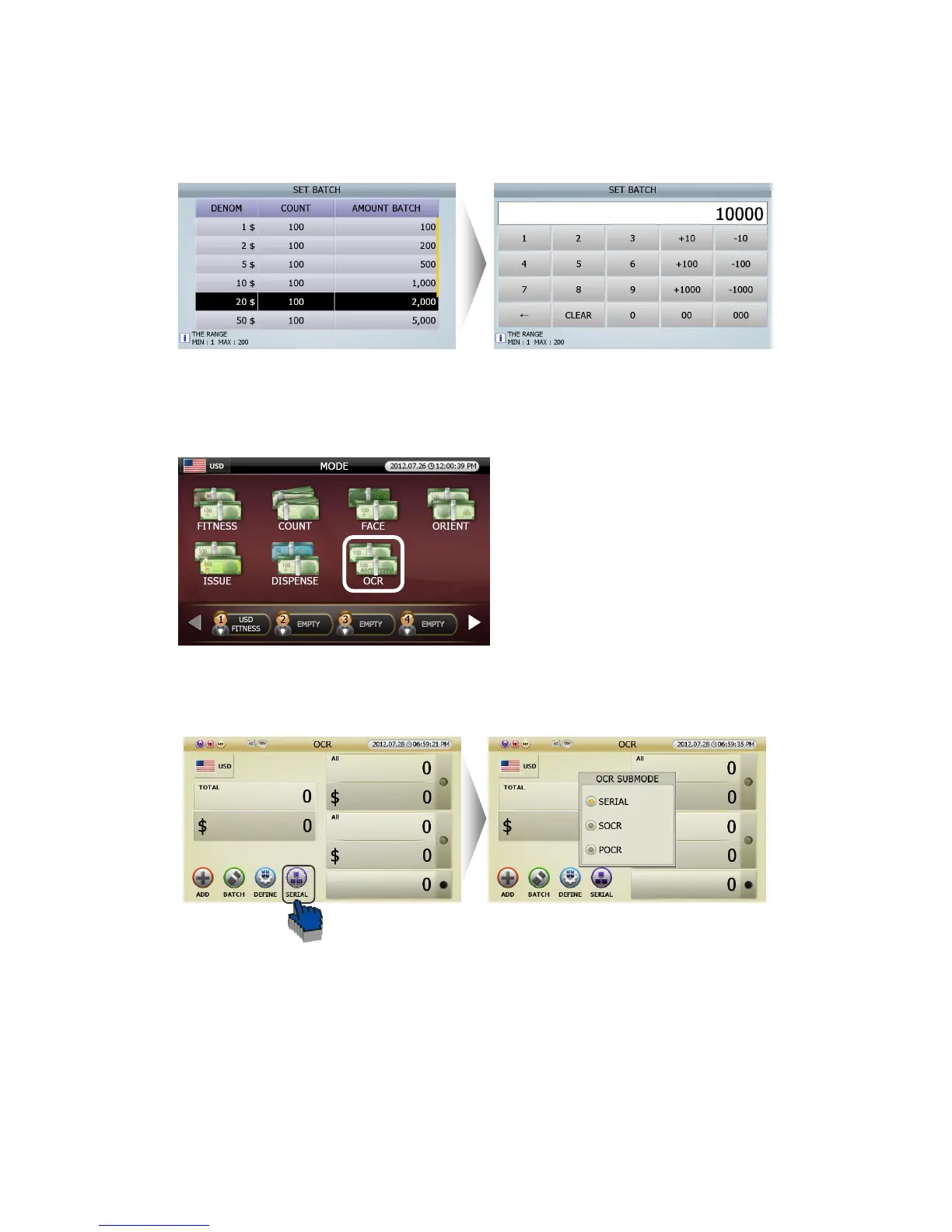
[2] Set up by each denomination in [SET DEMON, BATCH] screen.
■ OCR Mode (Option)
SB-3000 can read and print characters of Serial
No. in banknotes.
OCR mode has four Sub Modes. Touch [SERIAL] icon in OCR Mode (FIG 5-37) and user can select
SERIAL or SOCR or POCR in OCR SUBMODE (FIG 5-38).
OCR Mode has four sub options as below.
1 SERIAL Mode (Serial Number Printing Mode): In SRLP mode, SB-3000 reads serial No of banknote and
prints it as an image.
2 SOCR (SB series-Optical Character Reader Mode): In S-OCR mode, SB-3000 reads the serial no. of
banknotes and prints its images.
(FIG 5-35)



 To Next Page