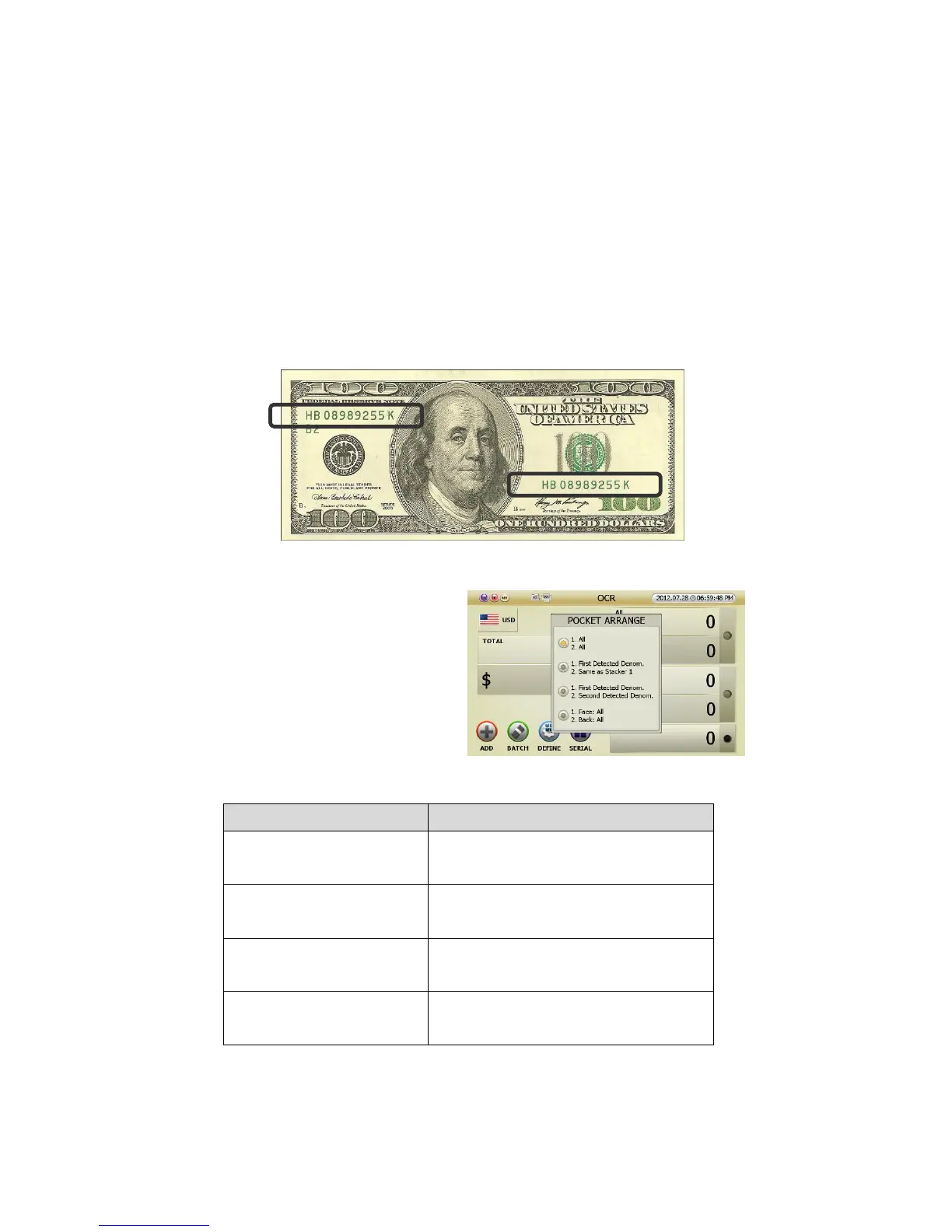
3 POCR (PC-Optical Character Reader Mode): In P-OCR mode, SB-3000 reads serial numbers. of
banknotes and prints them as images and at the same time, the images are sent to the PC. By running the
application program on the computer, user can read the image and convert it into OCR data so that user
can store and manage it.
4 [OPTION] SNC Mode (Serial Number Comparison Mode): In SNC mode, SB-3000 can read the serial
number and can identify the both serial numbers in the banknote. In case the serial numbers are not
identical, the note will be sent to the reject pocket and indicated as “SNC ERROR”
● Pocket Arrange Designation:
Can classify and designate previously set
[Stacker 1] and [Stacker 2] by pressing
[CHANGE] button in OCR Mode.
Below is description of designated pocket.
Pocket Arrange Display
Earmarked banknote in Stacker 1, Stacker 2
1. All
2. All
Stacker 1: All denominations
Stacker 2: All denominations
1. First Detected Denom.
2. Same as Stacker 1
Stacker 1: The first detected denomination
Stacker 2: same denomination as Stacker 1
1. First Detected Denom.
2. Second Detected Denom.
Stacker 1: The first detected direction
Stacker 2: The second detected direction
1. FACE: All
2. BACK: All
Stacker 1: All denominations of front
Stacker 2: All denominations of rear
(FIG 5-39)



 To Next Page