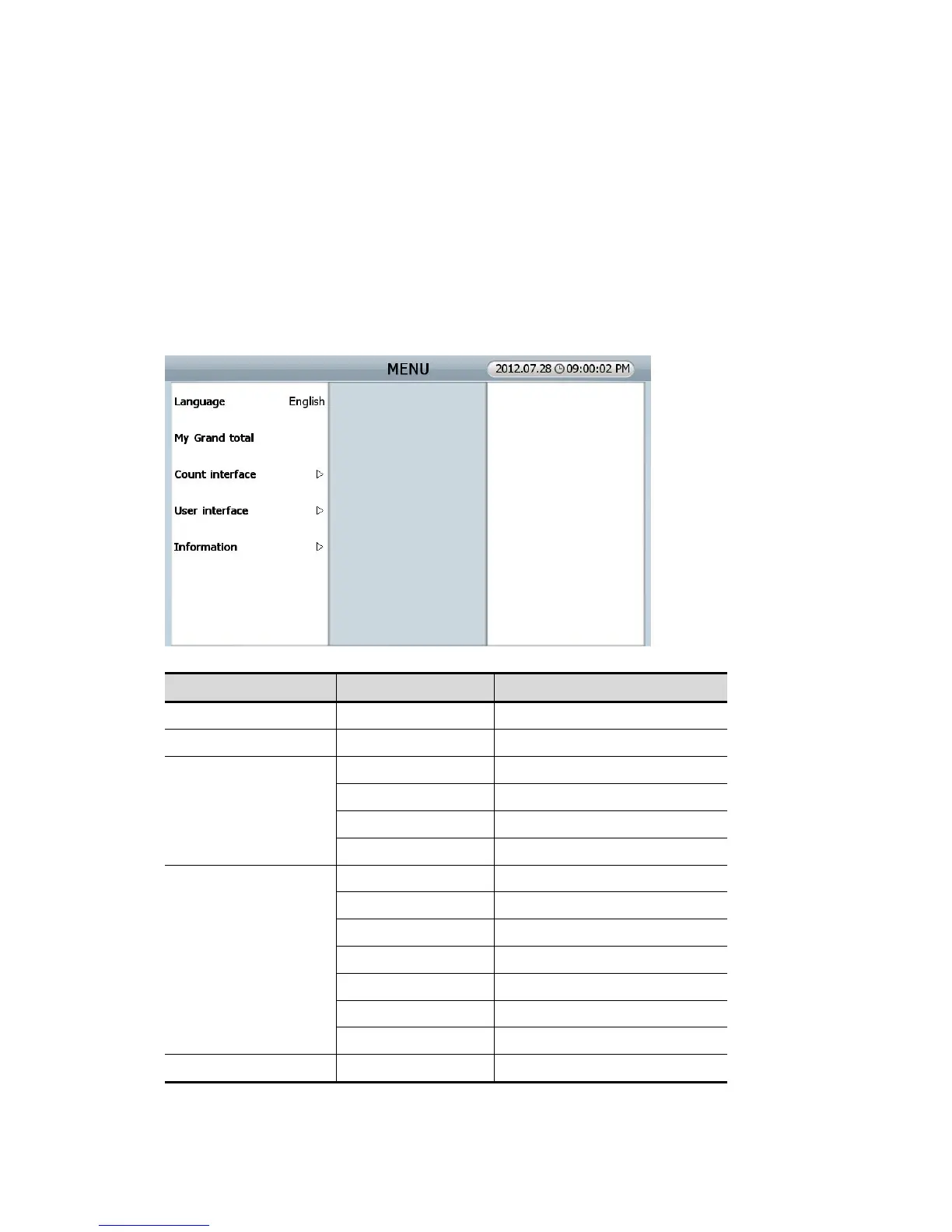
6.0.0. USER MENU (for USER)
SB3000 has 2 kinds of Menu. One is a “User Menu” for user, and the other is “ADMIN Menu” for
administrator.
Can alter each function and parameter. Push [MENU] key, user can move to “USER MENU” and its details
by Touching the items.
MENU Sub Menu Description
Language Set a menu language
MY grand total Checking of each User’s GT
Count Interface
Start counting Manual/automatic counting start
Pocket capacity Set “pockets’ capacity”
Accept result Set “Accept result”
Print result Set “Printing result”
User Interface
Touch calibration Touch calibration for screen
Set date/time Set up date/time
Selection way Set up selection method
Sorting order Set up sorting order
LCD brightness Set up LCD brightness.
Beep Set up warning beep
Power saving Set up power saving
Information About SB3000 Set up SB-3000 inside.
(FIG 6-01)



 To Next Page