EasyManua.ls Logo

SBM SB-3000 - User Manual

SBM SB-3000
253 pages
Print Icon
To Next Page IconTo Next Page
Loading...
We’ve been there when you need.
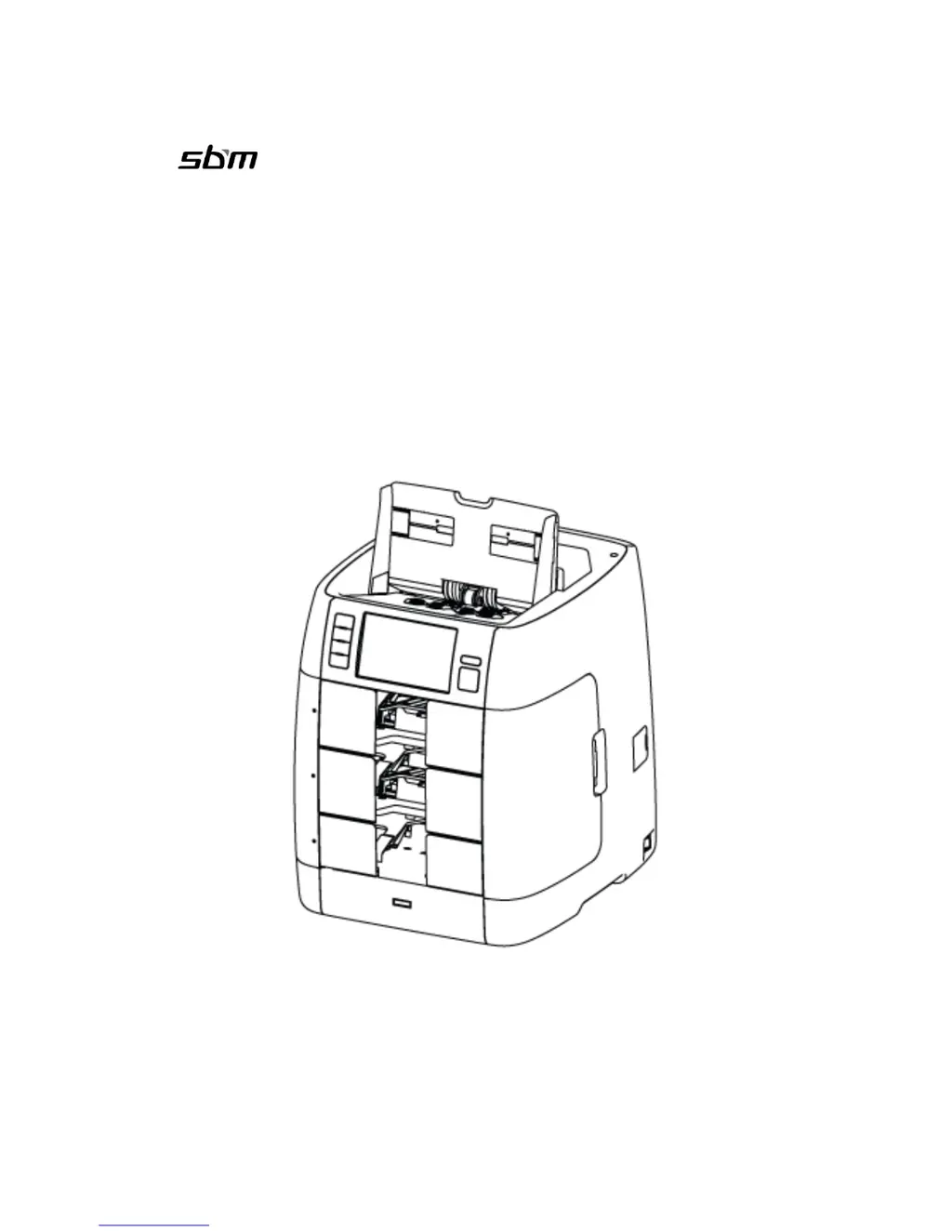
SB-3000
Currency Discrimination Fitness Sorter
SEVICE MANUAL
Ver. 1.5
SBM Co., LTD
Head Office/ R&D Center
6F, Hyunwoo Bldg 206, Anayang 7-Dong, Manan-Gu, Anyang-City, Gyeonggi-Do, Korea 430-817

Table of Contents

Questions and Answers

Summary

2.0.0. DESCRIPTION OF THE PARTS

2.1.0. EXTERIOR VIEW

Overview of the machine's external components, including front, rear, and interface views.

3.0.0. OVERALL OF CONTROL

3.1.0. OVERALL OF CONTROL PANEL

Explains the indications and functions of the buttons on the control panel.

3.2.0. OVERALL OF TOUCH SCREEN

Details the layout and elements of the touch screen interface before and after counting.

4.0.0. PREPARATION OF OPERATION

4.1.0. Banknotes Preparation

Procedural steps for preparing banknotes correctly before loading them into the hopper.

4.4.0. COUNTING

Explains the AUTO and MANUAL counting modes and conditions for stopping the count.

5.0.0. BASIC OPERATION

5.1.3. Working Mode Setting

Details on how to select and configure the machine's working modes.

5.1.7 Reject Reasons

Lists and explains the various reasons why banknotes might be rejected by the machine.

5.2.0. Working Mode & Functions

Overview of available working modes and functions like ADD and BATCH.

7.0.0. ADMIN MENU (Administrator Menu)

Value setting

Setting levels for UV, MR, IR sensors and fitness parameters.

8.0.0. SEVICE MENU

8.4.0. Machine management

Options for program updates, touch calibration, general calibration, machine tests, and log data.

8.4.4. Machine test

Performing self-tests on motors, sensors, pockets, and programs.

8.6.1. CF level

Setting UV, MR, and IR sensor levels for currency detection.

9.0.0. CALIBRATION

9.1.0 CIS Calibration (IMAGE Calibration)

Step-by-step guide for calibrating the CIS sensors using a calibration sheet.

10.0.0. ADJUSTMENTS

10.1.0. GAP between Separator Roller and ADF Roller

How to adjust the gap between the separator and ADF rollers to prevent feeding issues.

11.0.0 S;W Upgrade

11.2.0. UPGRADE BY USB MEMORY STCK

Instructions for upgrading the machine's software using a USB memory stick.

11.3.0. UPGRADE BY VOL PROGRAM

Steps for updating the machine's program via USB connection and software.

13.0.0. Troubleshooting

Initializing Running Error

Diagnosing and resolving errors related to sensors, motors, and plates during startup.

17.0.0. Specifications

Summary

2.0.0. DESCRIPTION OF THE PARTS

2.1.0. EXTERIOR VIEW

Overview of the machine's external components, including front, rear, and interface views.

3.0.0. OVERALL OF CONTROL

3.1.0. OVERALL OF CONTROL PANEL

Explains the indications and functions of the buttons on the control panel.

3.2.0. OVERALL OF TOUCH SCREEN

Details the layout and elements of the touch screen interface before and after counting.

4.0.0. PREPARATION OF OPERATION

4.1.0. Banknotes Preparation

Procedural steps for preparing banknotes correctly before loading them into the hopper.

4.4.0. COUNTING

Explains the AUTO and MANUAL counting modes and conditions for stopping the count.

5.0.0. BASIC OPERATION

5.1.3. Working Mode Setting

Details on how to select and configure the machine's working modes.

5.1.7 Reject Reasons

Lists and explains the various reasons why banknotes might be rejected by the machine.

5.2.0. Working Mode & Functions

Overview of available working modes and functions like ADD and BATCH.

7.0.0. ADMIN MENU (Administrator Menu)

Value setting

Setting levels for UV, MR, IR sensors and fitness parameters.

8.0.0. SEVICE MENU

8.4.0. Machine management

Options for program updates, touch calibration, general calibration, machine tests, and log data.

8.4.4. Machine test

Performing self-tests on motors, sensors, pockets, and programs.

8.6.1. CF level

Setting UV, MR, and IR sensor levels for currency detection.

9.0.0. CALIBRATION

9.1.0 CIS Calibration (IMAGE Calibration)

Step-by-step guide for calibrating the CIS sensors using a calibration sheet.

10.0.0. ADJUSTMENTS

10.1.0. GAP between Separator Roller and ADF Roller

How to adjust the gap between the separator and ADF rollers to prevent feeding issues.

11.0.0 S;W Upgrade

11.2.0. UPGRADE BY USB MEMORY STCK

Instructions for upgrading the machine's software using a USB memory stick.

11.3.0. UPGRADE BY VOL PROGRAM

Steps for updating the machine's program via USB connection and software.

13.0.0. Troubleshooting

Initializing Running Error

Diagnosing and resolving errors related to sensors, motors, and plates during startup.

17.0.0. Specifications

SBM SB-3000 Specifications

General IconGeneral
BrandSBM
ModelSB-3000
CategoryCash Counters & Coin Sorters
LanguageEnglish