2 Pocket capacity: How to set up stacker capacity of each pocket.
1) Stacker Pocket #1: Can be selected one of 100/150/200
2) Stacker Pocket #2: Can be selected one of 100/150/200
3) Reject pocket: Can be selected one of 50/70/100
3 Accept result: How to set up the “Accept” in order to sum counting result to “GT”.
1) Auto-accept: User can set whether automatic “Accept” or manual “Accept” after counting.
2) After-accept: User can set manual “Accept” after checking the counting result.
① Only add Count-result to Grand-total
② Add to Grand-total and print
③ Add to Grand-total and print twice
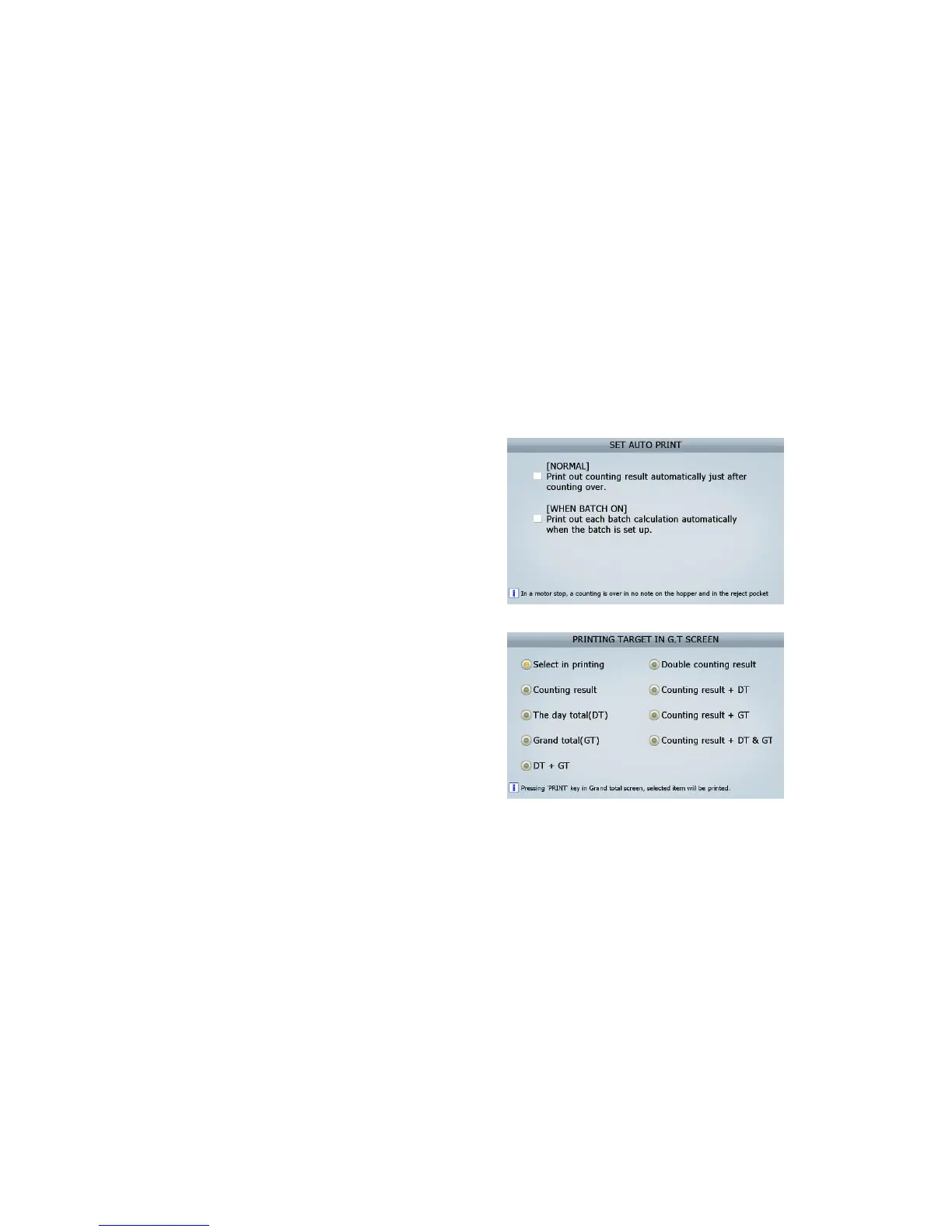
4 Print result : User can set up the printing out method after counting.
1) Auto-print: user can set automatic/manual
print out.
① generally, print out the counting result
automatically just after counting over.
② n “Batch” function on, print out calculation
automatically when the batch is set up.
2) Print mode: can set up a subject of printing
out in Grand-total screen
User Interface
1. Touch screen calibration
2. Setting of date/ time
3. Selection method of items: can set up the Selection method of items.
① Select an item at pop up lists.
② Select next level of item without pop up.
4. Arrangement order : can set up the arranged values on screen by descending or ascending order
5. Screen brightness : Adjust LCD brightness
6. Sound : set up warning beep.
7 Power saving mode : Setting up power saving mode in idle time
(FIG 6-04)



 To Next Page