Clear Delete GT
Initialize all Initializing GT
Summary Check the summary of GT
Each user Check GT for each user
Log data Export log data
Loading default (Get back to initial condition)
All of parameters get back to initial setting of factory
Change passwords
Administrator’s password can be changed at this menu.
In order to manage the result data and parameter in Admin Menu, strongly recommended to be
accessed only authorized administrator.
Thus it is recommended changing the initial password [*****] to specified password of its
administrator.
Machine setting
1 Station ID
The ID number of the machines will be printed out after setting up the ID number
2 Ethernet: Can set up Dynamic / Static IP address in LAN setting.
3 Print: Set up Print.
1) Interface
Administrator has to select a printer type before connecting the printer.
Needs to be discussed with the dealer about available printer
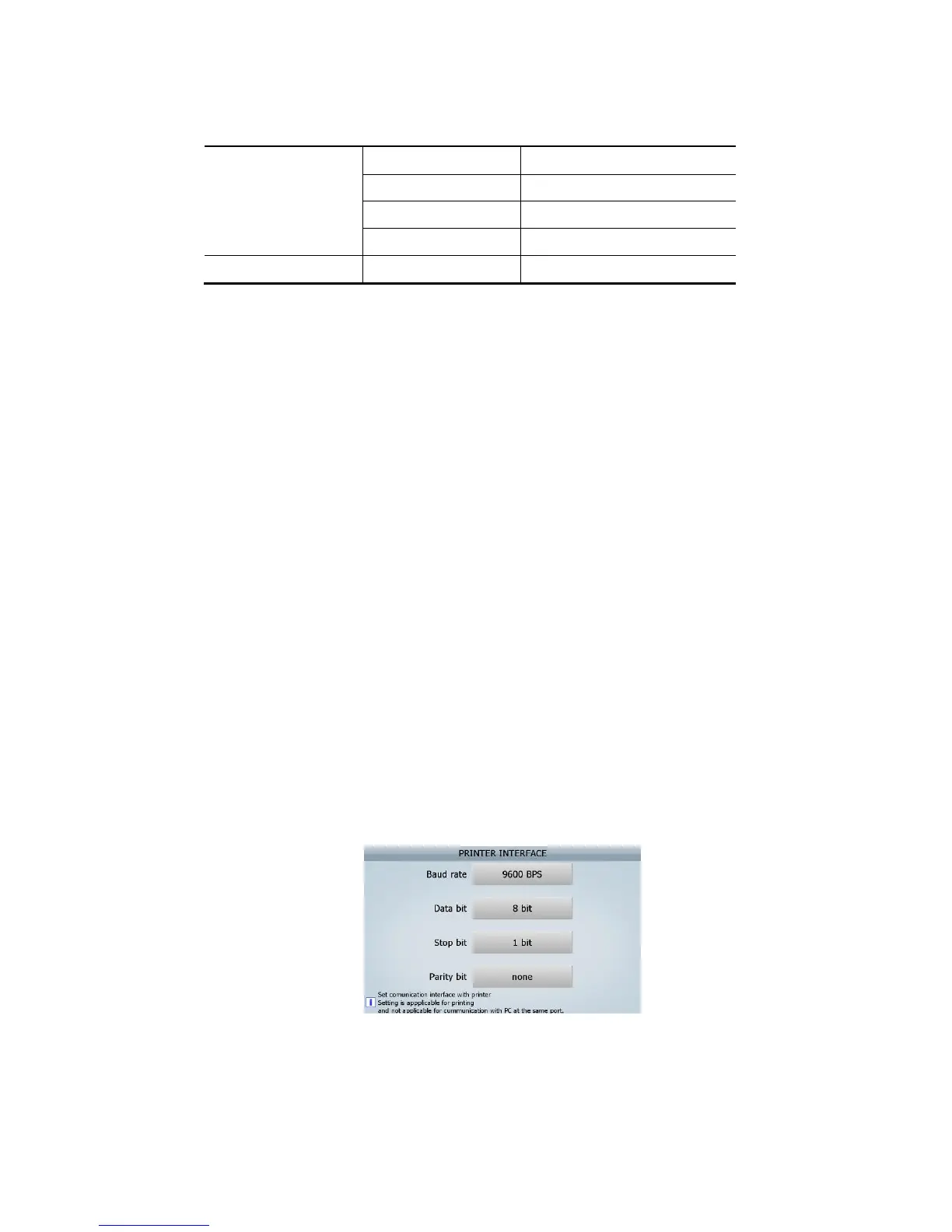
If, the printer type is Serial, the setting of printer in SB-3000 is like below.
2) Cutting code
Can set up the Cutting code with reference the manual and it can apply up to 6 byte.
3) Each user
(FIG 7-02)



 To Next Page