3. Cleaning required, in case of covering dust.
Error on counting
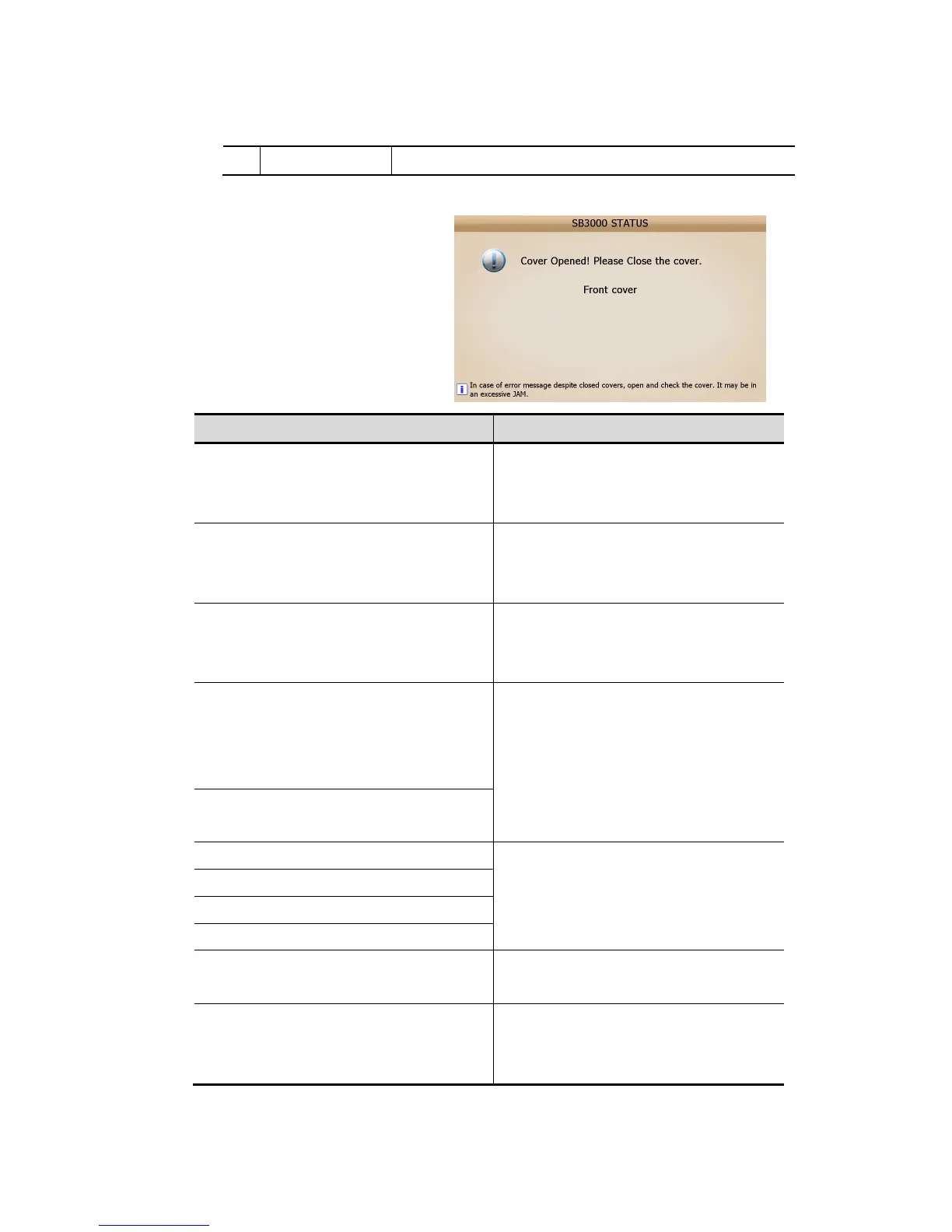
It shows following figure [SB-3000 STAUS],
when any error occurs on counting
Error Messages Action to be taken
Pocket Overflow!! Empty pocket
- Remove banknotes in the pocket #1
- Remove banknotes in the pocket #2
1 Remove remaining note accordance with the
guide on the display
2 Press ‘C’ button
Jam Occurred!! Remove banknotes from path.
-Detected sensor ID of Jam: '1' ~ ‘8’
1 Remove remaining note accordance with the
guide on the display
2 Press ‘C’ button
Cover Opened! Please Close Cover
- Front cover
- Rear-Top/ Middle/ Bottom cover
1 Close The Cover
2 Press ‘C’ button
Check Pocket!!
- Remove Banknotes in the pocket #1
- Remove Banknotes in the pocket #2
- Remove Banknotes in the reject pocket
1 Remove remaining note accordance with the
guide on the display
2 Press ‘C’ button
Check Hopper!!
- Remove Banknote on the hopper
Feeding error!! Remove notes from the hopper
1 Press ‘C’ button
Main motor error!! Press 'Cancel' button
Feeding motor error!! Press 'Cancel' button
Motor error!! Press 'Cancel' button
Print error
- Remove notes in reject pocket.
1 Remove remaining note in reject pocket
2 Press ‘C’ button
Pocket motor error!
- Check pocket motor 1
- Check pocket motor 2
Contact to Dealer
Notes: Please refer to the figures on ‘Chapter 8’ to see the position of the sensors and jam
(FIG 7-02)



 To Next Page