Make sure all ‘CF’ item is activated
1) Set Download target
(Refer to step 6. How to set the Download Target)
2) Put the money on the hopper.
(Refer to step 5. set up the machine)
3) Counting
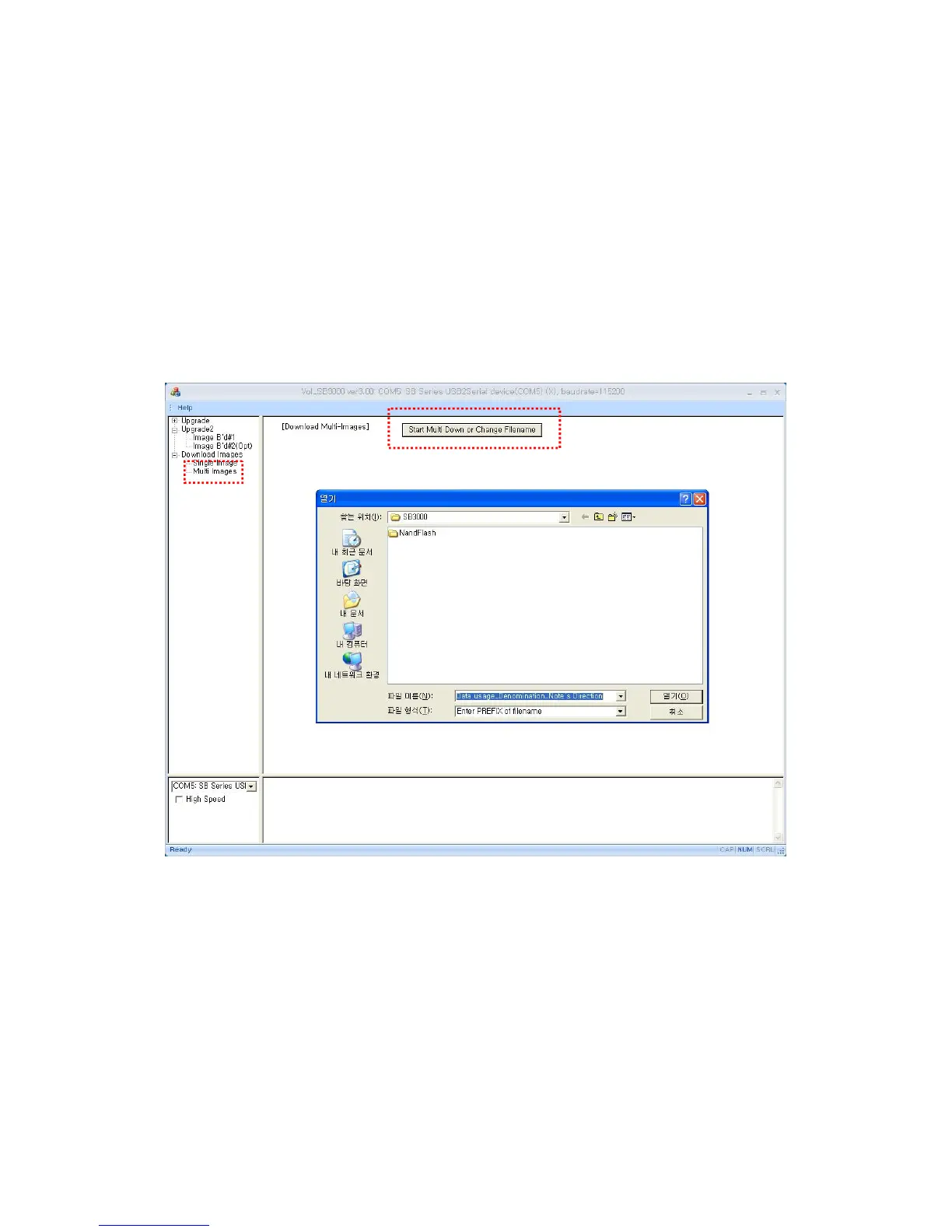
4) Click “multi image” and “Start Multi Down or Change Filename”
5) Then, scanned images will be saved in the designated folder
automatically.



 To Next Page