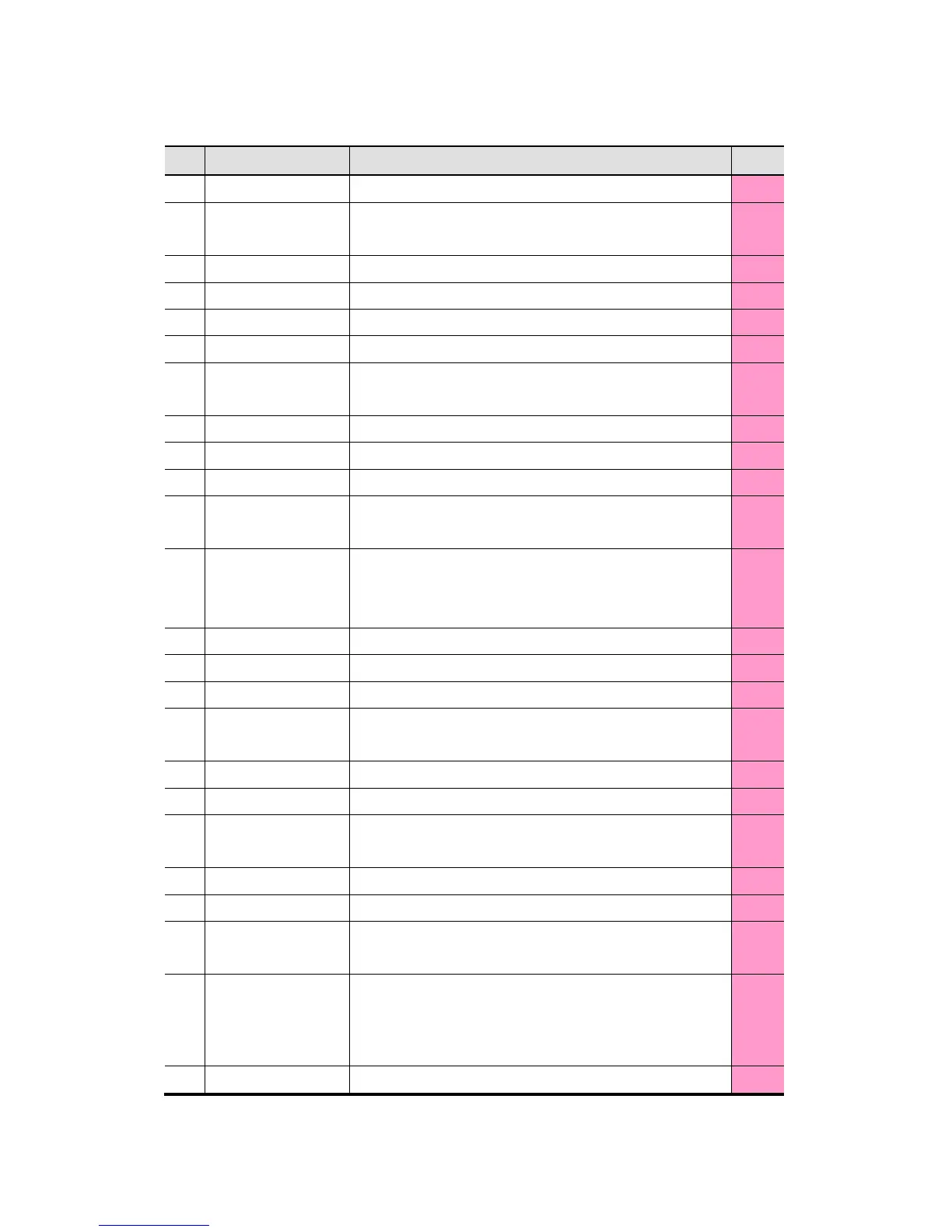
Start mode
To show auto start or manual start
Auto start is Default and in case of manual start this appears
P44
1-2
Counterfeit To show On/Off of UV/ IR/ MR Sensors P52
1-3
Tape Sensor To show Tape Sensor On/Off except for in Fitness Mode P52
1-4
PC Control To show SB-3000 is controlled by PC or not
1-5
Customer Display To show Customer display is on operation (Display A, B) P48
1-6
Print Port
To show the using Print Port
[COM port, USB port, COM port (USB in P-OCR mode)]
P47
1-7
User Define Mode To show User Define Mode P37
2
Present Working Mode To show present Working Mode P29
3
Date & Time To show Date & Time P45
4
Present Currency
To show present currency. User can change currency when every
touch
P19
5
Concurrent User
2 persons can use SB-3000 at the same time
To set the user, touch the alternative button
Double Touch can change the user
P52
6
ADD To show ADD is On/Off P39
7
Batch Touch Batch button to set Batch function P40
8
Define User can define his/her own setting (Max. 8 settings) P37
9
Sub Mode
Indicates [Sub Mode] icon and
Activated in Fitness Mode & OCR Mode.
P30
P35
10
Pocket arrange display To show the kinds of notes which will be stacked
11
Pocket LED To show each pocket is empty/full
12
INPUT
To correct the count result. User can add the amount of Uncounted
notes or coins manually.
P22
13
ACCEPT Count result will be added to Grand Total P23
14
Total The Total of Stacker 1 and Stacker 2
15
Stacker 1
Stacker Pocket1 count result. Touch this button to see Detail
view(User can see Stacker1 & Stacker2 count results)
16
Stacker2
Stacker Pocket 2 count result. Touch this button to see Detail view
(User can see Stacker1 & Stacker2 count results. If Stacker2 is set for
Unfit, it displays Unfit Reason.)
17
Reject Reject Pocket count result. Touch this button to see Detail view.



 To Next Page