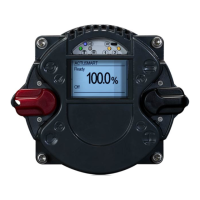
6 Control unit
Operating instructions for actuators type AB with SMARTCON control unit
OM-ENGLISH-CSC-V2.08-2019.11.07
page 20) After reaching the desired parameter value, confirm the value with the selector switch (again, flip it
slightly towards , (see Figure 34, page 17 til Figure 36, page 17).
6.3.3 Configuration example
By way of example, we will change parameter P20.6 (infrared) from 0 (infrared communication off) to 1 (In-
frared communication on). Thus, the IR connection is activated for a short time and then deactivated again
automatically:
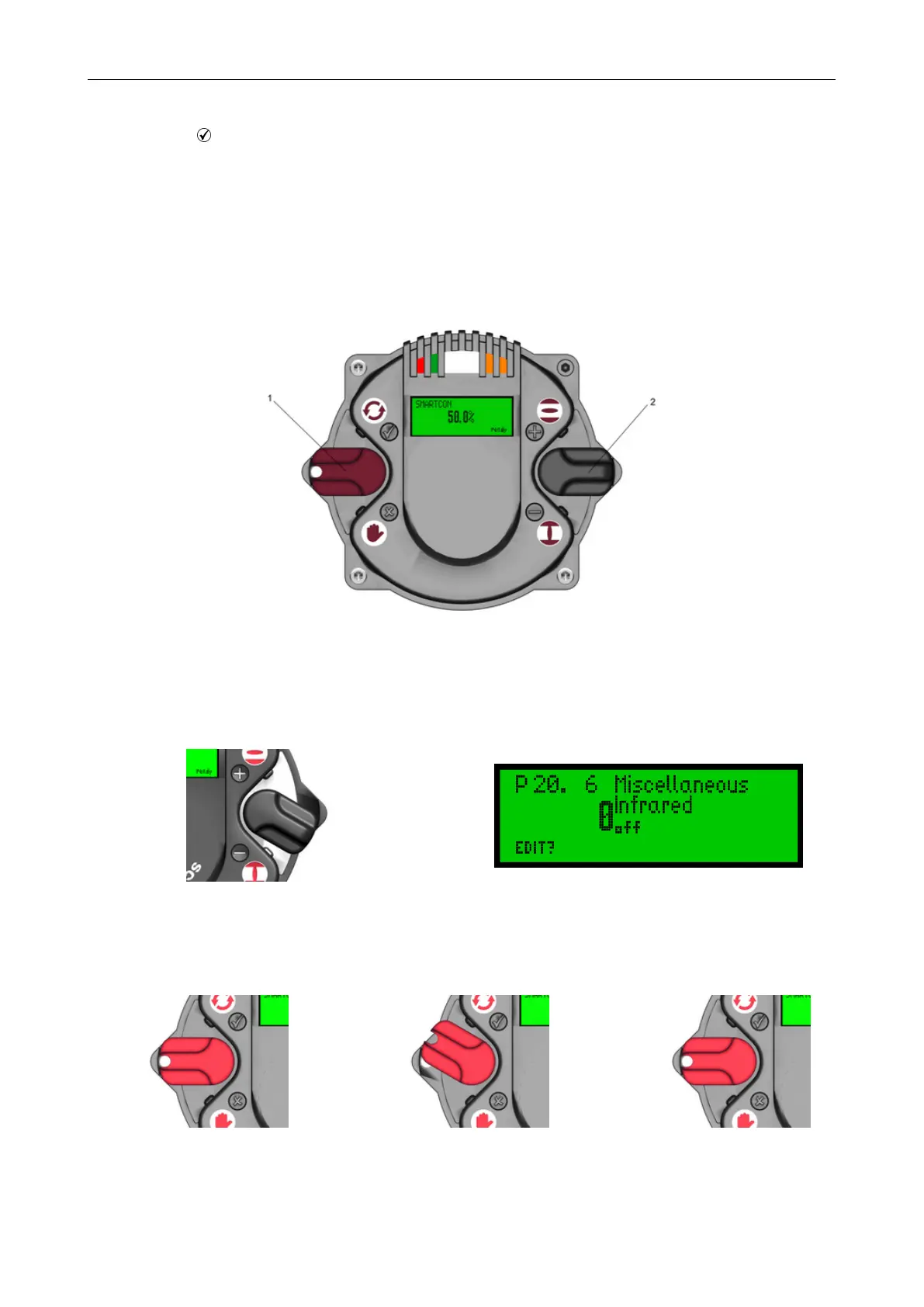
The operating and control switch must be in the neutral position
Figure 49: 1. . . Selector switch (red) , 2. . . Control switch (black)
Now, move the control switch down (towards ) until the menu item "P 20.6 Miscellaneous - Infrared" is displayed.
Figure 50
Figure 51
Afterwards, flip up slightly the selector switch (towards ) and let it snap back to its neutral position
Figure 52
⇒
Figure 53
⇒
Figure 54
This changes the bottom line of the display from "EDIT?" to "SAVE?"
22


 To Next Page