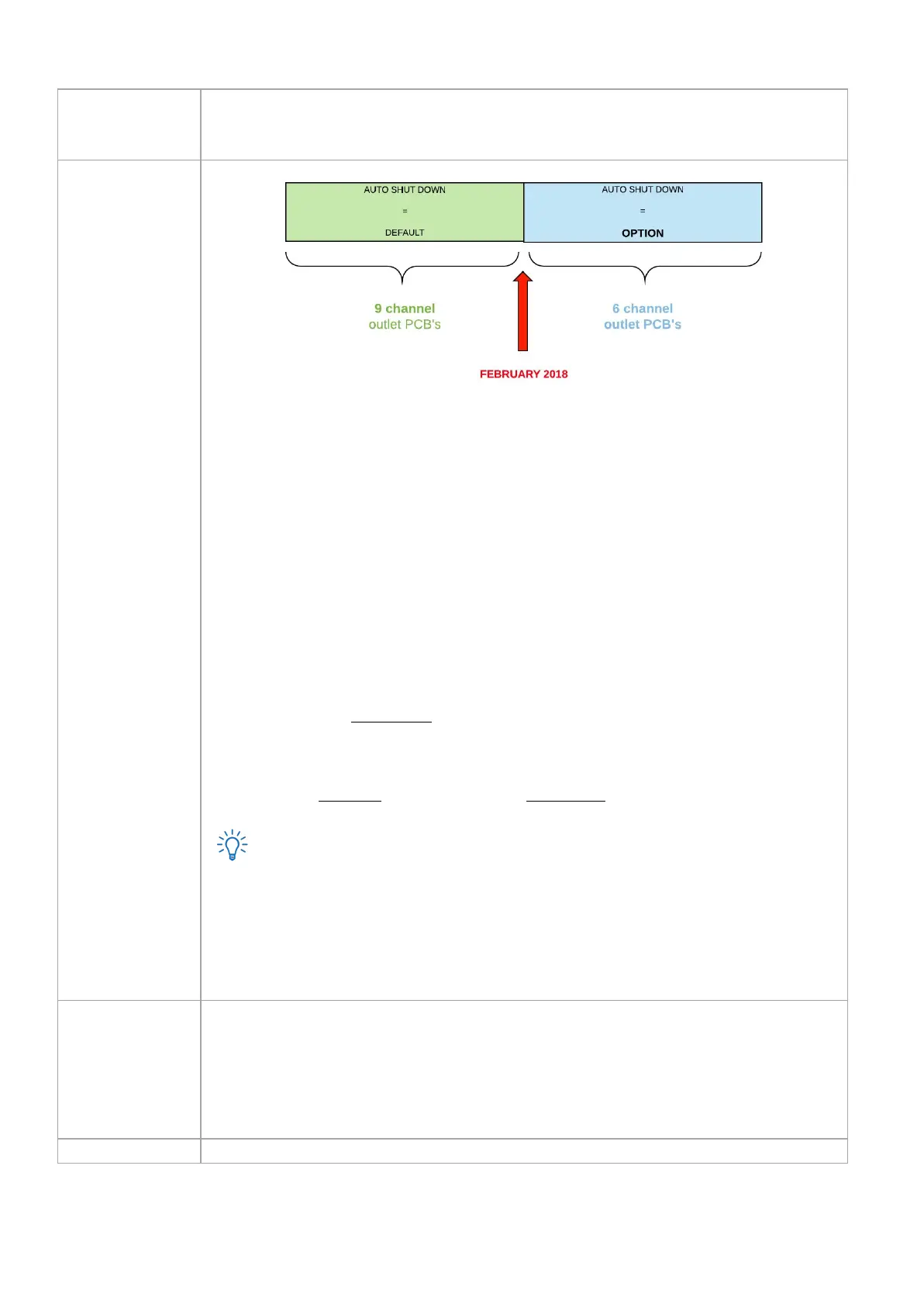
Auto shut down is standard/default on Schleifenbauer PDUs. This means that when power
distribution to the PDU fails, all outlets will shutdown; which of course leads to shut down of
connected servers and other equipment .
The reason for the auto shut down is is to prevent peak currents damaging equipment when
power loss is solved and power distribution restarts. As a customer you are able to set the power
up mode of the outlets.
Outlet behaviour can be set as:
❏ no switching on power up
- at power up, all outlets are kept in the off state
❏ use system-wide outlet delay
- at power up, all the outlets are set to their last known state by respecting the
fixed
system-wide
outlet delay
❏ use individual outlet delay
- at power up, all the outlets are set to their last known state, but delayed by the
individual
outlet delay plus fixed
system-wide
outlet delay
For PDU’s built from February 2018 and equipped with 6-channel outlet prints, there is an
extra option:
❏ no switching on power down
- in this state outlets are not turned off by default on power loss. This option is only
available for G3 (2018) hardware.
Setting for overriding the outlet unlock registers. When this setting is enabled outlets can be
switched or power cycled without unlocking them first.
Note that this makes it easier for the user to switch outlets using SNMP, Modbus and API, but also makes it easier to
switch the wrong outlet.
Please keep in mind that this setting isn’t valid for the web interface. To be able to make a change through web
interface, the relevant part has to be unlocked first.



 To Next Page