Mirra Manual for Windows Release 2.2 92
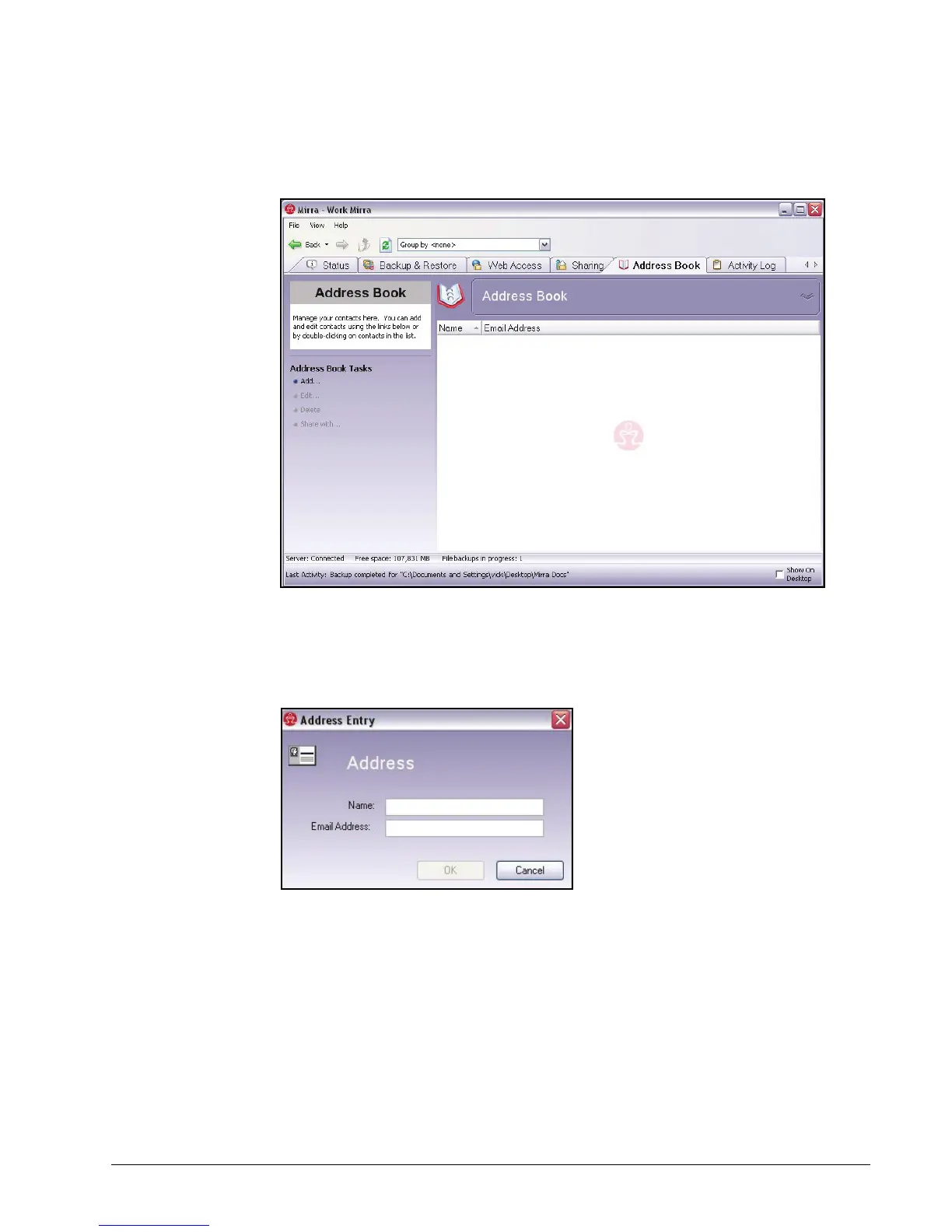
The Address Book screen opens:
Figure 6~2 Address Book Screen
Step 2: On the Address Book Tasks menu, select Add.
The Address Entry window opens:
Figure 6~3 Address Entry
Step 3: Enter a name and email address to add to your address book.
Step 4: Click OK.



 To Next Page