Mirra Manual for Windows Release 2.2 126
Chapter 9: Managing Your Mirra
Checking the Backup Status of all Computers
To review the status of all computers connected to your Personal Server,
Step 1: Sign in at the Mirra web site at
www.mirra.com
.
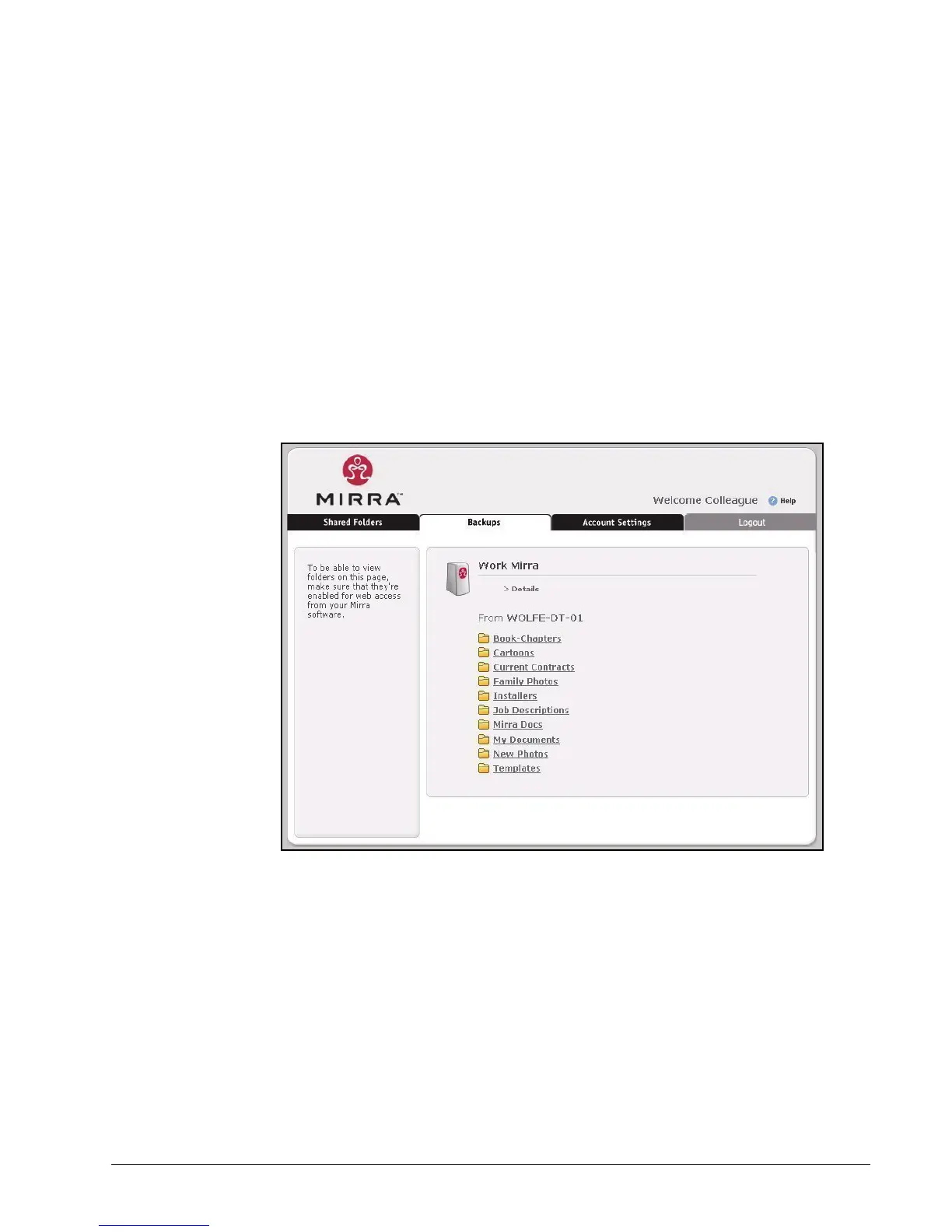
You see the Mirra Backups page:
Figure 9~1 Mirra Web Site
Step 2: Click Details.



 To Next Page