Mirra Manual for Windows Release 2.2 65
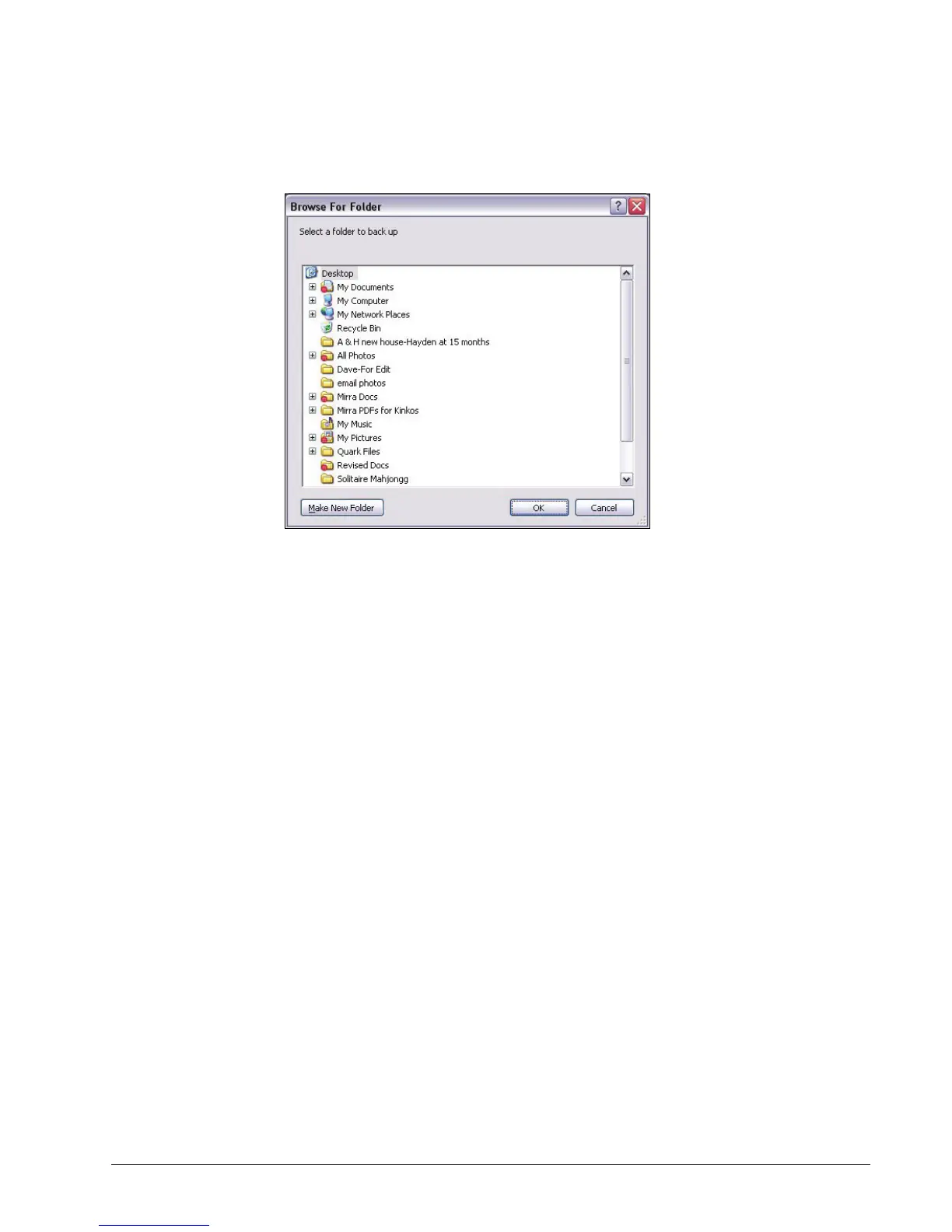
The Browse for Folder window opens:
Figure 5~6 Browse for Folder
Step 2: Select the folder to be backed up and click OK.
A Confirm Backup window opens.
Step 3: Click OK.
The folder is added to the list on the Backup & Restore screen, a
notification is posted in the Alerts area of the Status screen, and a popup
appears in your System Tray.
From your Desktop or Windows Explorer
To select a folder for backup from your Windows desktop,
Step 1: Right-click on the folder on your desktop or in Windows Explorer.



 To Next Page