Mirra Manual for Windows Release 2.2 94
Editing an Address
Step 1: On the Address Book screen, select the address to be edited.
Step 2: On the Address Book Tasks menu, click Edit (you can also double-click the
address).
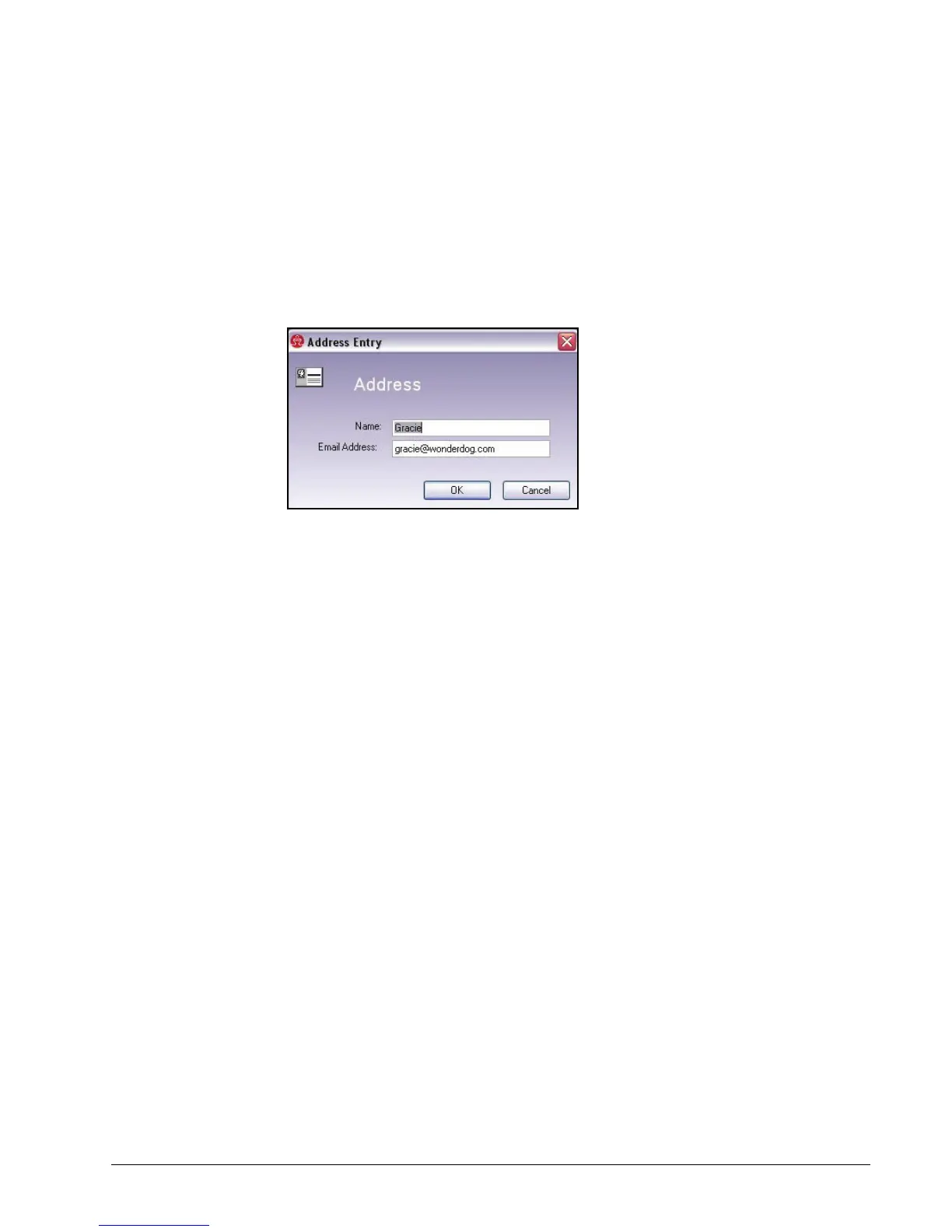
The Address Entry window for this person opens:
Figure 6~6 Edit Address
Step 3: Make your changes.
Step 4: Click OK.
Deleting an Address
Step 1: On the Address Book screen, select the address to be removed.
Step 2: On the Address Book Tasks menu, click Delete.
The name and address disappear from the Address Book screen.
Sharing a Folder with an Address
Step 1: On the Address Book screen, select the address(es) to be shared with.
To choose more than one address at a time, press Ctrl and select the
desired addresses.
Step 2: On the Address Book Tasks menu, click Share with.
The Share a Folder window opens.
See
Using the Share a Folder Window
for further instructions.



 To Next Page