Mirra Manual for Windows Release 2.2 64
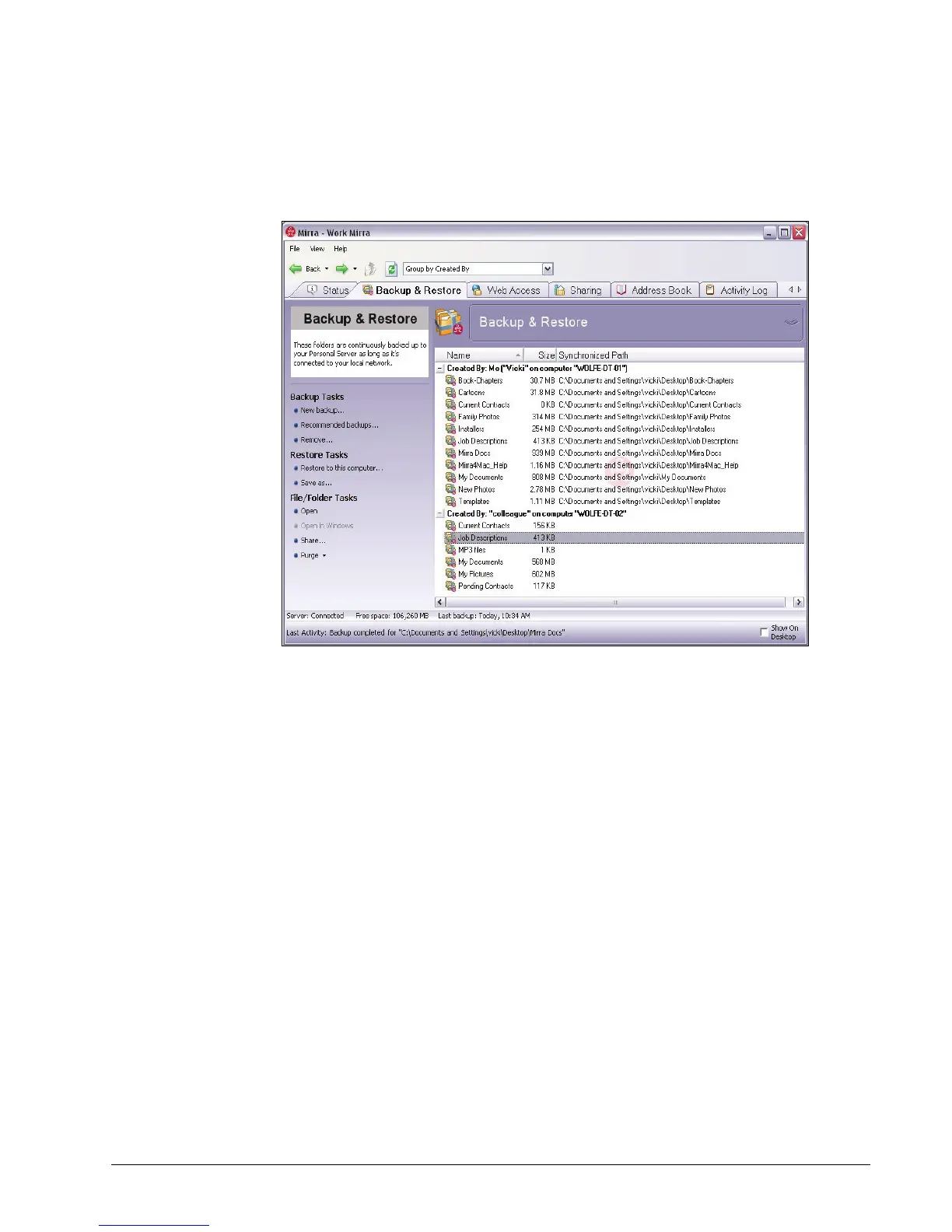
If other computers are connected to your Mirra, folders backed up from
those computers are also displayed on your Backup & Restore screen:
Figure 5~5 Backup & Restore Screen on Local Network
A backup notification verifying that a folder has been selected for backup
is posted in the Alerts area of the Status screen and pops up in your
System Tray (if popups are enabled on your computer).
From the Backup Tasks Menu
Use the Backup Tasks menu to back up folders not listed in the Folders
Recommended for Backup window.
To select a folder from the Backup Tasks menu,
Step 1: On the Backup & Restore screen, click New backup on the Backup Tasks
menu.



 To Next Page