Mirra Manual for Windows Release 2.2 63
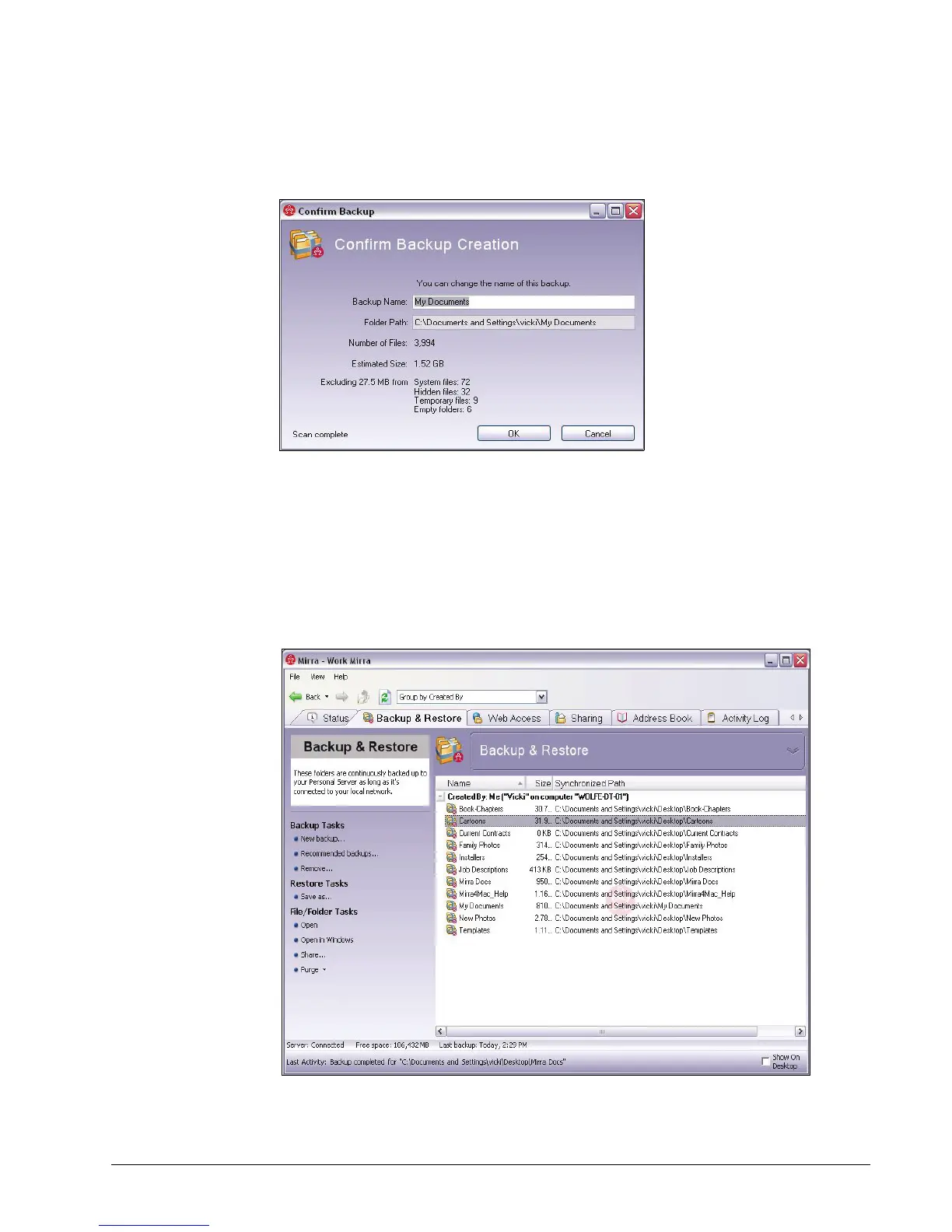
A Confirm Backup window opens for each folder you’ve selected:
Figure 5~3 Confirm Backup
Step 5: Change the folder name if you wish and confirm that this is the folder to be
backed up.
Step 6: Click OK.
The Backup & Restore screen lists the folders backed up from your
computer:
Figure 5~4 Backup & Restore Screen



 To Next Page