Mirra Manual for Windows Release 2.2 58
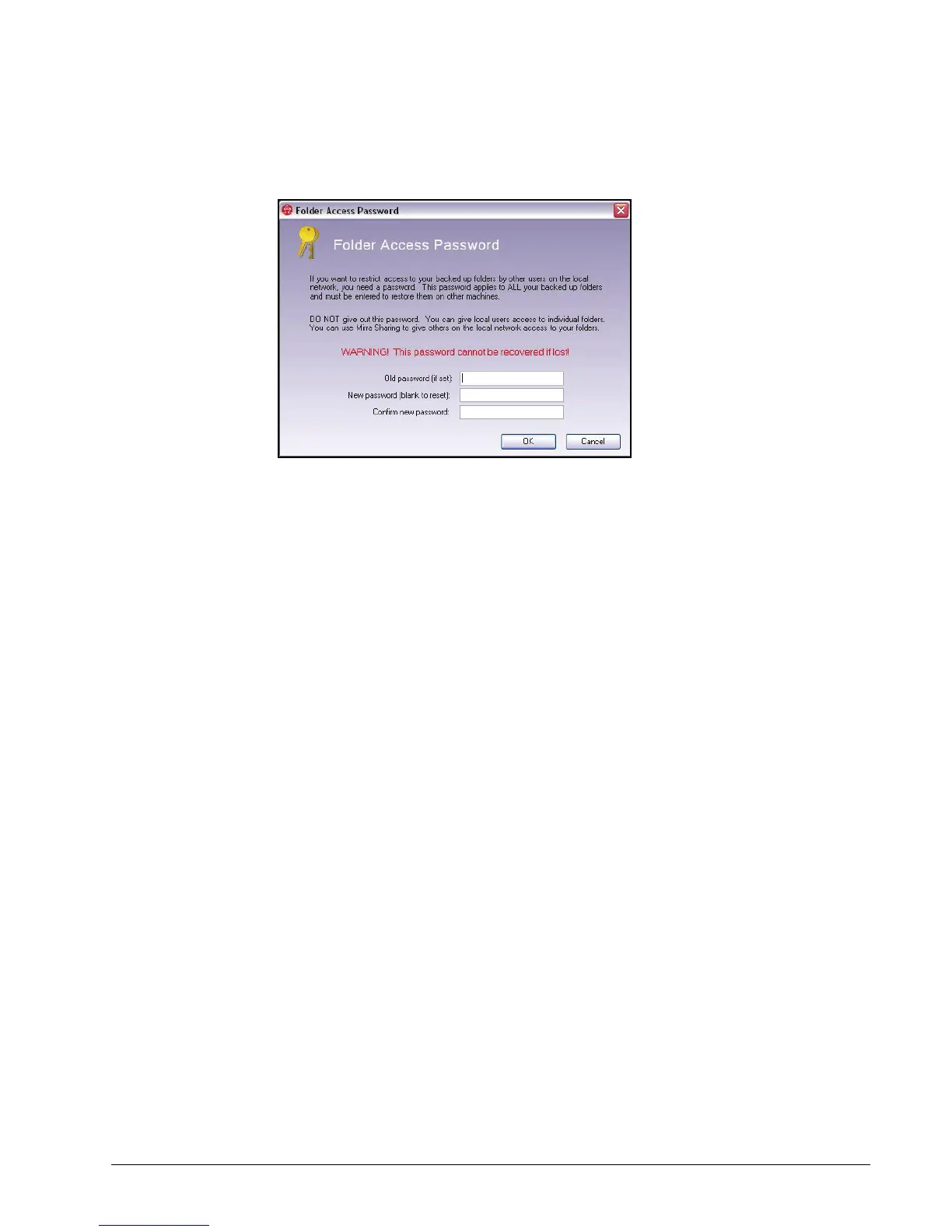
The Folder Access Password window opens:
Figure 4~4 Folder Access Password
Step 3: In the Access Password window,
• Enter your password if one exists or enter a new password.
• Edit the existing password or confirm the new password.
Step 4: Click OK to close the Access Password window.
Alert Tasks
Dismissing an Alert
To dismiss a selected alert,
Step 1: Click the Status tab.
Step 2: In the Alerts area of the Status screen, select the alert to be dismissed.
Step 3: On the Alert Tasks menu, click Dismiss alert.
The alert is deleted.
Dismissing All Alerts
To dismiss all alerts at once,
Step 1: Click the Status tab.
Step 2: On the Alert Tasks menu, click Dismiss all alerts.
All alerts are deleted and the Alerts area closes.



 To Next Page