Mirra Manual for Windows Release 2.2 91
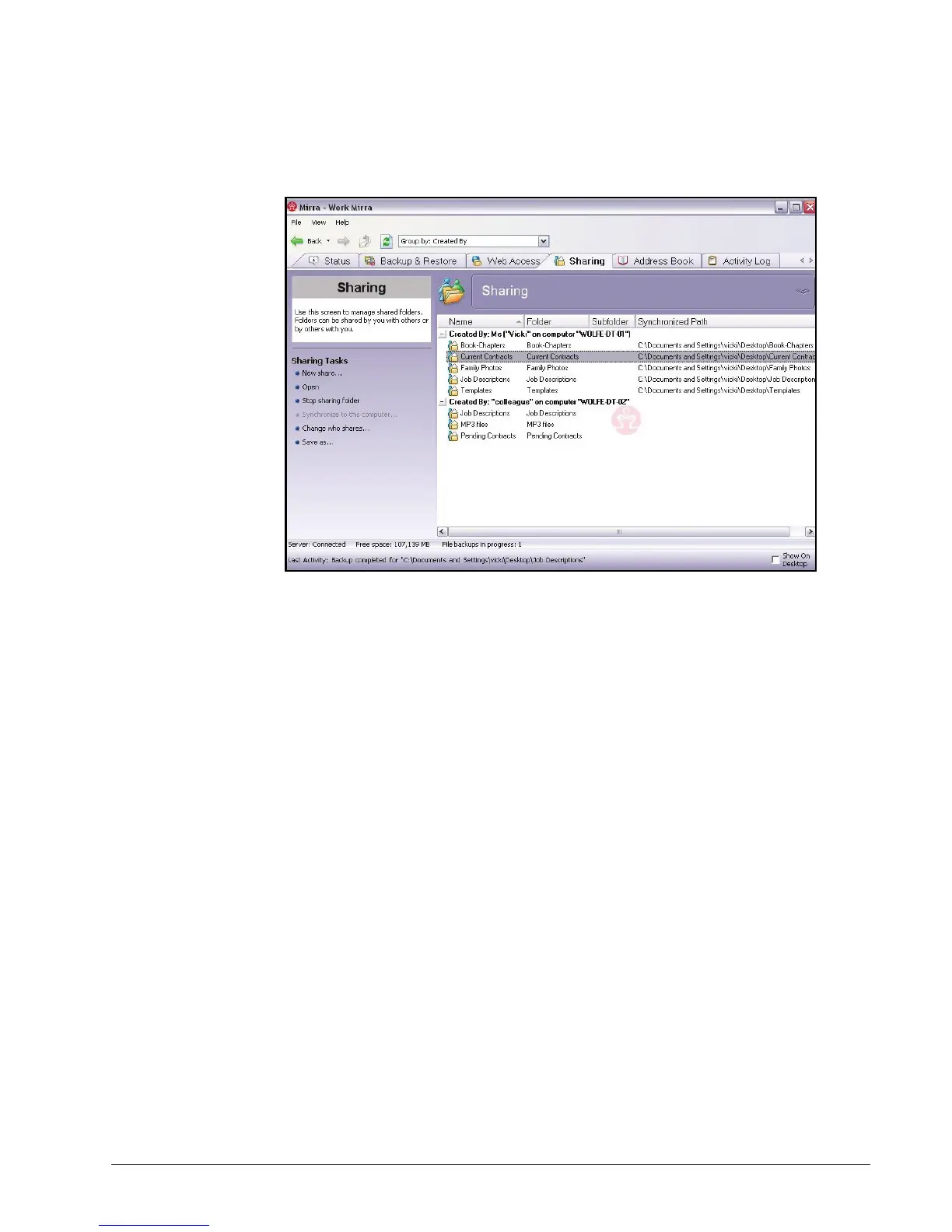
Figure 6~1 Sharing Screen
You can share backed up folders in two ways:
1. Via the web through a free, password-protected account at
www.mirra.com
.
2. Locally with any computer connected to your Personal Server.
Once you share a folder, any new files you add to that folder are automatically
shared as well.
Sharing via the Web
Setting Up an Address Book
Since Mirra uses people’s email addresses to notify them that you are sharing a
folder with them via the web, sharing is easier if you use a Mirra Address Book.
To create an Address Book,
Step 1: Click the Address Book tab.



 To Next Page