Mirra Manual for Windows Release 2.2 117
Chapter 7: Setting Up Web Access
Once you’ve created a Mirra Web Account and have enabled your backed up folders
for web access, you can view, download, edit, and upload the files stored in them
from any computer connected to the Internet by signing in at
www.mirra.com
.
Creating a Mirra Web Account
You must create a free Mirra Web Account at
www.mirra.com
before you can use
the Web Access feature. If you did not create a Web Account during the software
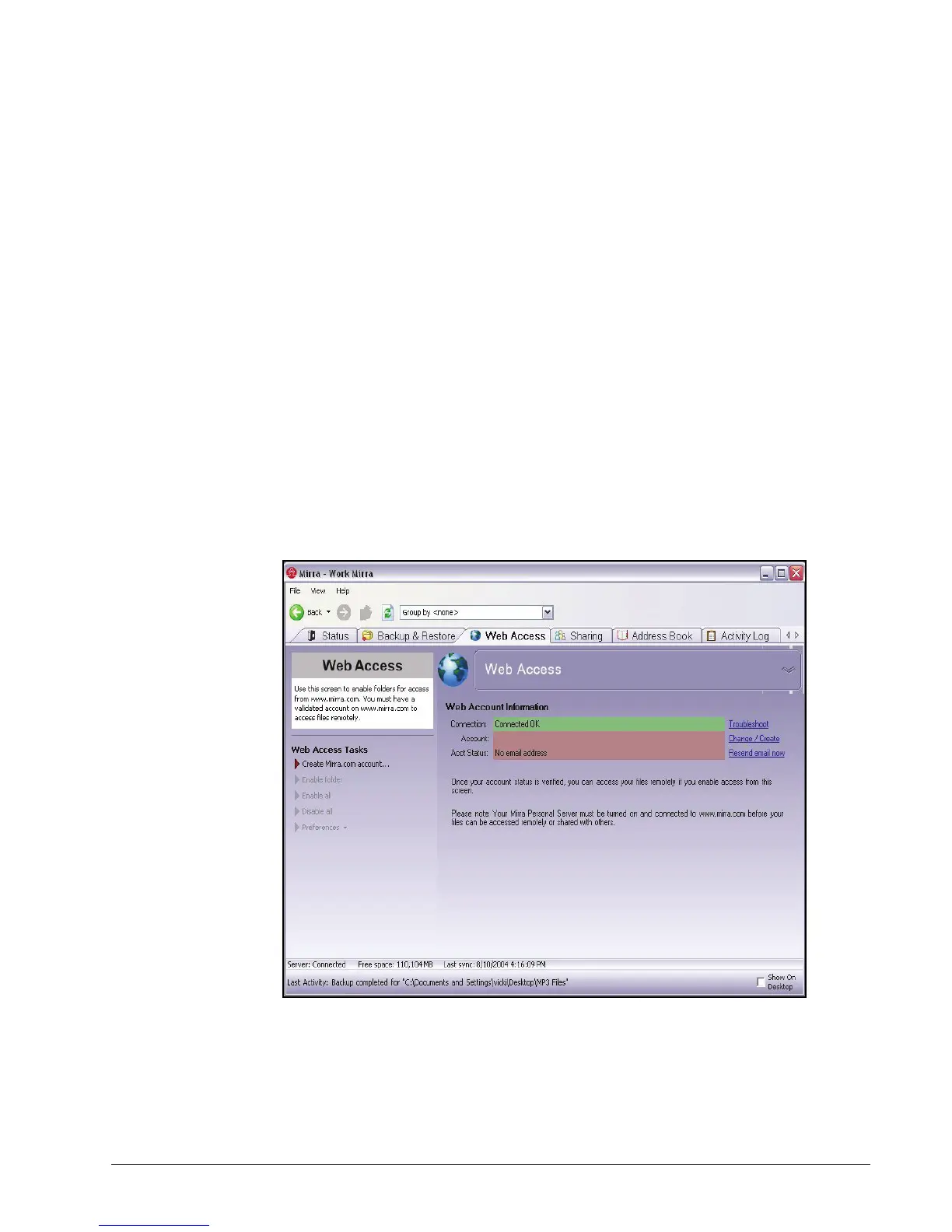
setup process, this is reflected in the Web Account Information area of the Web
Access screen:
Figure 7~1 Web Access Screen - No Mirra Web Account
To create a Mirra Web Account,
Step 1: Click the Web Access tab.



 To Next Page