Mirra Manual for Windows Release 2.2 43
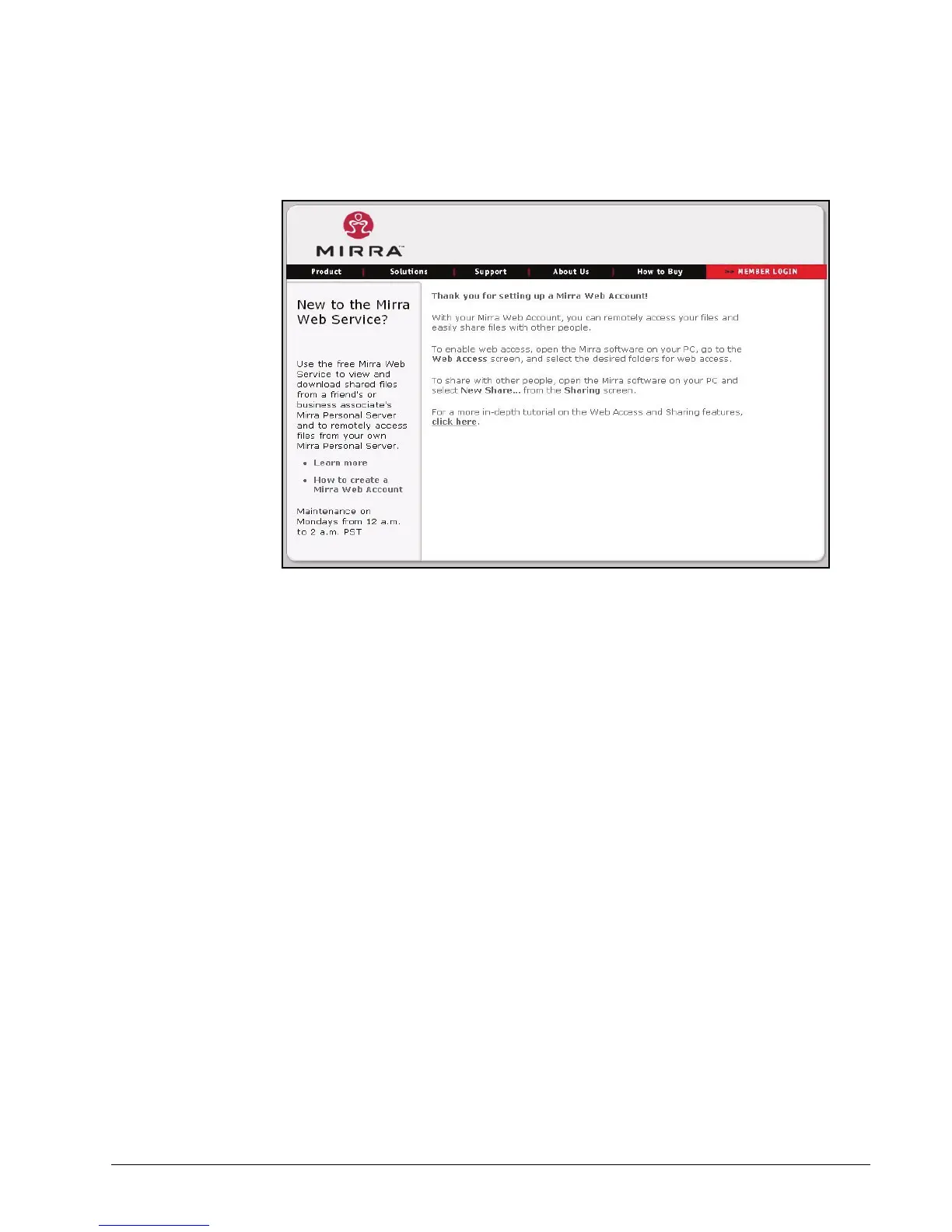
The Thank You page opens:
Figure 3~42 Thank You
Step 7: Return to the application on your desktop.
Naming your Personal Server
You can change the name you assigned to your Personal Server when you set up
the Mirra software.
To change the name of your Personal Server,
Step 1: In the Mirra Tasks menu on the Status screen, click Configure.



 To Next Page