Mirra Manual for Windows Release 2.2 66
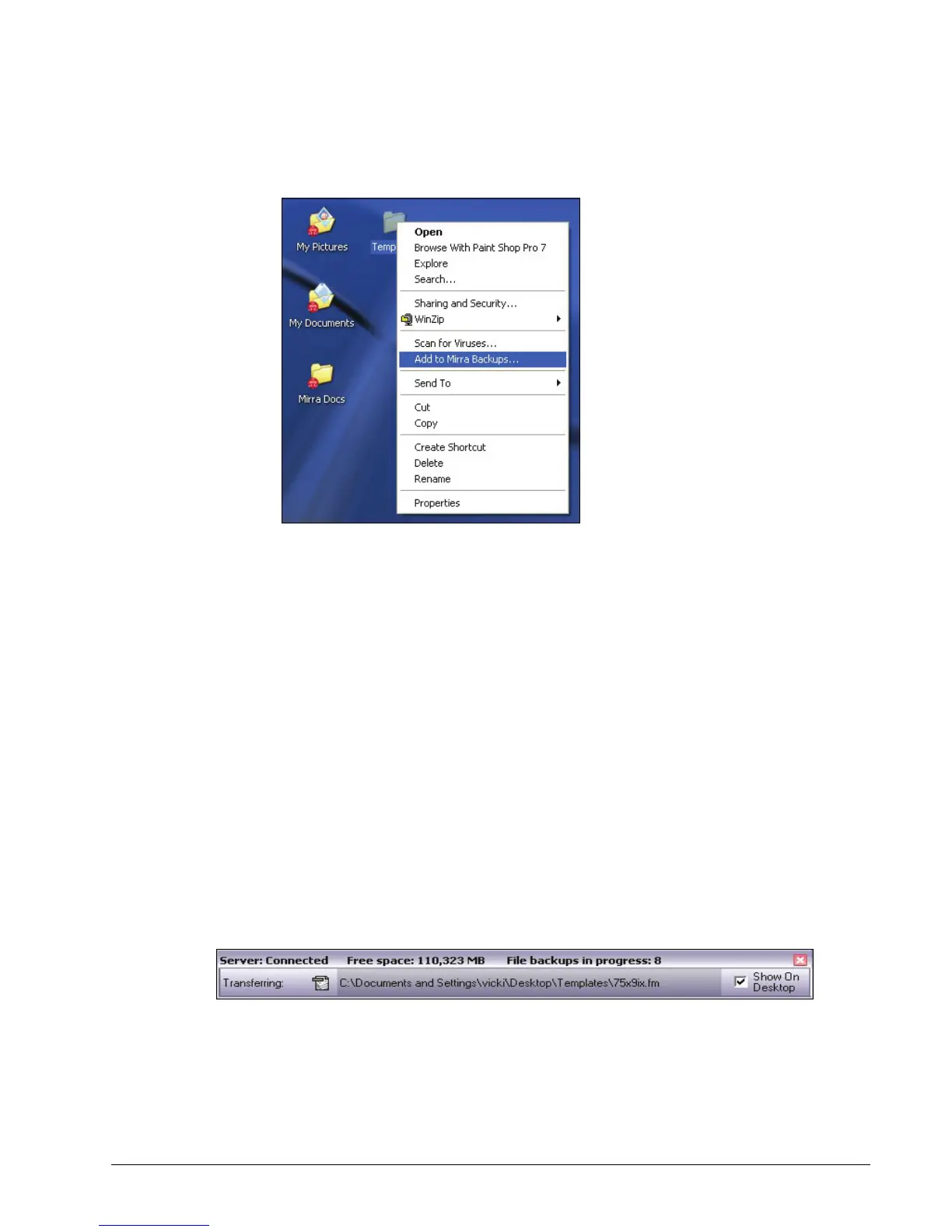
The Windows dropdown menu opens:
Figure 5~7 Windows Dropdown Menu
Step 2: On the dropdown menu, select Add to Mirra Backups.
A Confirm Backup window opens.
Step 3: Click OK.
The folder is added to the list on the Backup & Restore screen, a
notification is posted in the Alerts area of the Status screen, and a popup
appears in your System Tray.
Checking Backup Status on your Computer
Verifying a Backup
While a backup is under way, the Status Bar indicates the backup progress of every
file in each folder being backed up:
Figure 5~8 Status Bar (Detached) Progress Indicator
There are several ways to confirm that a folder has been backed up:
1. The folder is listed on the Backup & Restore screen.



 To Next Page