Mirra Manual for Windows Release 2.2 5
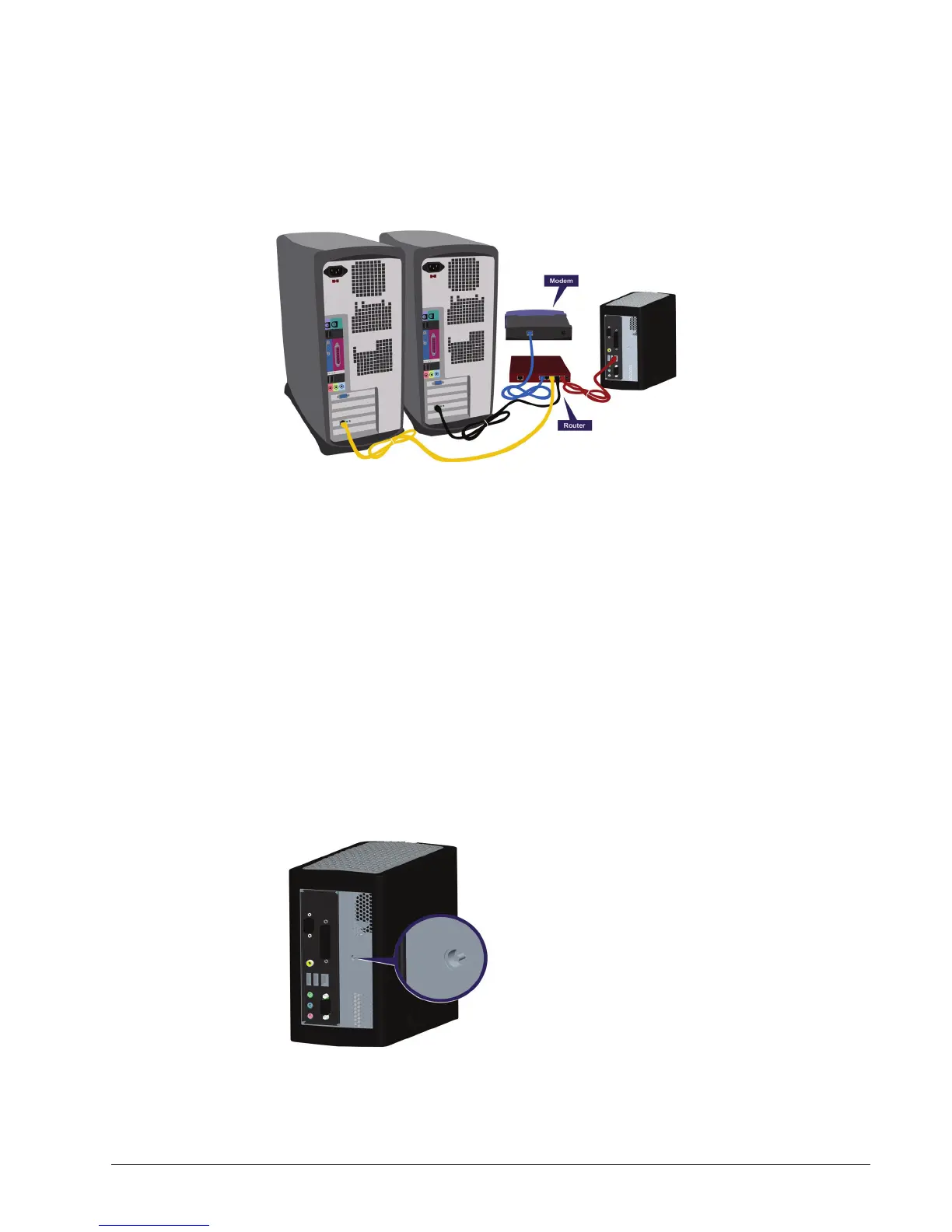
the provided Ethernet cable to connect your Personal Server to the router as
shown in Figure 2~2:
Figure 2~2 Connecting your Personal Server with Multiple Computers
Your configuration might look different than the one pictured in Figure 2~2.
Connect your Personal Server to your router in the same way you connect other
computers.
Connecting your Mirra to a Power Source
To connect your Mirra to a power source,
Step 1: Plug the appropriate end of the provided power cable into the power slot on
the rear of your Personal Server. Make sure it’s firmly and completely
seated.
Figure 2~3 Mirra Power Plug Outlet



 To Next Page