Mirra Manual for Windows Release 2.2 6
Step 2: Connect the other end of the power cable to an AC power source.
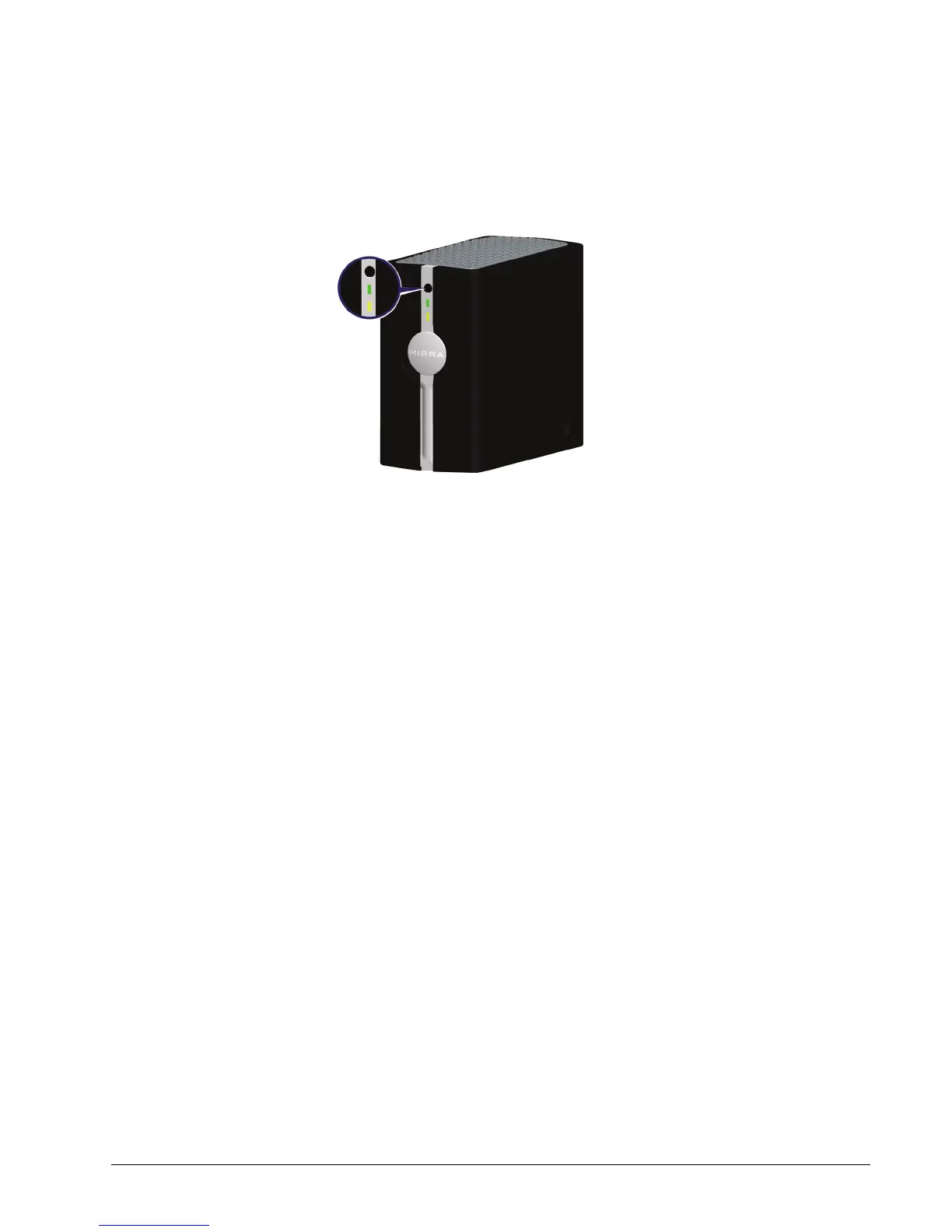
Step 3: On the front of the Mirra, press and release the power button:
Figure 2~4 Mirra Power Button
• The green light to the right of the power button shines steadily.
• The amber light to the left of the power button starts blinking after a few
seconds.
When the amber light shines steadily and a startup tone sounds, you have
successfully installed your Personal Server. (If the amber status light
shuts off, check the Mirra web site for help at
http://support.mirra.com
.)



 To Next Page