Mirra Manual for Windows Release 2.2 56
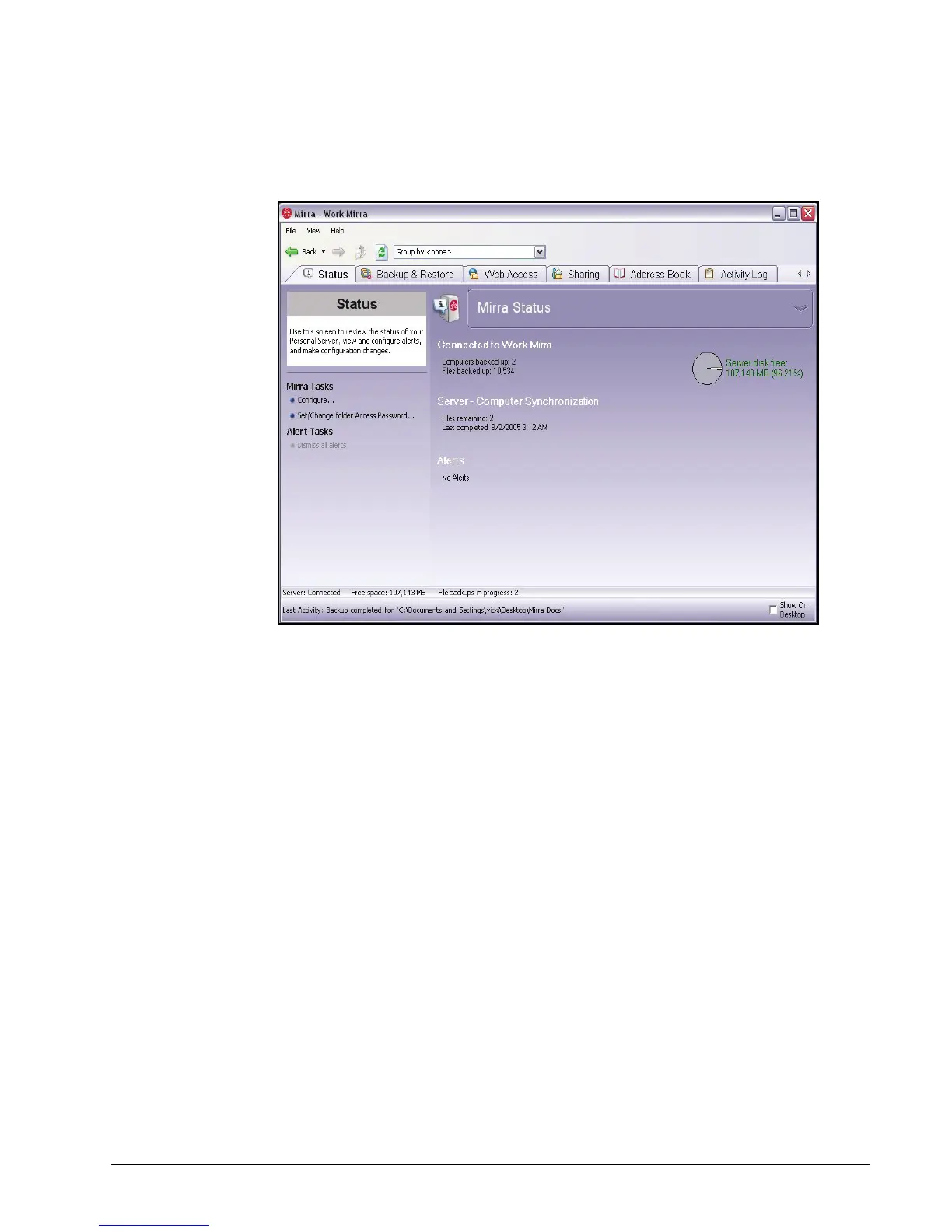
When there are no outstanding alerts, the Alerts pane is hidden:
Figure 4~2 Status Screen - No Alerts
Using the Task Menus
Mirra Tasks
Configuring a Mirra Name or Advanced Network Settings
To choose or change the name of your Mirra or to enter advanced network settings,
Step 1: Click the Status tab.
Step 2: On the Mirra Tasks menu, click Configure.



 To Next Page