Mirra Manual for Windows Release 2.2 127
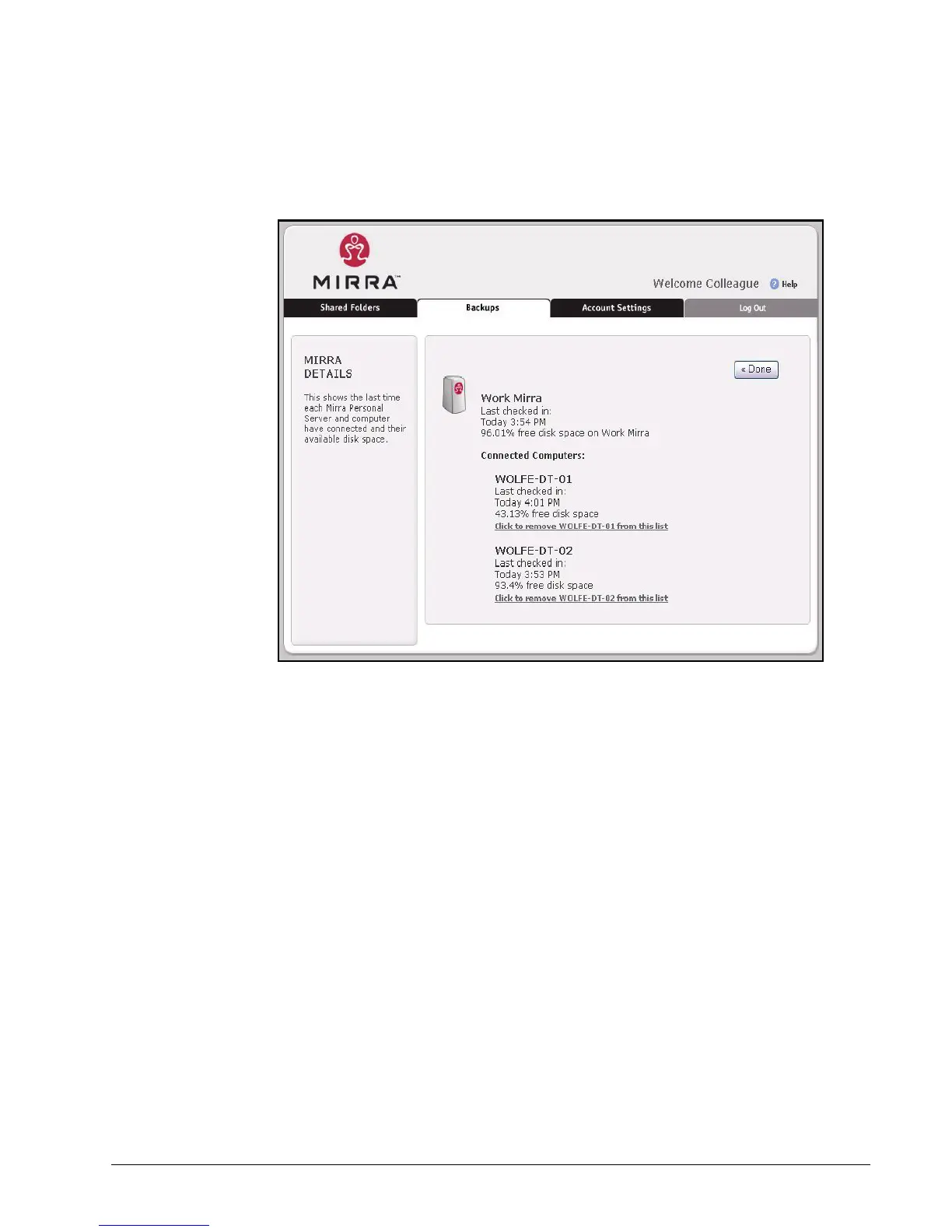
The Mirra Details page displays the current status of all computers backed
up to your Personal Server:
Figure 9~2 Mirra Details
Turning Off your Personal Server
Since your Personal Server continuously backs up your computer and must be
turned on in order for you to access folders remotely, you should leave it on all the
time. However, if you need to move your Personal Server, you must first turn it off.
To turn off your Mirra,
Step 1: Press the power button on the front panel quickly once and release it. DO
NOT HOLD DOWN THE POWER BUTTON.
The amber status light to the left of the power button blinks while your
Personal Server is shutting down. This takes approximately 30 to 60
seconds. When both LED lights have turned off, it’s safe to proceed.
Step 2: Remove the cables from the rear of the Personal Server.



 To Next Page