Mirra Manual for Windows Release 2.2 33
Creating a New Web Account
In the Create a Mirra Web Account window in the Setup Wizard, you entered an
email address to be associated with your free Mirra Web Account. Now you must
complete the creation of your Web Account on the Mirra web site.
Note: You must receive your license key verification before you can create a Mirra Web Account.
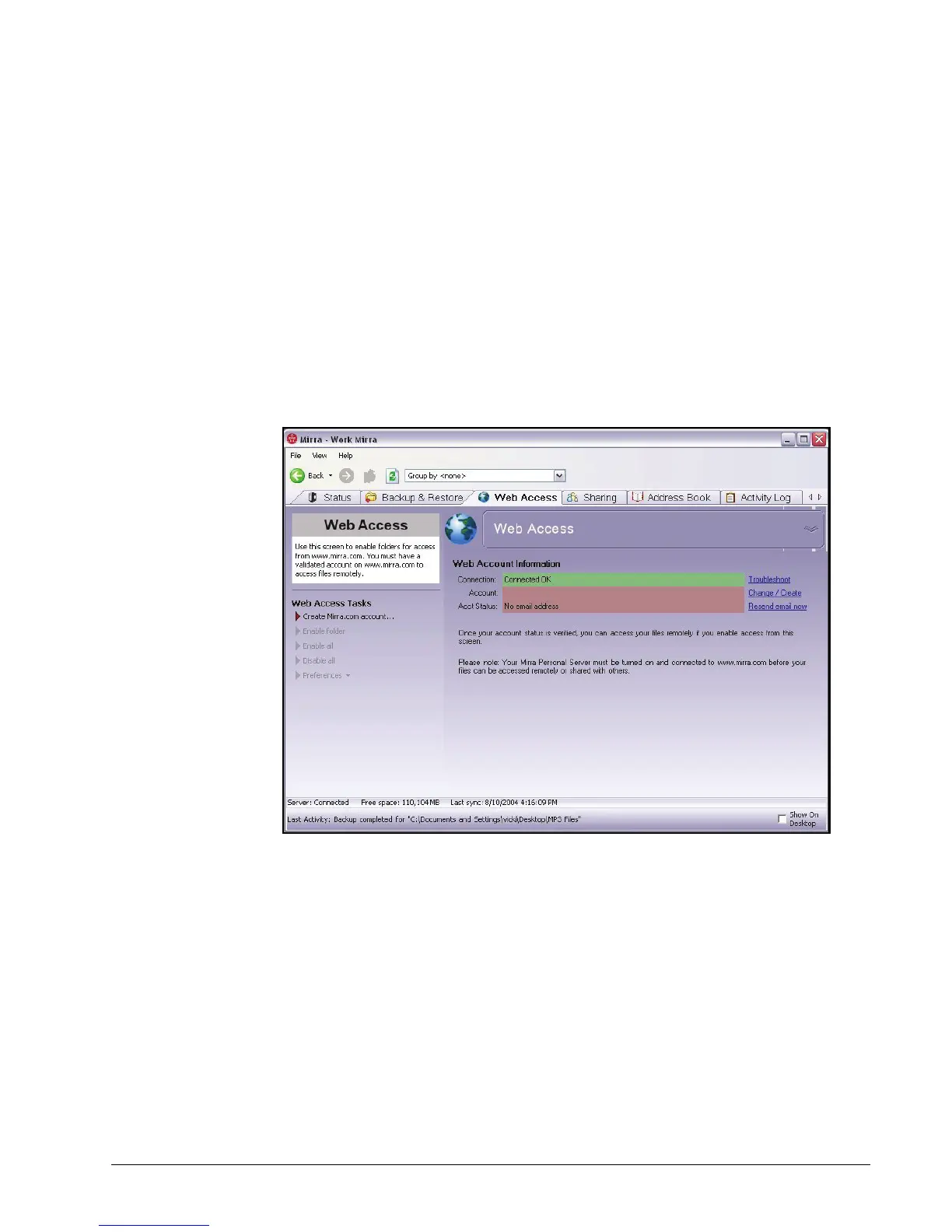
Until you create a Web Account, the Web Account Information area of the Web
Access screen in your Mirra application indicates that your Mirra is connected but
your Web Account has not yet been confirmed:
Figure 3~31 Web Access Screen — No Web Account



 To Next Page