Mirra Manual for Windows Release 2.2 57
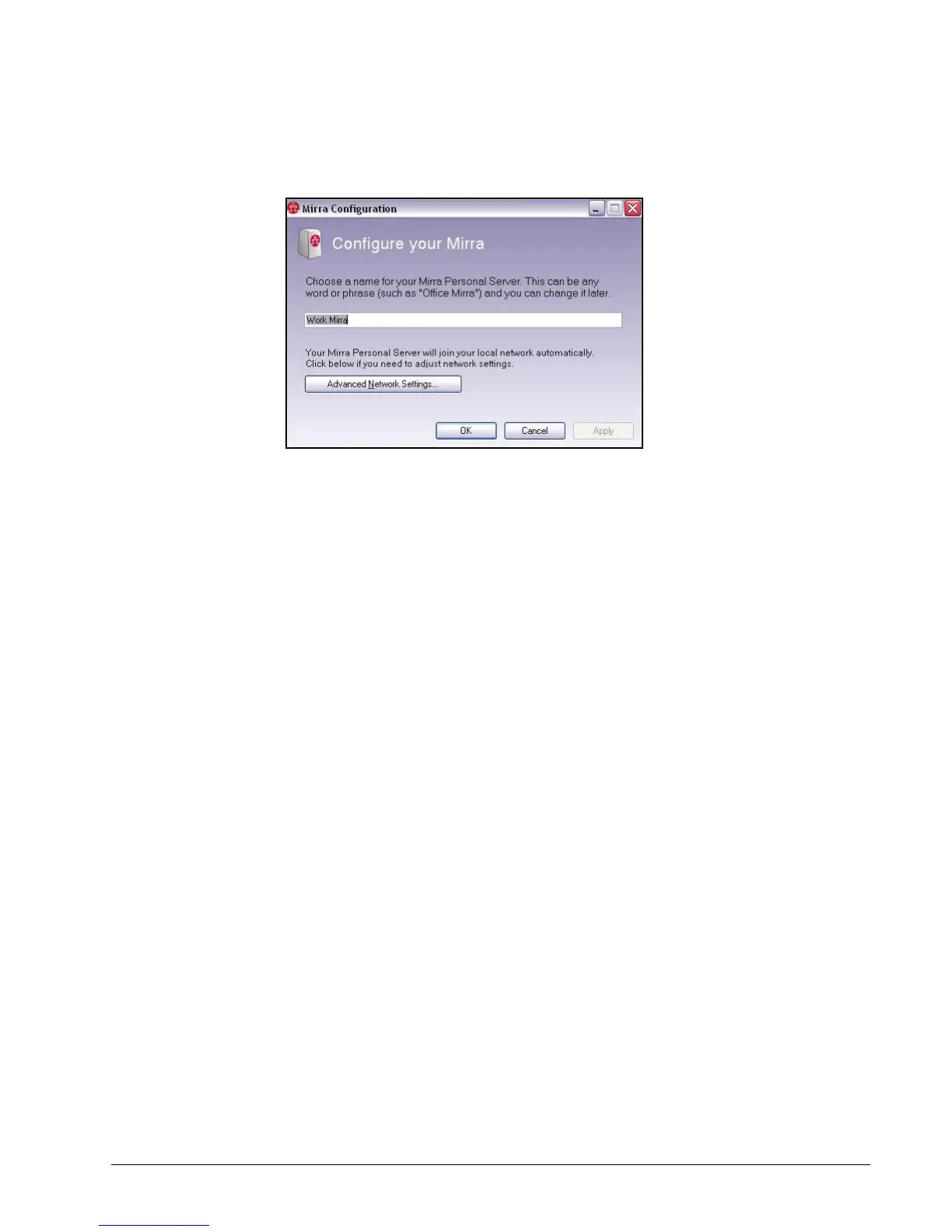
The Configure your Mirra window opens:
Figure 4~3 Configure your Mirra
Step 3: In the Configure your Mirra window,
• Enter or edit a name for your Mirra.
• Click Advanced Network Settings to enter or edit an IP address and DNS server
address and click OK.
Step 4: Click OK to close the Quick Setup window.
Setting/Changing an Access Password
To set an Access Password if you do not already have one or edit a password you
selected previously,
Step 1: Click the Status tab.
Step 2: On the Mirra Tasks menu, click Set/Change Access Password.



 To Next Page