Mirra Manual for Windows Release 2.2 21
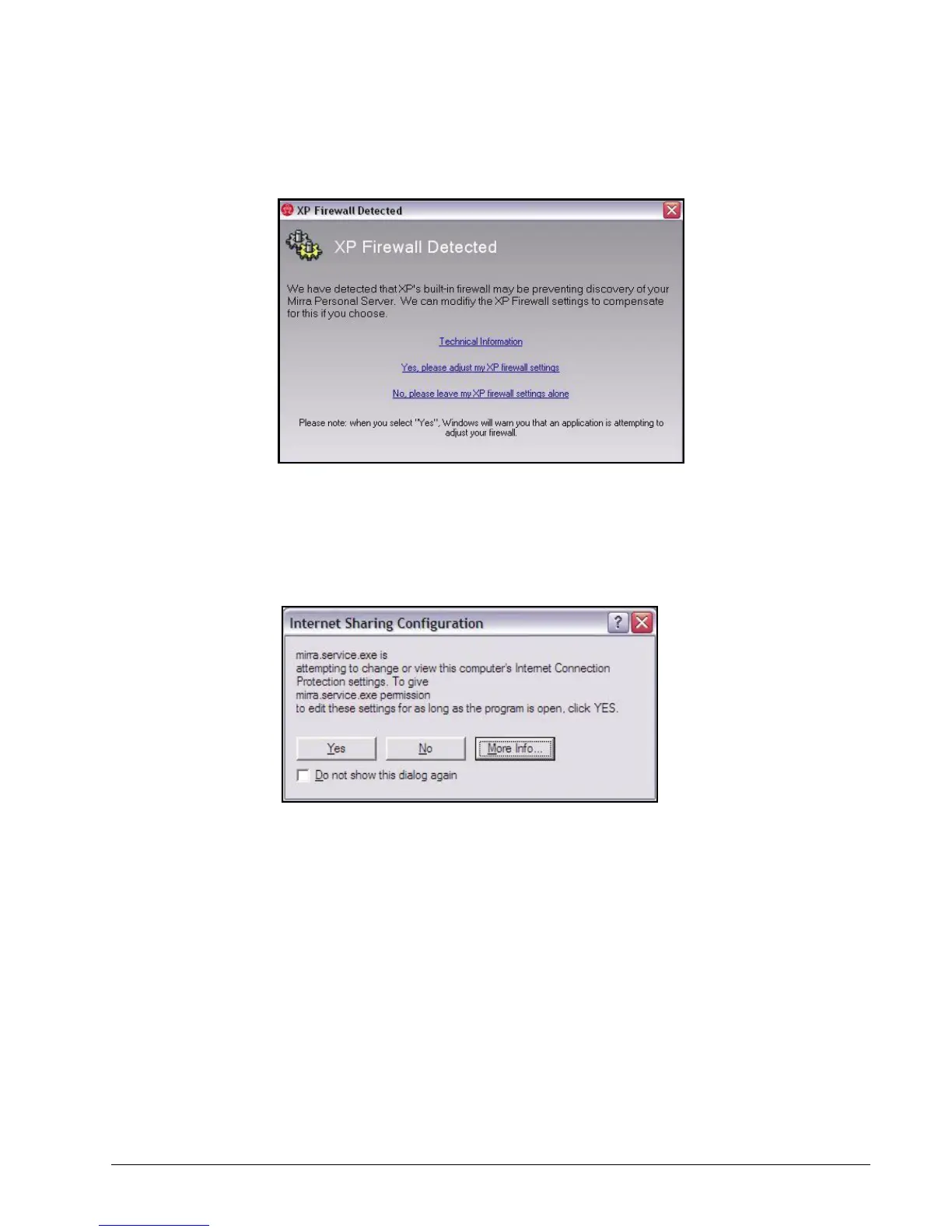
The XP Firewall Detected window opens:
Figure 3~16 XP Firewall Detected Window
Step 2: Click Yes, please adjust my XP firewall settings.
The Internet Sharing Configuration window opens (unless you’ve previously
requested that the window not be shown again):
Figure 3~17 Internet Sharing Configuration Window
Step 3: Click Yes.
The Mirra software makes the appropriate adjustments to your XP firewall
settings.
ZoneAlarm Firewall
ZoneAlarm may detect your Personal Server during the discovery phase of the
Mirra software installation. If it does not, and if the Mirra software cannot detect



 To Next Page