Mirra Manual for Windows Release 2.2 72
Copying a Folder from Another Computer
To copy a folder that’s been backed up to your Mirra by another computer,
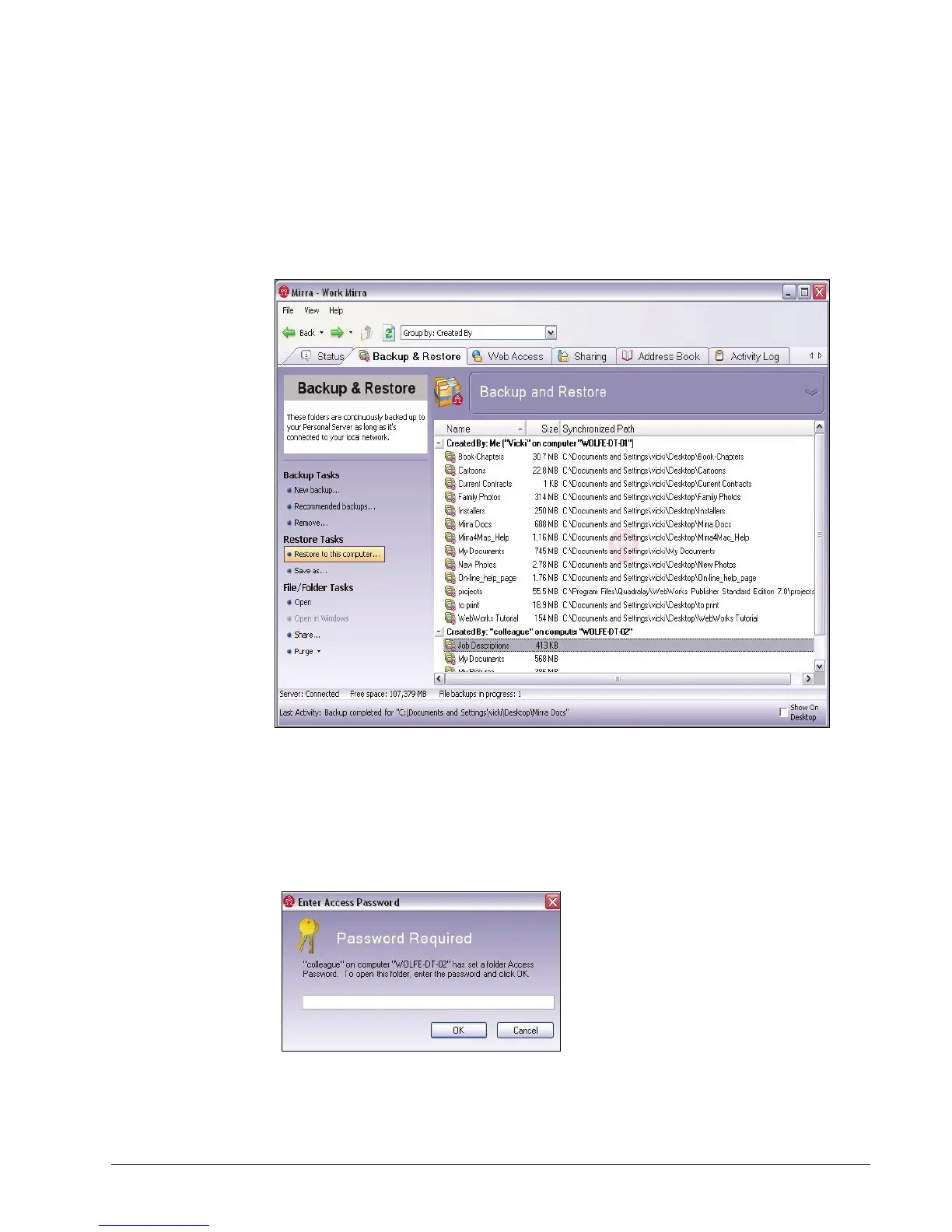
Step 1: On the Backup & Restore screen, select the folder to be copied.
Figure 5~12 Backup & Restore Screen
Step 2: On the Backup Tasks menu, click either Restore to this computer or Save
as.
•
If the folder is not password protected, the Browse for Location window opens.
• If the folder is password protected, the Access Password window opens:
Figure 5~13 Access Password Window



 To Next Page