Mirra Manual for Windows Release 2.2 73
Step 3: Enter the Access Password and click OK.
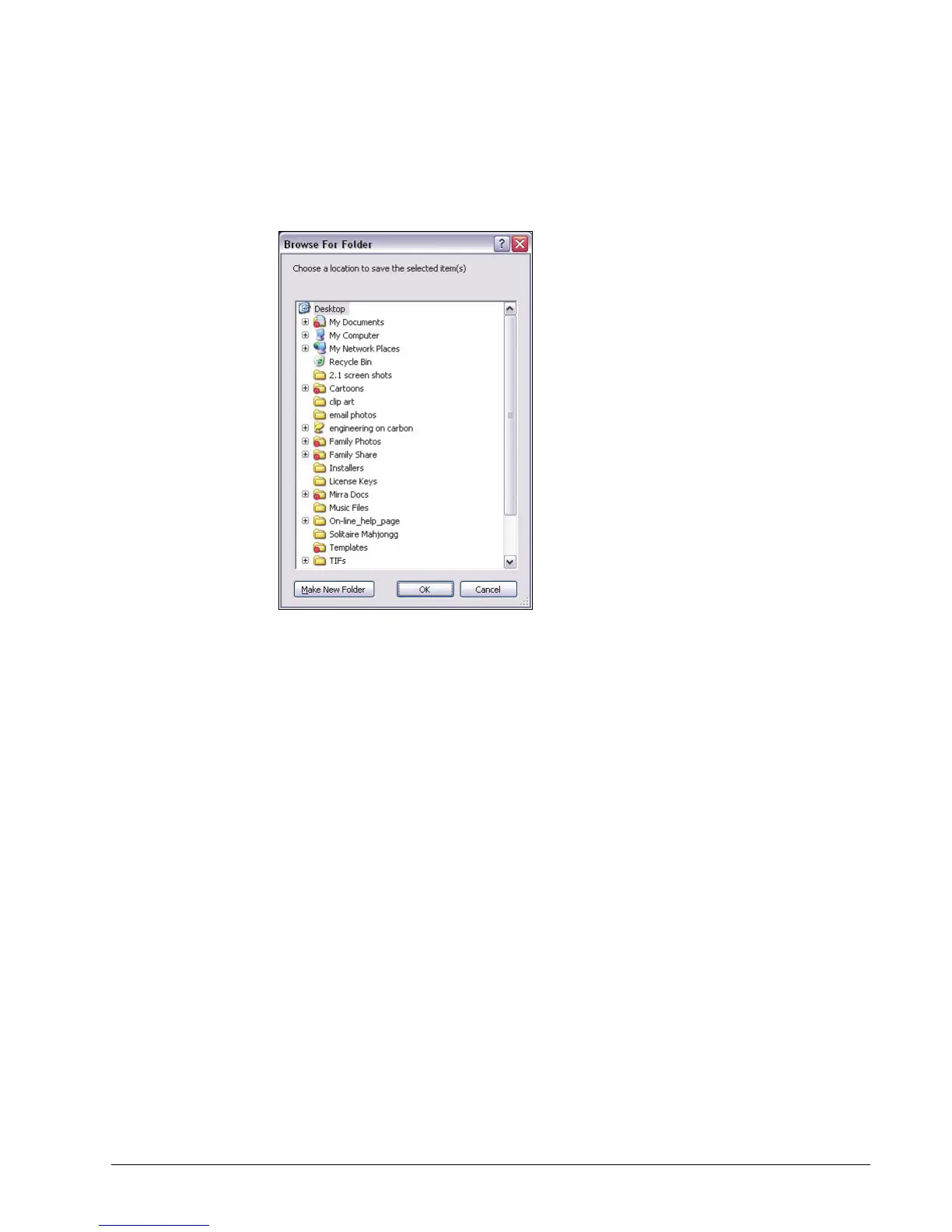
The Browse for Location window opens:
Figure 5~14 Browse for Location
Step 4: Select the location at which you want to copy the folder and click OK.
The folder is saved at the selected location.



 To Next Page