Mirra Manual for Windows Release 2.2 87
Version Tasks
Saving a Selected Version of a File
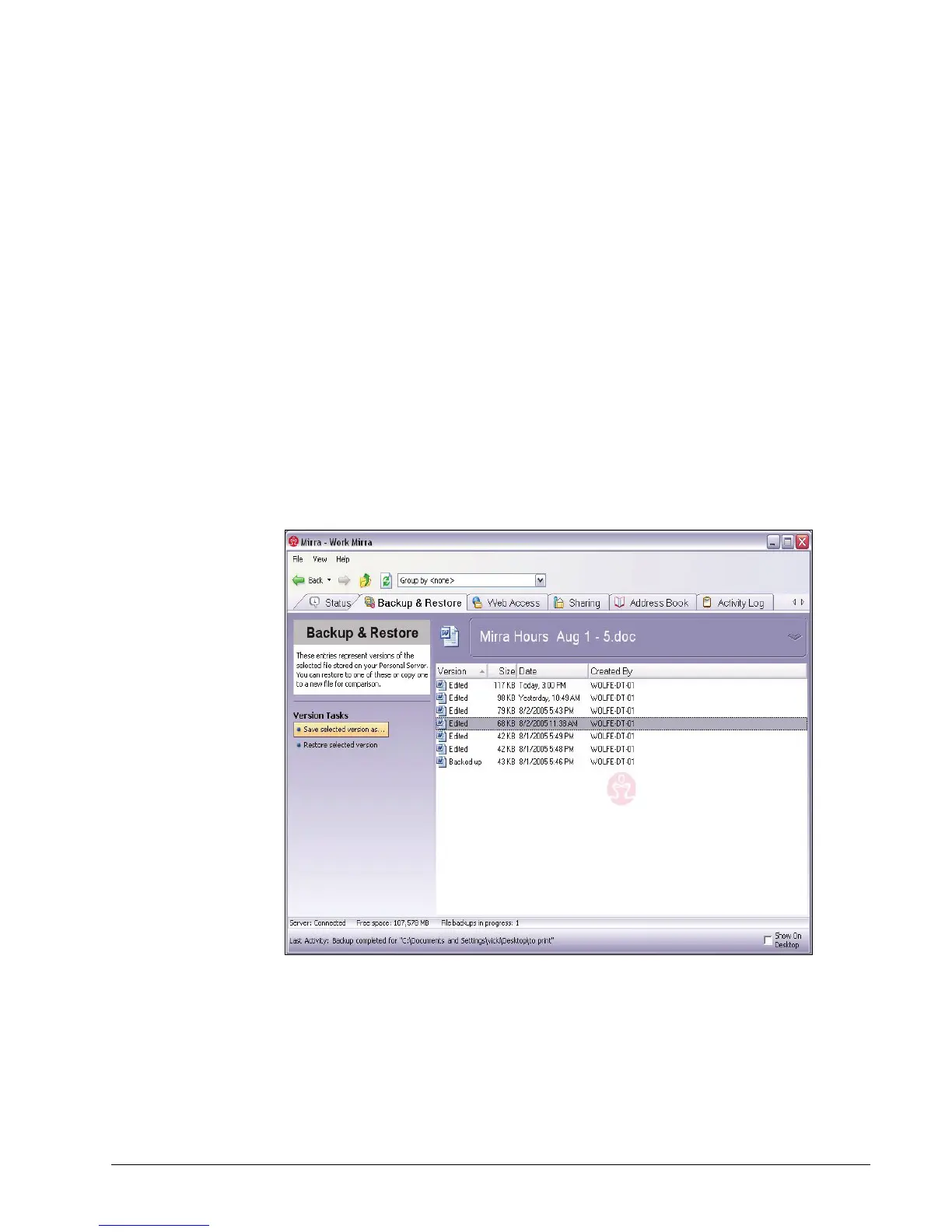
File versions are sorted in the order in which each version was created, with the
earliest version listed first. The date displayed for each version reflects the date
on which that version was modified according to your operating system’s time
stamp.
To save a version of a file,
Step 1: On the Backup & Restore screen, select the file to be saved.
Step 2: On the File/Folder Tasks menu, click View version history (you can also
double-click the file).
You see the version history for this file:
Figure 5~24 Version Tasks Screen
Step 3: Select the version of the file you want to save.
Step 4: On the Version Tasks menu, click Save selected version as.
The Save selected files as window opens.



 To Next Page