Mirra Manual for Windows Release 2.2 39
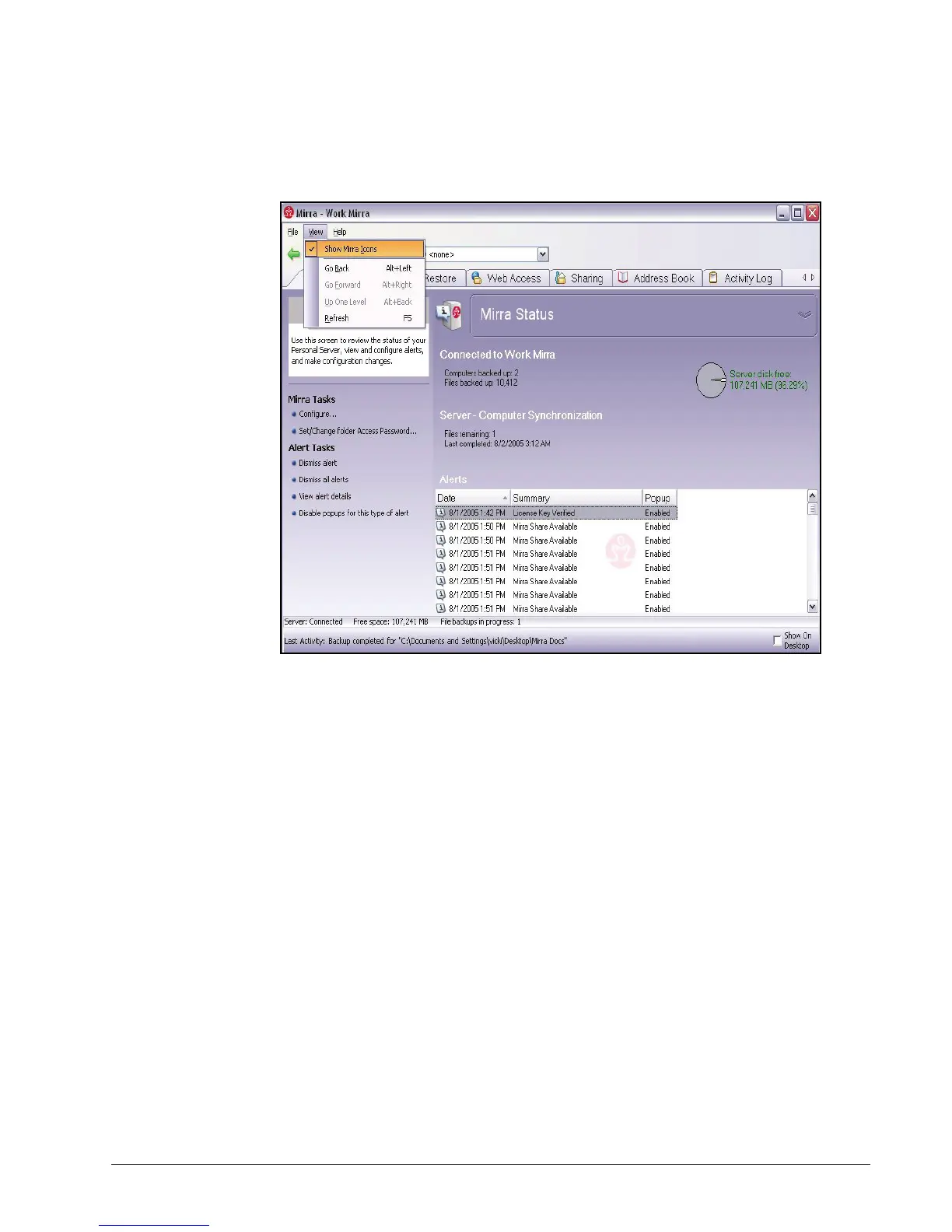
In the Menu Bar, click View.
Figure 3~37 Hide Mirra Icon
Step 2: In the dropdown menu, unselect Show Mirra Icons.
Personalizing your Mirra
Changing Your Email Address
Your Mirra Web Account uses your email address as your identity. So if you change
your email address, you must associate the new address with your Mirra Web
Account. When you change your email address, you are in effect creating a new
Mirra Web Account. However, you can use the same name and password you used
with your previous email address.



 To Next Page