Mirra Manual for Windows Release 2.2 99
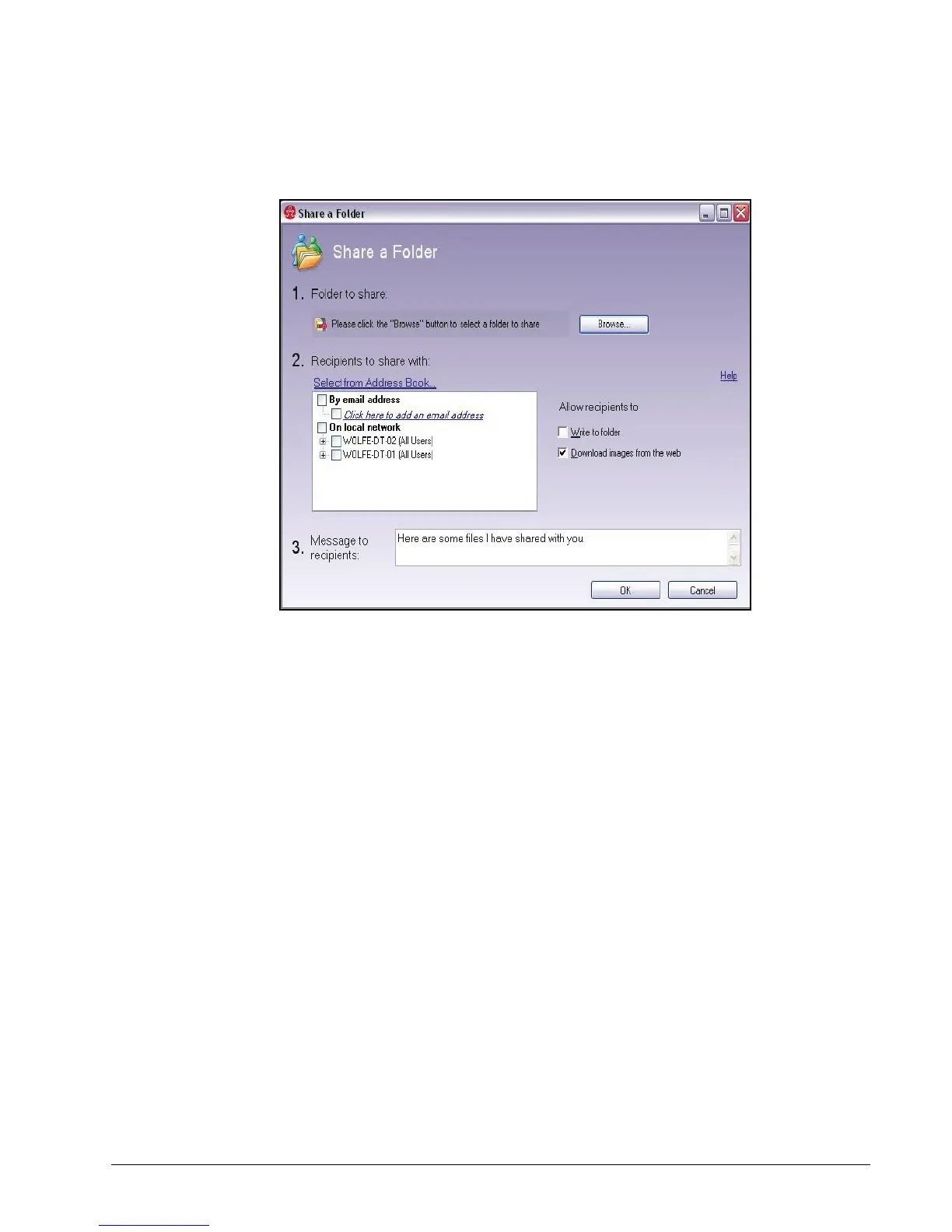
The Share a Folder window opens:
Figure 6~11 Share a Folder Window
From the Backup & Restore Screen
When you use the Backup & Restore screen to open the Share a Folder window, the
name of the folder you’re sharing is entered for you.
To open the Share a Folder window from the Backup & Restore screen,
Step 1: Click the Backup & Restore tab.



 To Next Page