Mirra Manual for Windows Release 2.2 82
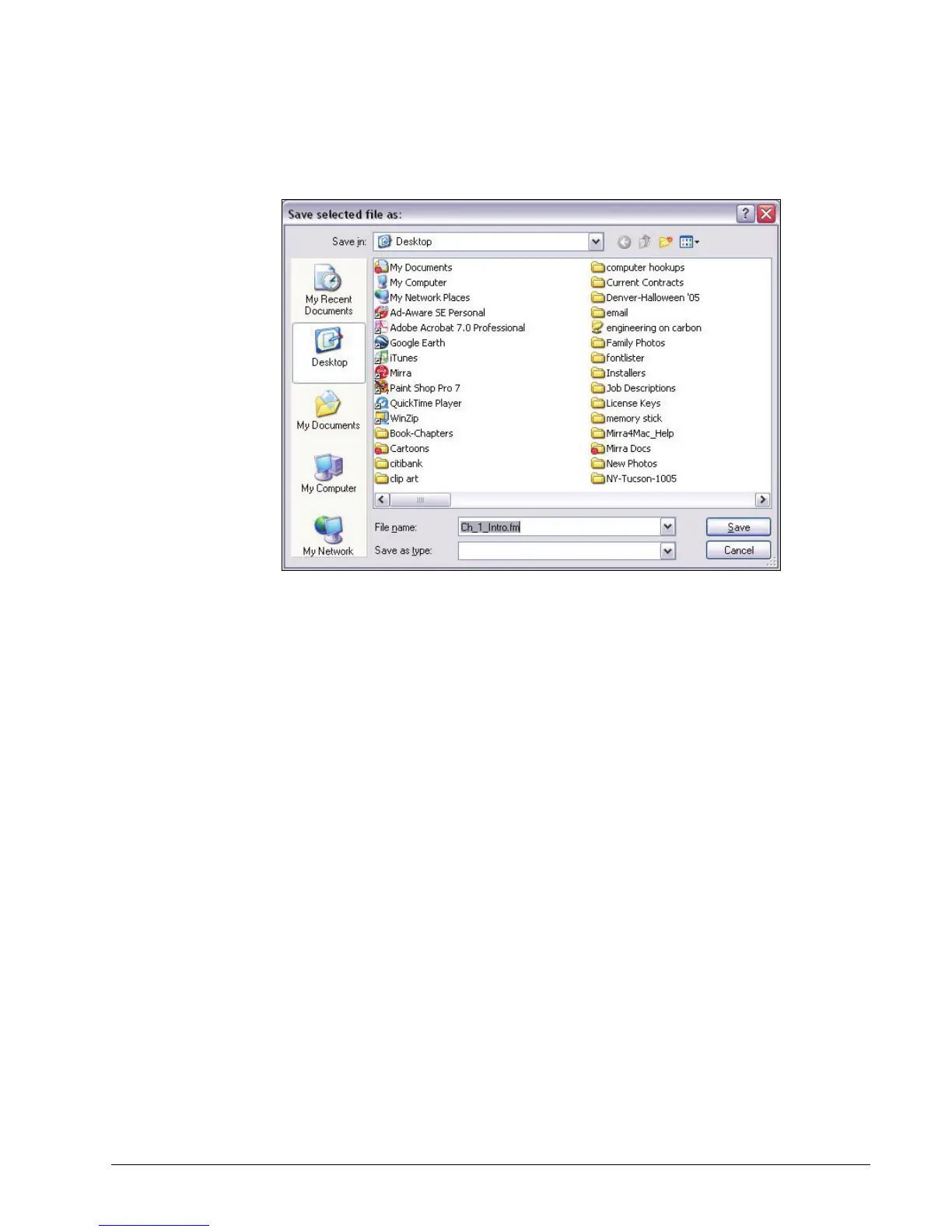
The Save File As window opens:
Figure 5~21 Save File As Window
Step 5: Rename the file if you wish and select the location at which you want it
saved.
Step 6: Click Save.
The file is saved at the selected location.
The new copy of a file is not automatically backed up unless you have saved
it within a folder already selected for backup.
Step 7: Select the saved version for backup.
Undeleting a File or Folder
Backed up files and folders that have been deleted are stored indefinitely on your
Mirra and remains on the Backup & Restore list as a grayed-out entry with a line
drawn through it. You can undelete a file or folder and restore it to its original
location.



 To Next Page