Mirra Manual for Windows Release 2.2 121
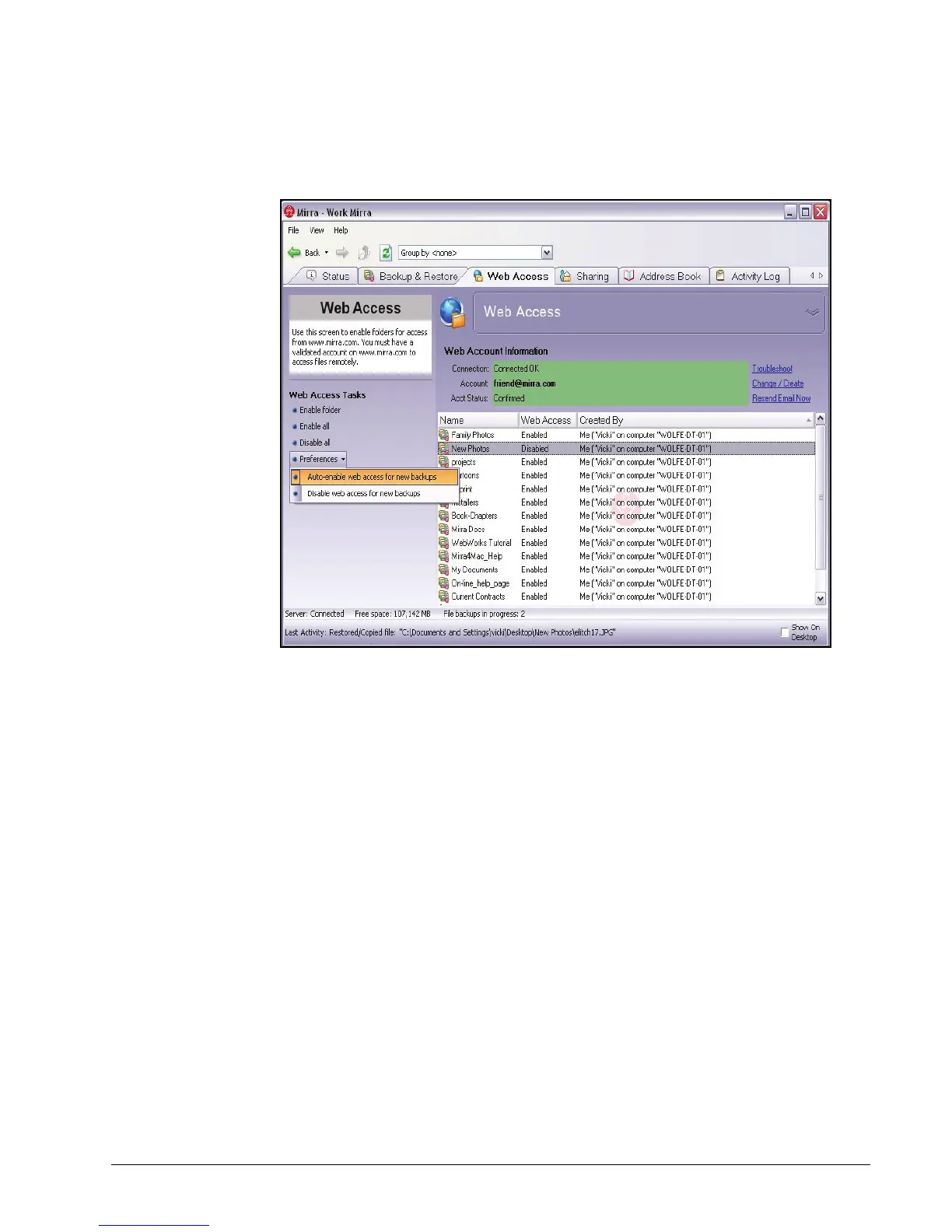
You can change this setting on the Web Access screen:
Figure 7~7 Web Access Screen
Step 1: On the Web Access Tasks menu, click Preferences.
Step 2: On the dropdown menu, select Auto-enable web access for new backups or
Disable web access for new backups.
Web Access Tasks
Enabling a Folder for Web Access
To enable a folder currently disabled for web access,
Step 1: On the Web Access screen, select the folder to be enabled.
Step 2: On the Web Access Tasks menu, select Enable folder.
Enabled appears in the Web Access column next to the selected folder.



 To Next Page